



Let BlueStacks turn your PC, Mac, or laptop into the perfect home for HP Prime Lite, a fun Education app from HP..
About the App
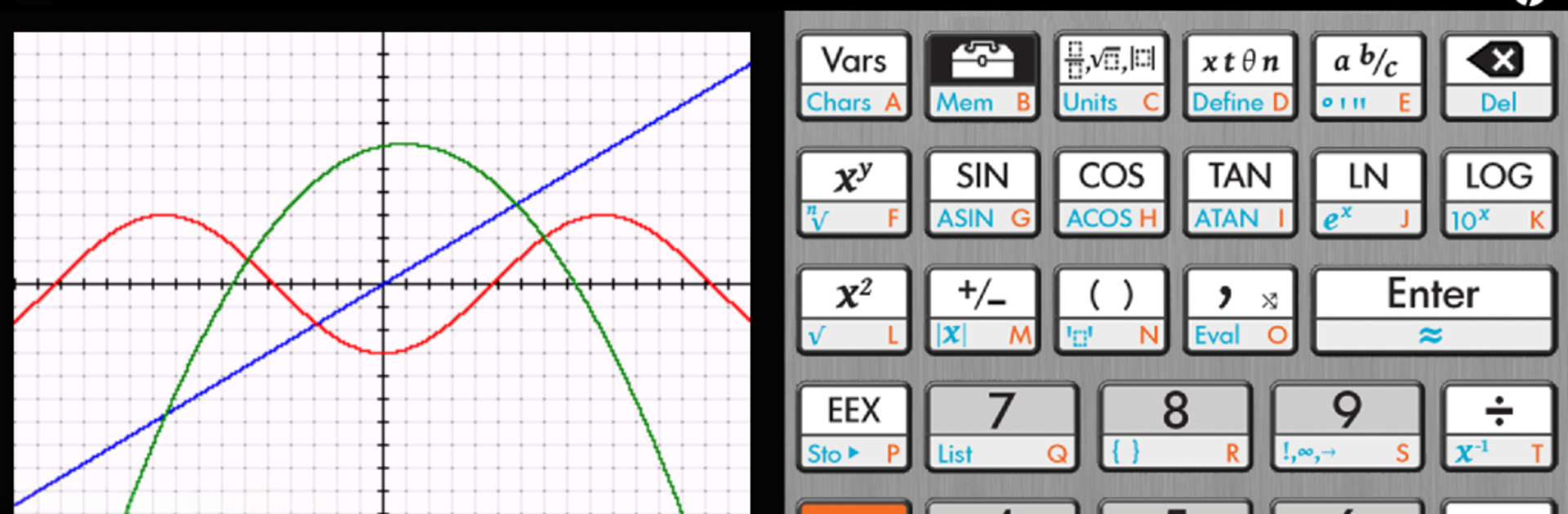
HP Prime Lite is a friendly, fast graphing calculator you can keep in your pocket. It’s built for exploring math ideas, checking homework, and visualizing functions without feeling clunky or slow. The layout feels familiar if you’ve used an HP Prime calculator before, and it’s made for learners in the Education genre. Prefer a bigger screen sometimes? You can also run it on BlueStacks.
App Features
- Advanced graphing: Plot explicit and implicit equations, plus inequalities, then trace curves or generate tables to see what’s going on at key points.
- Equation solving: Tackle single equations or full systems—linear or nonlinear—without jumping between tools.
- CAS built in: A Computer Algebra System handles symbolic math like simplifying, factoring, and more when you need exact results.
- Big function library: Hundreds of functions and commands are ready to go, so common calculations take seconds, not minutes.
- Touch-first controls: Pinch-to-zoom and multi-touch make it easy to inspect graphs, zoom into intersections, and navigate quickly.
- Optional RPN: Prefer Reverse Polish Notation? Flip it on to cut keystrokes and speed up entry.
- Customizable setup: Adjust settings to match how you think and work, from input preferences to display choices.
- Context help: Just-in-time, in-app guidance explains features right where you are—no manual hunting required.
- Course friendly: A solid companion for secondary and college-level math, from algebra through calculus and beyond.
- Built by HP.: Authentic design and support from the team behind the HP Prime calculator.
Ready to experience HP Prime Lite on a bigger screen, in all its glory? Download BlueStacks now.





