
IKO Learn to Kite
IKO Learn to Kite

IKO Learn to Kite

Education

| IKO INTL

Play on PC with BlueStacks or from our cloud

  • Overview
  • How to Download

Page Modified On: September 02, 2025

Run IKO Learn to Kite on PC or Mac

Why limit yourself to your small screen on the phone? Run IKO Learn to Kite, an app by IKO INTL, best experienced on your PC or Mac with BlueStacks, the world’s #1 Android emulator.

About the App

IKO Learn to Kite from IKO INTL is an Education app built for anyone who wants to ride with confidence—from total newcomers to riders chasing new tricks. It brings clear, structured kiteboarding lessons to your phone so you can study at your own pace and show up to the beach prepared. Windy or not, you’ve always got something useful to learn.

App Features

  • Guided learning path: Follow a step-by-step program that takes you from first flights to advanced riding, with content covering Freeride, Freestyle, Wave Riding, and Hydrofoil.
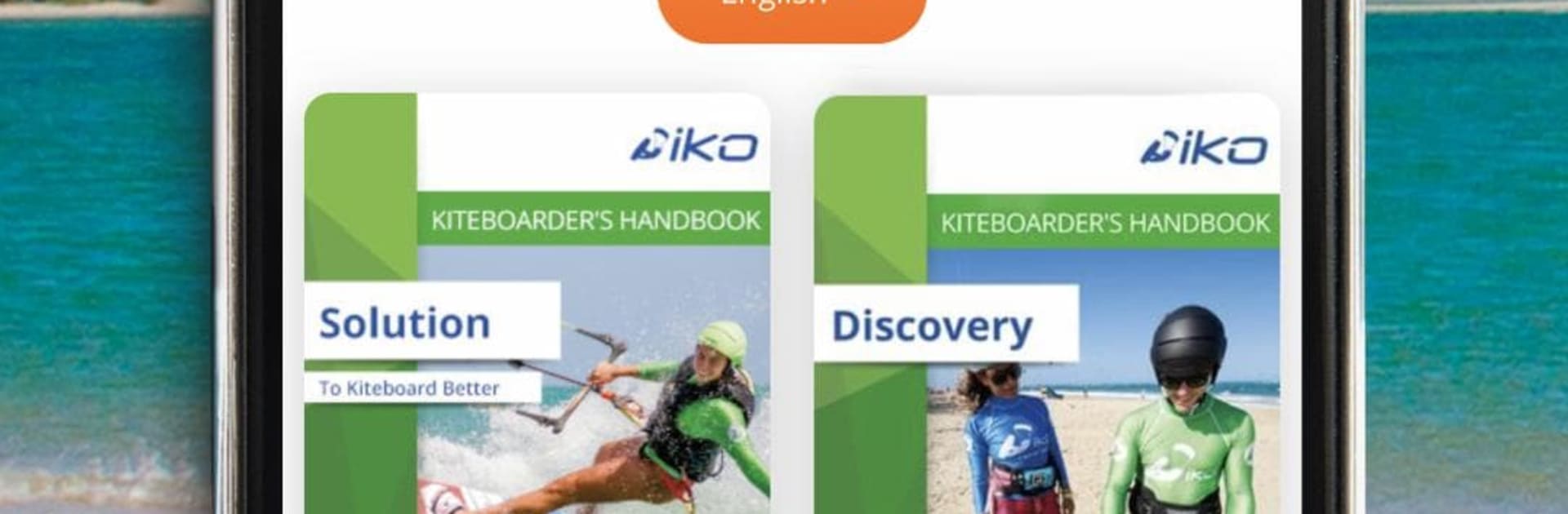
  • Free starter eBook: Begin with the “Solution to Kiteboard better” eBook and get the essentials down—spot assessment, weather basics, gear setup, terminology, and more.
  • 10 in-depth eBooks: Unlock a full library that walks you through every stage of progression, plus specialty topics for when you’re ready to expand your skills.
  • How‑to videos: Watch 72 minutes of concise clips that explain real techniques, like basic kite control, self‑landing, water starts, riding upwind, and first jumps.
  • 20+ bite‑size eCourses: Learn key safety and theory—equipment tuning, weather and tide reading, right‑of‑way rules, self‑rescue, and other must‑know topics.
  • Study when there’s no wind: Keep progressing on flat or stormy days so you’re ready to make the most of the next session.
  • Official IKO vCard: Get your riding level certified by an IKO Instructor and carry your digital license recognized in 60+ countries to help with rentals and beach access.
  • Member perks: Save with insider deals on gear and travel, curated for the kiteboarding community.
  • Built by the pros: Draw on the experience of IKO’s long-standing teaching standards to learn safer and smarter.
  • Learn on any screen: Prefer a larger view for reading or videos? You can also study on your computer with BlueStacks.

Switch to BlueStacks and make the most of your apps on your PC or Mac.

How to Download and Run IKO Learn to Kite on PC or Mac

  • Download and install BlueStacks on your PC or Mac

  • Complete Google sign-in to access the Play Store, or do it later

  • Look for IKO Learn to Kite in the search bar at the top right corner

  • Click to install IKO Learn to Kite from the search results

  • Complete Google sign-in (if you skipped step 2) to install IKO Learn to Kite

  • Click the IKO Learn to Kite icon on the home screen to start playing

video
Watch Video

Minimum System Requirements

With BlueStacks 5, you can get started on a PC that fulfills the following requirements.

  • Operating System

    Microsoft Windows 7 or above, macOS 11 (Big Sur) or above

  • Processor

    Intel, AMD or Apple Silicon Processor

  • RAM

    at least 4GB

  • HDD

    10GB Free Disk Space

Note:

* You must be an Administrator on your PC. Up to date graphics drivers from Microsoft or the chipset vendor.

IKO Learn to Kite - FAQs

  • How to Run IKO Learn to Kite on Windows PC & Mac?

    Run IKO Learn to Kite on your PC or Mac by following these simple steps.

    • Click on ‘Download IKO Learn to Kite on PC’ to download BlueStacks
    • Install it and log-in to Google Play Store
    • Launch and run the app.
  • Why is BlueStacks the fastest and safest platform to play games on PC?

    BlueStacks respects your privacy and is always safe and secure to use. It does not carry any malware, spyware, or any sort of additional software that could harm your PC.

    It is engineered to optimize speed and performance for a seamless gaming experience.

  • What are IKO Learn to Kite PC requirements?

    Minimum requirement to run IKO Learn to Kite on your PC

    • OS: Microsoft Windows 7 and above:
    • Processor: Intel or AMD Processor:
    • RAM: Your PC must have at least 2GB of RAM. (Note that having 2GB or more disk space is not a substitute for RAM):
    • HDD: 5GB Free Disk Space.
    • You must be an Administrator on your PC.




