
inMath: Math Formula & Games

inMath: Math Formula & Games

Education

| Hayatulerum

Play on PC with BlueStacks or from our cloud

  • Overview
  • How to Download

Page Modified On: December 15, 2025

Run inMath: Math Formula & Games on PC or Mac

Get freedom from your phone’s obvious limitations. Use inMath: Math Formula & Games, made by Hayatulerum, a Education app on your PC or Mac with BlueStacks, and level up your experience.

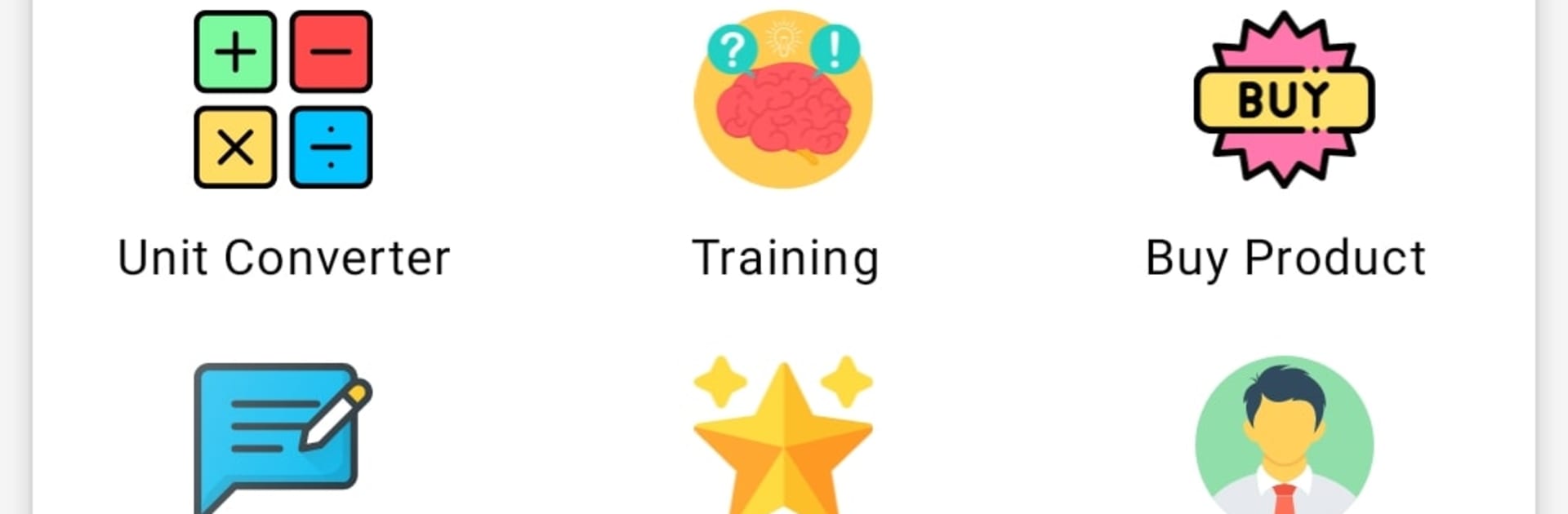
inMath feels like a pocket math toolkit that grew up. It is part cheat-sheet, part solver, and part practice hub. The step-by-step solver breaks down problems clearly, so a tricky algebra step does not stay mysterious for long. There is a giant bank of formulas from class 6 to 12, which is handy when someone blanks on a theorem right before homework. Students prepping for CBSE will like that it packs previous papers, sample papers, and NCERT books, solutions, and notes in one place, so there is no hopping between apps. On PC with BlueStacks, the bigger screen makes those long solutions much easier to read, and typing numbers with a keyboard is quick when running through practice sets.

It is not only study materials either. There are MCQ quiz games to check what sticks, plus little training drills to speed up addition, subtraction, and multiplication. A unit converter covers everyday stuff without fuss, and there are small tools for BMI, checking primes, finding HCF, or doing long addition-subtraction-multiplication when someone wants the layout shown properly. There is even a set of riddles to nudge logical thinking a bit. The layout is simple and straight to the point, more utility than flash, which suits the whole study vibe. No account pressure, and it says it does not collect personal data, so opening it and getting to work feels low effort. It is basically a math Swiss Army knife that lives on the desktop nicely with BlueStacks or on a phone when on the go.

Big screen. Bigger performance. Use BlueStacks on your PC or Mac to run your favorite apps.

How to Download and Run inMath: Math Formula & Games on PC or Mac

  • Download and install BlueStacks on your PC or Mac

  • Complete Google sign-in to access the Play Store, or do it later

  • Look for inMath: Math Formula & Games in the search bar at the top right corner

  • Click to install inMath: Math Formula & Games from the search results

  • Complete Google sign-in (if you skipped step 2) to install inMath: Math Formula & Games

  • Click the inMath: Math Formula & Games icon on the home screen to start playing

video
Watch Video

Minimum System Requirements

With BlueStacks 5, you can get started on a PC that fulfills the following requirements.

  • Operating System

    Microsoft Windows 7 or above, macOS 11 (Big Sur) or above

  • Processor

    Intel, AMD or Apple Silicon Processor

  • RAM

    at least 4GB

  • HDD

    10GB Free Disk Space

Note:

* You must be an Administrator on your PC. Up to date graphics drivers from Microsoft or the chipset vendor.

inMath: Math Formula & Games - FAQs

  • How to Run inMath: Math Formula & Games on Windows PC & Mac?

    Run inMath: Math Formula & Games on your PC or Mac by following these simple steps.

    • Click on ‘Download inMath: Math Formula & Games on PC’ to download BlueStacks
    • Install it and log-in to Google Play Store
    • Launch and run the app.
  • Why is BlueStacks the fastest and safest platform to play games on PC?

    BlueStacks respects your privacy and is always safe and secure to use. It does not carry any malware, spyware, or any sort of additional software that could harm your PC.

    It is engineered to optimize speed and performance for a seamless gaming experience.

  • What are inMath: Math Formula & Games PC requirements?

    Minimum requirement to run inMath: Math Formula & Games on your PC

    • OS: Microsoft Windows 7 and above:
    • Processor: Intel or AMD Processor:
    • RAM: Your PC must have at least 2GB of RAM. (Note that having 2GB or more disk space is not a substitute for RAM):
    • HDD: 5GB Free Disk Space.
    • You must be an Administrator on your PC.




