
Insects Cards Games
Insects Cards Games

Insects Cards Games

Education

| AppStar Studio

Play on PC with BlueStacks or from our cloud

  • Overview
  • How to Download

Page Modified On: January 09, 2026

Run Insects Cards Games on PC or Mac

Let BlueStacks turn your PC, Mac, or laptop into the perfect home for Insects Cards Games, a fun Education app from AppStar Studio.

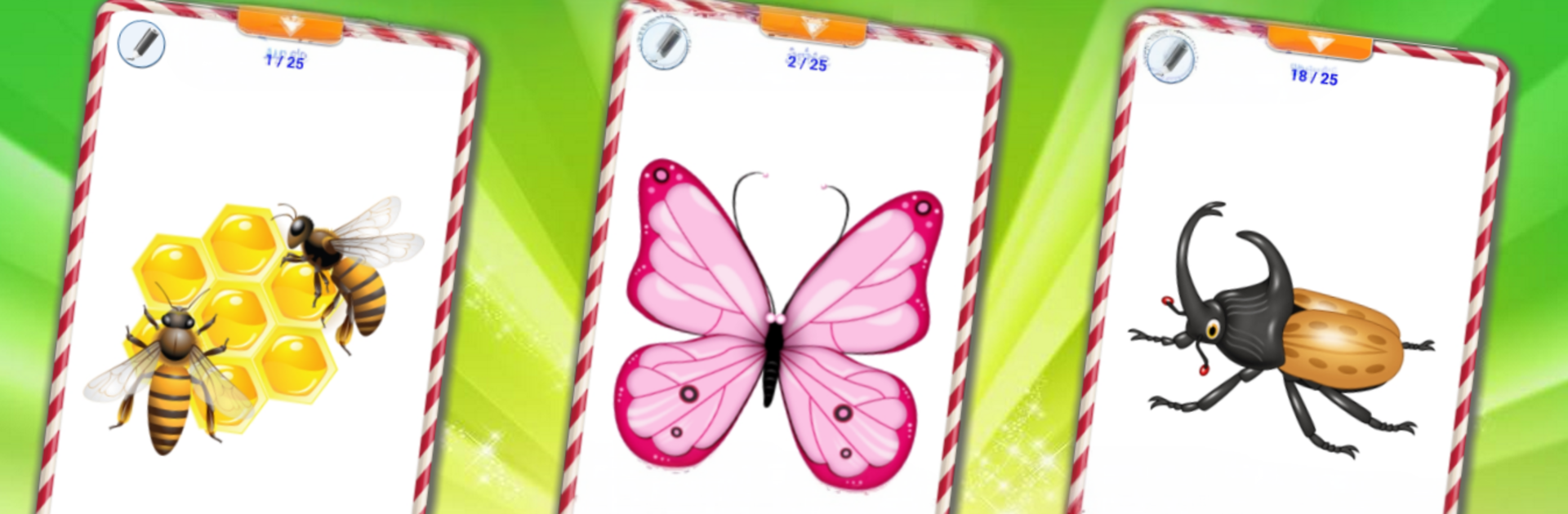
Insects Cards Games feels like a little box of flashcards that turned into a toy. It is all about learning bug names with pictures and sounds, and it swaps between languages in a tap, so English, Spanish, Chinese, Japanese, and Korean are all there. Each card speaks the word out loud, and the insect sound pops in too, which makes it stick. There is a quiz if someone wants a quick check, plus a memory match and a simple jigsaw that scales through five difficulty levels. The neat touch is a visual memory mode where a card starts black and white, then flips to color after finishing a small task, which keeps attention without being stressful. There is even a little drawing tool, so scribbling a moustache on a ladybug is an option, or just tracing letters if that is the mood. It is not huge, but it packs more than twenty five clear photos with clean audio, and the random puzzle layouts keep repeats from feeling stale.

On PC with BlueStacks, the bigger screen really helps. The photos look sharper, dragging puzzle pieces with a mouse feels smoother, and drawing on a card is easier than thumb-doodling. Language switching is quick, the English voice is clear for vocabulary practice, and the card collection flow makes it simple to revisit favorites. It comes off as a friendly learning toy that quietly trains memory, logic, and language without asking for much time.

Eager to take your app experience to the next level? Start right away by downloading BlueStacks on your PC or Mac.


How to Download and Run Insects Cards Games on PC or Mac

  • Download and install BlueStacks on your PC or Mac

  • Complete Google sign-in to access the Play Store, or do it later

  • Look for Insects Cards Games in the search bar at the top right corner

  • Click to install Insects Cards Games from the search results

  • Complete Google sign-in (if you skipped step 2) to install Insects Cards Games

  • Click the Insects Cards Games icon on the home screen to start playing

video
Watch Video

Minimum System Requirements

With BlueStacks 5, you can get started on a PC that fulfills the following requirements.

  • Operating System

    Microsoft Windows 7 or above, macOS 11 (Big Sur) or above

  • Processor

    Intel, AMD or Apple Silicon Processor

  • RAM

    at least 4GB

  • HDD

    10GB Free Disk Space

Note:

* You must be an Administrator on your PC. Up to date graphics drivers from Microsoft or the chipset vendor.

Insects Cards Games - FAQs

  • How to Run Insects Cards Games on Windows PC & Mac?

    Run Insects Cards Games on your PC or Mac by following these simple steps.

    • Click on ‘Download Insects Cards Games on PC’ to download BlueStacks
    • Install it and log-in to Google Play Store
    • Launch and run the app.
  • Why is BlueStacks the fastest and safest platform to play games on PC?

    BlueStacks respects your privacy and is always safe and secure to use. It does not carry any malware, spyware, or any sort of additional software that could harm your PC.

    It is engineered to optimize speed and performance for a seamless gaming experience.

  • What are Insects Cards Games PC requirements?

    Minimum requirement to run Insects Cards Games on your PC

    • OS: Microsoft Windows 7 and above:
    • Processor: Intel or AMD Processor:
    • RAM: Your PC must have at least 2GB of RAM. (Note that having 2GB or more disk space is not a substitute for RAM):
    • HDD: 5GB Free Disk Space.
    • You must be an Administrator on your PC.



