Italian - French
Italian - French

Italian - French

Education

| eflasoft

Play on PC with BlueStacks or from our cloud

  • Overview
  • How to Download

Page Modified On: September 19, 2025

Run Italian - French on PC or Mac

Upgrade your experience. Try Italian – French, the fantastic Education app from eflasoft, from the comfort of your laptop, PC, or Mac, only on BlueStacks.

About the App

Italian – French is a friendly way to build your Italian and French vocabulary side by side. It mixes a fast offline dictionary with phrase lists, audio, quizzes, and bite-size games so you can practice anytime. Prefer studying on a bigger screen? Many users also run it on their computer with BlueStacks for comfortable typing and listening.

App Features

  • Instant Offline Dictionary: Look up words both ways—Italian ⇄ French—without internet. You’ll see common meanings first, plus example sentences you can listen to.
  • Smart Search Tools: Get suggestions as you type, search by voice, and revisit what you looked up with a clean history. Save tough words to Favorites for quick review.
  • Translator with Audio: Use the online translator for full sentences, speak to translate with built-in speech recognition, and play back results for natural pronunciation. Your translations are saved automatically.
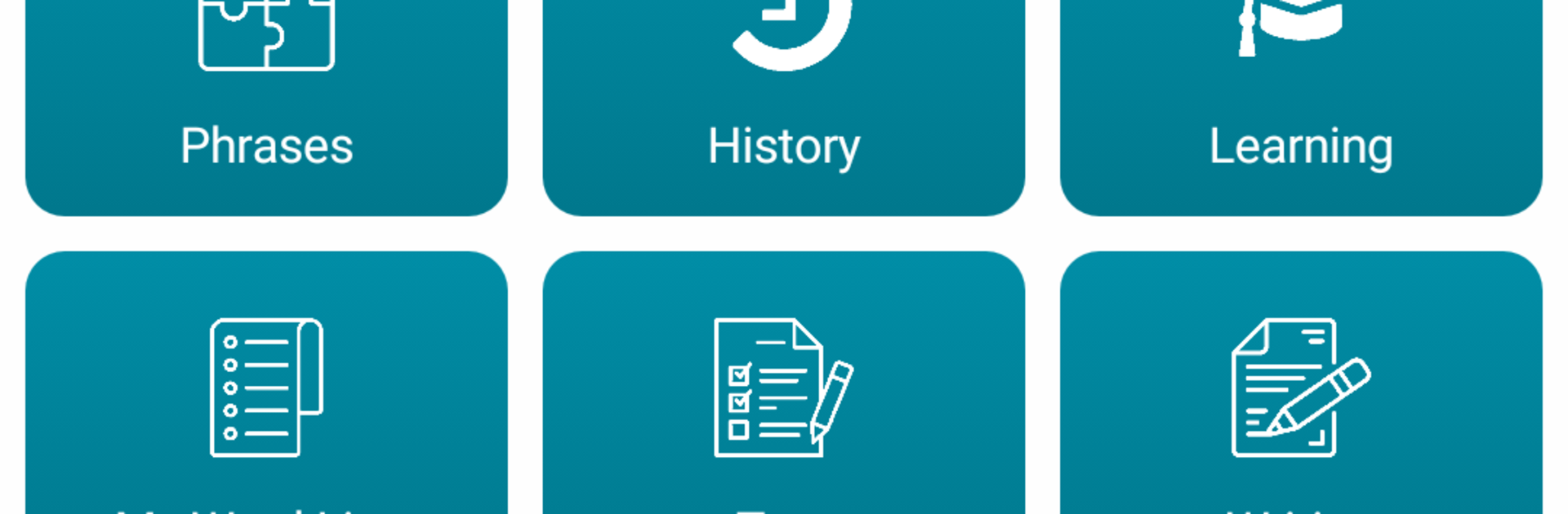
  • Everyday Phrases: Browse and listen to around 1,100 useful expressions, neatly organized by topic for real-life situations.
  • Audio Study Mode: Turn your chosen words into an audio playlist and learn hands-free. Playback controls from notifications make it easy to study on the go.
  • Flashcards That Speak: Review word lists with text-to-speech so you can pair spelling with sound.
  • Practice Tests: Check yourself with multiple choice, listening drills, spelling tests, gap fills, true/false, and a speaking test to sharpen pronunciation.
  • Mini-Games for Memory: Match pairs, hunt for hidden words, clear “falling” prompts against the clock, or solve mixed-letter grids—quick sessions that actually stick.
  • Import & Export Lists: Move your favorites and custom vocab between devices in CSV, TXT, XML, or HTML formats.
  • Home Screen Widget: See and practice words from your home screen without opening the app.

Created by eflasoft • Genre: Education

Eager to take your app experience to the next level? Start right away by downloading BlueStacks on your PC or Mac.


How to Download and Run Italian - French on PC or Mac

  • Download and install BlueStacks on your PC or Mac

  • Complete Google sign-in to access the Play Store, or do it later

  • Look for Italian - French in the search bar at the top right corner

  • Click to install Italian - French from the search results

  • Complete Google sign-in (if you skipped step 2) to install Italian - French

  • Click the Italian - French icon on the home screen to start playing

video
Watch Video

Minimum System Requirements

With BlueStacks 5, you can get started on a PC that fulfills the following requirements.

  • Operating System

    Microsoft Windows 7 or above, macOS 11 (Big Sur) or above

  • Processor

    Intel, AMD or Apple Silicon Processor

  • RAM

    at least 4GB

  • HDD

    10GB Free Disk Space

Note:

* You must be an Administrator on your PC. Up to date graphics drivers from Microsoft or the chipset vendor.

Italian - French - FAQs

  • How to Run Italian - French on Windows PC & Mac?

    Run Italian - French on your PC or Mac by following these simple steps.

    • Click on ‘Download Italian - French on PC’ to download BlueStacks
    • Install it and log-in to Google Play Store
    • Launch and run the app.
  • Why is BlueStacks the fastest and safest platform to play games on PC?

    BlueStacks respects your privacy and is always safe and secure to use. It does not carry any malware, spyware, or any sort of additional software that could harm your PC.

    It is engineered to optimize speed and performance for a seamless gaming experience.

  • What are Italian - French PC requirements?

    Minimum requirement to run Italian - French on your PC

    • OS: Microsoft Windows 7 and above:
    • Processor: Intel or AMD Processor:
    • RAM: Your PC must have at least 2GB of RAM. (Note that having 2GB or more disk space is not a substitute for RAM):
    • HDD: 5GB Free Disk Space.
    • You must be an Administrator on your PC.