
Italian Verbs
Italian Verbs

Italian Verbs

Education

| Appicenter LLC

Play on PC with BlueStacks or from our cloud

  • Overview
  • How to Download

Page Modified On: October 10, 2025

Run Italian Verbs on PC or Mac

Multitask effortlessly on your PC or Mac as you try out Italian Verbs, a Education app by Appicenter LLC on BlueStacks.

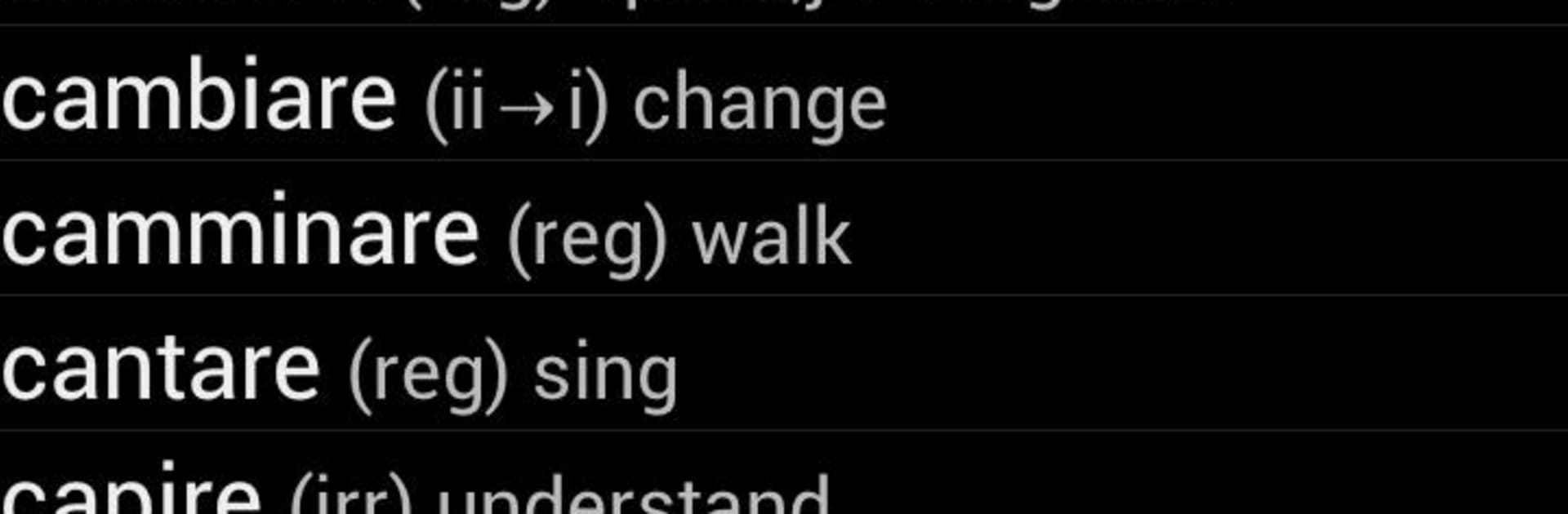
Italian Verbs feels like a simple, no-fuss reference that actually gets used. On a PC with BlueStacks it turns into a big, tidy verb book where someone can type a word and see every tense laid out in one place, including those composite ones that always trip people up. The search is fast and forgiving, and the wildcard option helps when the spelling is fuzzy. It works offline, so it is great for study sessions without worrying about signal. There is voice output too, so hearing a pronunciation through proper speakers is handy, even if the TTS is a bit robotic.

It is not a full course, more like a clean toolbox. Favorites make a quick list of verbs to review, and the color themes keep the screen easy on the eyes. The layout scales well, since it was built with tablets in mind, so using it in a desktop window feels natural. The grammar section is marked as still in progress, so expectations should stay modest there. The free set covers the common verbs and tenses, and there is a pro version if someone needs a deeper catalog. Pairing it with a conjugation trainer app makes sense for practice, but as a study aid and travel companion, this one is about speed, clarity, and not getting lost in menus.

BlueStacks brings your apps to life on a bigger screen—seamless and straightforward.

How to Download and Run Italian Verbs on PC or Mac

  • Download and install BlueStacks on your PC or Mac

  • Complete Google sign-in to access the Play Store, or do it later

  • Look for Italian Verbs in the search bar at the top right corner

  • Click to install Italian Verbs from the search results

  • Complete Google sign-in (if you skipped step 2) to install Italian Verbs

  • Click the Italian Verbs icon on the home screen to start playing

video
Watch Video

Minimum System Requirements

With BlueStacks 5, you can get started on a PC that fulfills the following requirements.

  • Operating System

    Microsoft Windows 7 or above, macOS 11 (Big Sur) or above

  • Processor

    Intel, AMD or Apple Silicon Processor

  • RAM

    at least 4GB

  • HDD

    10GB Free Disk Space

Note:

* You must be an Administrator on your PC. Up to date graphics drivers from Microsoft or the chipset vendor.

Italian Verbs - FAQs

  • How to Run Italian Verbs on Windows PC & Mac?

    Run Italian Verbs on your PC or Mac by following these simple steps.

    • Click on ‘Download Italian Verbs on PC’ to download BlueStacks
    • Install it and log-in to Google Play Store
    • Launch and run the app.
  • Why is BlueStacks the fastest and safest platform to play games on PC?

    BlueStacks respects your privacy and is always safe and secure to use. It does not carry any malware, spyware, or any sort of additional software that could harm your PC.

    It is engineered to optimize speed and performance for a seamless gaming experience.

  • What are Italian Verbs PC requirements?

    Minimum requirement to run Italian Verbs on your PC

    • OS: Microsoft Windows 7 and above:
    • Processor: Intel or AMD Processor:
    • RAM: Your PC must have at least 2GB of RAM. (Note that having 2GB or more disk space is not a substitute for RAM):
    • HDD: 5GB Free Disk Space.
    • You must be an Administrator on your PC.




