
JE CLASSES MEERUT
JE CLASSES MEERUT

JE CLASSES MEERUT

Education

| Education Mobile Media

Play on PC with BlueStacks or from our cloud

  • Overview
  • How to Download

Page Modified On: October 04, 2025

Run JE CLASSES MEERUT on PC or Mac

Get freedom from your phone’s obvious limitations. Use JE CLASSES MEERUT, made by Education Mobile Media, a Education app on your PC or Mac with BlueStacks, and level up your experience.

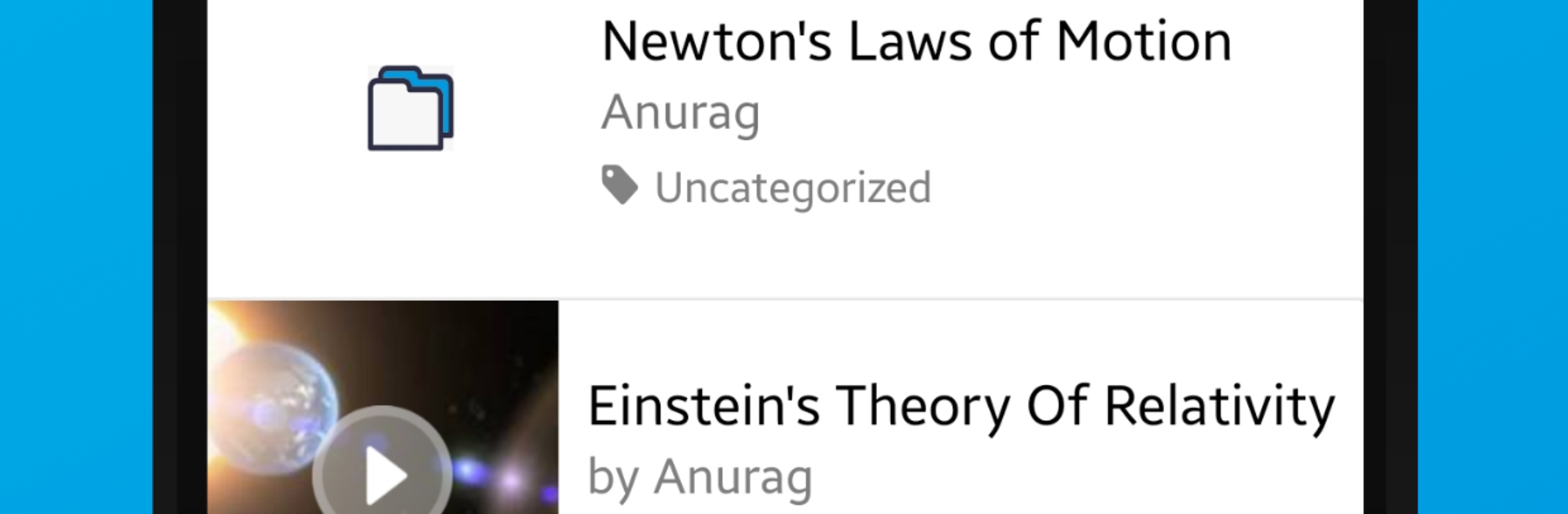
JE CLASSES MEERUT feels like a tidy dashboard for a coaching center, with everything in one place so students, parents, and tutors do not need to juggle a bunch of apps. On PC with BlueStacks, the layout breathes a bit more, so attendance tables, fee details, and report cards are easier to scan without pinching and zooming. The app keeps things simple. Tabs for attendance, fees, homework, and performance are clearly labeled, and nothing feels buried behind five menus. Homework uploads support files and photos, and teachers can post assignments and mark attendance without fuss. Parents can peek at daily attendance, check pending fees, and see how a student is tracking, which saves those late night calls asking what happened in class.

The performance reports are the part that stands out, since they show progress in a way that actually makes sense, not just a wall of numbers. Notifications arrive promptly, but they do not spam, more like timely nudges when homework is posted or a fee reminder is due. On a desktop with BlueStacks, typing long answers, adding notes, or dragging files into homework submissions is smoother than on a phone. It does rely on a steady connection, and switching between sections can take a second on slower internet, but overall it feels organized, direct, and designed for everyday use rather than showy features.

Big screen. Bigger performance. Use BlueStacks on your PC or Mac to run your favorite apps.

How to Download and Run JE CLASSES MEERUT on PC or Mac

  • Download and install BlueStacks on your PC or Mac

  • Complete Google sign-in to access the Play Store, or do it later

  • Look for JE CLASSES MEERUT in the search bar at the top right corner

  • Click to install JE CLASSES MEERUT from the search results

  • Complete Google sign-in (if you skipped step 2) to install JE CLASSES MEERUT

  • Click the JE CLASSES MEERUT icon on the home screen to start playing

video
Watch Video

Minimum System Requirements

With BlueStacks 5, you can get started on a PC that fulfills the following requirements.

  • Operating System

    Microsoft Windows 7 or above, macOS 11 (Big Sur) or above

  • Processor

    Intel, AMD or Apple Silicon Processor

  • RAM

    at least 4GB

  • HDD

    10GB Free Disk Space

Note:

* You must be an Administrator on your PC. Up to date graphics drivers from Microsoft or the chipset vendor.

JE CLASSES MEERUT - FAQs

  • How to Run JE CLASSES MEERUT on Windows PC & Mac?

    Run JE CLASSES MEERUT on your PC or Mac by following these simple steps.

    • Click on ‘Download JE CLASSES MEERUT on PC’ to download BlueStacks
    • Install it and log-in to Google Play Store
    • Launch and run the app.
  • Why is BlueStacks the fastest and safest platform to play games on PC?

    BlueStacks respects your privacy and is always safe and secure to use. It does not carry any malware, spyware, or any sort of additional software that could harm your PC.

    It is engineered to optimize speed and performance for a seamless gaming experience.

  • What are JE CLASSES MEERUT PC requirements?

    Minimum requirement to run JE CLASSES MEERUT on your PC

    • OS: Microsoft Windows 7 and above:
    • Processor: Intel or AMD Processor:
    • RAM: Your PC must have at least 2GB of RAM. (Note that having 2GB or more disk space is not a substitute for RAM):
    • HDD: 5GB Free Disk Space.
    • You must be an Administrator on your PC.




