Kids Learning Games & Stories

Kids Learning Games & Stories

Education

| Bimi Boo Kids Learning Games for Toddlers FZ-LLC

Play on PC with BlueStacks or from our cloud

  • Overview
  • How to Download

Page Modified On: November 28, 2025

Run Kids Learning Games & Stories on PC or Mac

Let BlueStacks turn your PC, Mac, or laptop into the perfect home for Kids Learning Games & Stories, a fun Education app from Bimi Boo Kids Learning Games for Toddlers FZ-LLC.

About the App

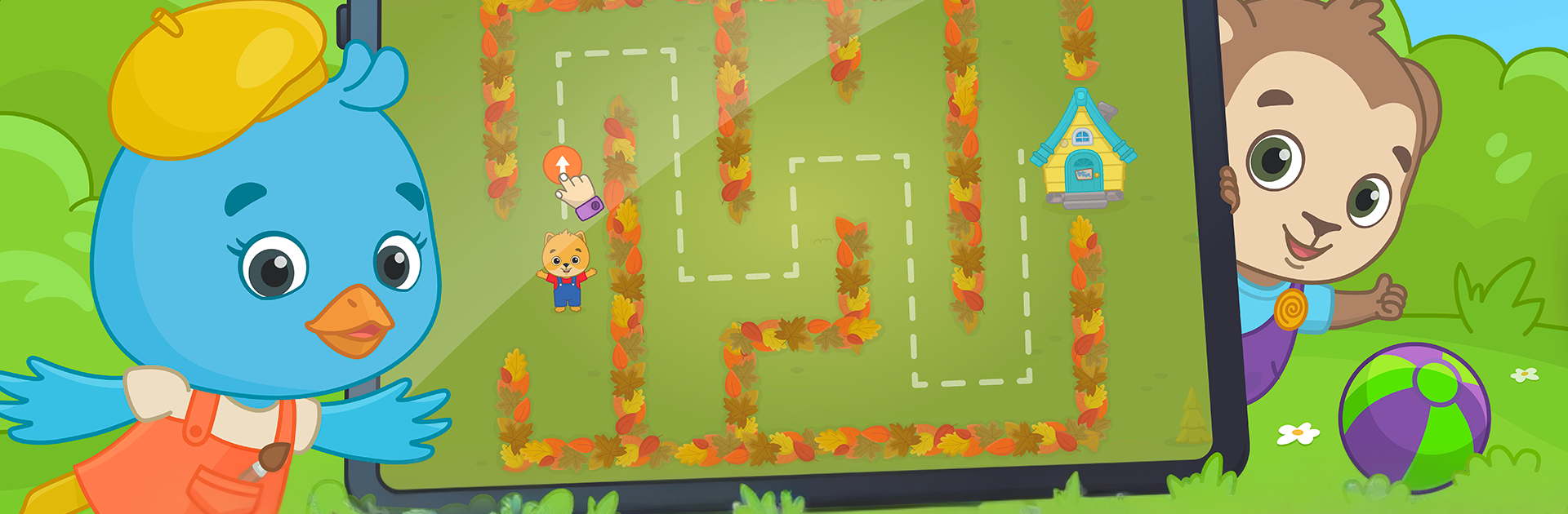
Kids Learning Games & Stories makes early learning feel like playtime. Little ones follow Bimi Boo and his animal pals through short, interactive cartoons and mini‑games that spark curiosity and keep attention—not with flashy ads, but with hands‑on fun. Created by Bimi Boo Kids Learning Games for Toddlers FZ-LLC (Genre: Education), it’s built for babies, toddlers, and preschoolers who learn best by exploring.

App Features

  • Interactive cartoons: Tap, drag, and solve as stories unfold, with playful activities tucked into every episode.
  • Ad‑free experience: No ads, no pop‑ups—just calm, uninterrupted play kids can jump into safely.
  • Fresh content every month: Get new animated episodes and additional learning games on a regular schedule.
  • Expert‑approved design: Content aligns with early childhood development, matching the pace and interests of toddlers and preschoolers.
  • Skills that stick: Build number sense and early math, logic, hand‑eye coordination, shape and size recognition, matching, comparing, and quick reactions.
  • Real‑world themes: Simple lessons about time, routines, kindness, and caring for friends woven into each story.
  • Grows with your child: Gentle difficulty curve so babies can explore and older kids can take on more challenge.
  • Kid‑friendly controls: Big buttons, clear prompts, and short sessions that fit busy little attention spans.
  • Subscription with free trial: Try it first, then keep the learning going with an easy subscription—still ad‑free.
  • Optional bigger screen: Prefer a desktop setup? It also runs smoothly on BlueStacks for a comfortable, roomy view.

App name: Kids Learning Games & Stories
Developer: Bimi Boo Kids Learning Games for Toddlers FZ-LLC
Genre: Education

BlueStacks brings your apps to life on a bigger screen—seamless and straightforward.

How to Download and Run Kids Learning Games & Stories on PC or Mac

  • Download and install BlueStacks on your PC or Mac

  • Complete Google sign-in to access the Play Store, or do it later

  • Look for Kids Learning Games & Stories in the search bar at the top right corner

  • Click to install Kids Learning Games & Stories from the search results

  • Complete Google sign-in (if you skipped step 2) to install Kids Learning Games & Stories

  • Click the Kids Learning Games & Stories icon on the home screen to start playing

video
Watch Video

Minimum System Requirements

With BlueStacks 5, you can get started on a PC that fulfills the following requirements.

  • Operating System

    Microsoft Windows 7 or above, macOS 11 (Big Sur) or above

  • Processor

    Intel, AMD or Apple Silicon Processor

  • RAM

    at least 4GB

  • HDD

    10GB Free Disk Space

Note:

* You must be an Administrator on your PC. Up to date graphics drivers from Microsoft or the chipset vendor.

Kids Learning Games & Stories - FAQs

  • How to Run Kids Learning Games & Stories on Windows PC & Mac?

    Run Kids Learning Games & Stories on your PC or Mac by following these simple steps.

    • Click on ‘Download Kids Learning Games & Stories on PC’ to download BlueStacks
    • Install it and log-in to Google Play Store
    • Launch and run the app.
  • Why is BlueStacks the fastest and safest platform to play games on PC?

    BlueStacks respects your privacy and is always safe and secure to use. It does not carry any malware, spyware, or any sort of additional software that could harm your PC.

    It is engineered to optimize speed and performance for a seamless gaming experience.

  • What are Kids Learning Games & Stories PC requirements?

    Minimum requirement to run Kids Learning Games & Stories on your PC

    • OS: Microsoft Windows 7 and above:
    • Processor: Intel or AMD Processor:
    • RAM: Your PC must have at least 2GB of RAM. (Note that having 2GB or more disk space is not a substitute for RAM):
    • HDD: 5GB Free Disk Space.
    • You must be an Administrator on your PC.