
김과외(대한민국 대표 과외 플랫폼)
김과외(대한민국 대표 과외 플랫폼)

김과외(대한민국 대표 과외 플랫폼)

Education

| Place5, Inc.

Play on PC with BlueStacks or from our cloud

  • Overview
  • How to Download

Page Modified On: September 05, 2025

Run 김과외(대한민국 대표 과외 플랫폼) on PC or Mac

What’s better than using 김과외(대한민국 대표 과외 플랫폼) by Place5, Inc.? Well, try it on a big screen, on your PC or Mac, with BlueStacks to see the difference.

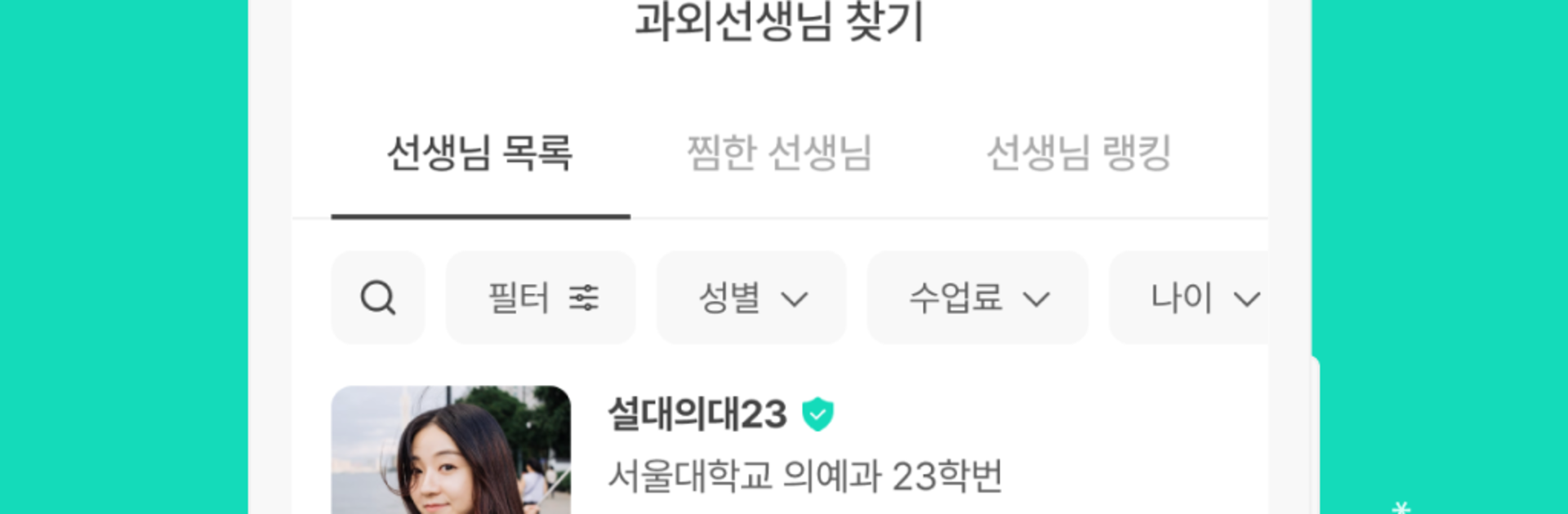
김과외 feels like a huge, well-organized marketplace for private lessons, but without the sketchy guesswork. Profiles are verified for identity and education, and that trust-first setup is noticeable right away. The search is quick and specific, so someone can filter teachers by school background, tuition range, age, even gender, then narrow by subject from core classes like Korean, English, or math to hobbies and career skills. Each tutor page has enough detail to compare calmly, and there are unlimited chats so a student or parent can ask what they need before anything starts. If they are still unsure, trial lessons and a ton of reviews make it easier to decide. Running it on BlueStacks makes this even nicer on a bigger screen, since scrolling through profiles, long bios, and PDFs does not cramp the eyes.

There is a lot packed in beyond just matching. The app gives out points as people book lessons, and higher membership levels unlock extra perks. Teachers get some quirky extras like special cards or promo spots if they become standouts, while students and parents see helpful benefits like one-on-one entrance exam consulting or a first-month payback deal. The study material library is solid, with downloadable PDFs that look clean on desktop, and there is a big archive of real university acceptance cases and notes that teachers have shared. The community pieces are handy too: a space for parents to trade entrance exam talk, and a mentoring board where questions go straight to tutors from top schools. Permissions are straightforward, mostly for notifications, camera, and storage for profile photos or posting proof, and nothing vital breaks if someone skips the optional stuff. It comes off structured and practical, more like a reliable toolkit than a flashy app, and it works smoothly when used on PC with BlueStacks.

BlueStacks gives you the much-needed freedom to experience your favorite apps on a bigger screen. Get it now.


How to Download and Run 김과외(대한민국 대표 과외 플랫폼) on PC or Mac

  • Download and install BlueStacks on your PC or Mac

  • Complete Google sign-in to access the Play Store, or do it later

  • Look for 김과외(대한민국 대표 과외 플랫폼) in the search bar at the top right corner

  • Click to install 김과외(대한민국 대표 과외 플랫폼) from the search results

  • Complete Google sign-in (if you skipped step 2) to install 김과외(대한민국 대표 과외 플랫폼)

  • Click the 김과외(대한민국 대표 과외 플랫폼) icon on the home screen to start playing

video
Watch Video

Minimum System Requirements

With BlueStacks 5, you can get started on a PC that fulfills the following requirements.

  • Operating System

    Microsoft Windows 7 or above, macOS 11 (Big Sur) or above

  • Processor

    Intel, AMD or Apple Silicon Processor

  • RAM

    at least 4GB

  • HDD

    10GB Free Disk Space

Note:

* You must be an Administrator on your PC. Up to date graphics drivers from Microsoft or the chipset vendor.

김과외(대한민국 대표 과외 플랫폼) - FAQs

  • How to Run 김과외(대한민국 대표 과외 플랫폼) on Windows PC & Mac?

    Run 김과외(대한민국 대표 과외 플랫폼) on your PC or Mac by following these simple steps.

    • Click on ‘Download 김과외(대한민국 대표 과외 플랫폼) on PC’ to download BlueStacks
    • Install it and log-in to Google Play Store
    • Launch and run the app.
  • Why is BlueStacks the fastest and safest platform to play games on PC?

    BlueStacks respects your privacy and is always safe and secure to use. It does not carry any malware, spyware, or any sort of additional software that could harm your PC.

    It is engineered to optimize speed and performance for a seamless gaming experience.

  • What are 김과외(대한민국 대표 과외 플랫폼) PC requirements?

    Minimum requirement to run 김과외(대한민국 대표 과외 플랫폼) on your PC

    • OS: Microsoft Windows 7 and above:
    • Processor: Intel or AMD Processor:
    • RAM: Your PC must have at least 2GB of RAM. (Note that having 2GB or more disk space is not a substitute for RAM):
    • HDD: 5GB Free Disk Space.
    • You must be an Administrator on your PC.



