
Know Abacus
Know Abacus

Know Abacus

Education

| Kittipong.M

Play on PC with BlueStacks or from our cloud

  • Overview
  • How to Download

Page Modified On: August 11, 2025

Run Know Abacus on PC or Mac

Multitask effortlessly on your PC or Mac as you try out Know Abacus, a Education app by Kittipong.M on BlueStacks.

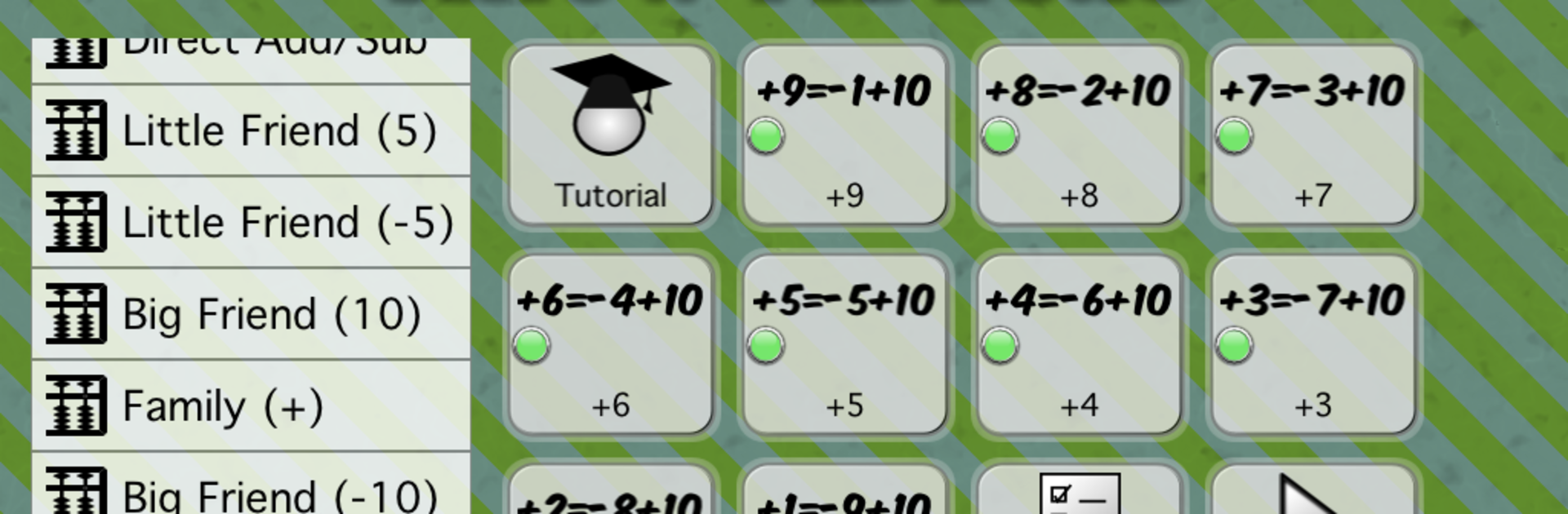
Know Abacus on PC is kind of a cool way for kids to get the hang of numbers and math, especially if they’re into hands-on stuff. The app uses a digital abacus, so it’s more than just tapping answers—kids actually “move” beads like on a real abacus. There are different exercises, from counting and simple addition to working out two-digit problems, and even some multiplication and division. It’s not just basic flashcards. Mental math comes into play, plus there are review lessons and a random lesson mode, so it always feels a bit different. The abacus itself is colorful, and you can switch up styles, which makes it more fun than the old wooden ones.

The app’s meant for kids around five and older, so nothing’s too over their head, but it doesn’t feel babyish, either. On BlueStacks, the bigger screen kind of helps—it feels less cramped than a phone, and dragging beads with a mouse or touchpad works smoothly. The different language options are handy if someone’s bilingual or just prefers to learn in another language. It’s direct: no games or distracting animations, just lots of practice with numbers and basic math skills, all wrapped up in a layout that’s easy for kids (and parents) to figure out.

BlueStacks brings your apps to life on a bigger screen—seamless and straightforward.

How to Download and Run Know Abacus on PC or Mac

  • Download and install BlueStacks on your PC or Mac

  • Complete Google sign-in to access the Play Store, or do it later

  • Look for Know Abacus in the search bar at the top right corner

  • Click to install Know Abacus from the search results

  • Complete Google sign-in (if you skipped step 2) to install Know Abacus

  • Click the Know Abacus icon on the home screen to start playing

video
Watch Video

Minimum System Requirements

With BlueStacks 5, you can get started on a PC that fulfills the following requirements.

  • Operating System

    Microsoft Windows 7 or above, macOS 11 (Big Sur) or above

  • Processor

    Intel, AMD or Apple Silicon Processor

  • RAM

    at least 4GB

  • HDD

    10GB Free Disk Space

Note:

* You must be an Administrator on your PC. Up to date graphics drivers from Microsoft or the chipset vendor.

Know Abacus - FAQs

  • How to Run Know Abacus on Windows PC & Mac?

    Run Know Abacus on your PC or Mac by following these simple steps.

    • Click on ‘Download Know Abacus on PC’ to download BlueStacks
    • Install it and log-in to Google Play Store
    • Launch and run the app.
  • Why is BlueStacks the fastest and safest platform to play games on PC?

    BlueStacks respects your privacy and is always safe and secure to use. It does not carry any malware, spyware, or any sort of additional software that could harm your PC.

    It is engineered to optimize speed and performance for a seamless gaming experience.

  • What are Know Abacus PC requirements?

    Minimum requirement to run Know Abacus on your PC

    • OS: Microsoft Windows 7 and above:
    • Processor: Intel or AMD Processor:
    • RAM: Your PC must have at least 2GB of RAM. (Note that having 2GB or more disk space is not a substitute for RAM):
    • HDD: 5GB Free Disk Space.
    • You must be an Administrator on your PC.




