



Get freedom from your phone’s obvious limitations. Use Learn and play. Russian words – vocabulary & games, made by DOMOsoft, a Education app on your PC or Mac with BlueStacks, and level up your experience.
About the App
Looking to make learning Russian fun and not just another chore on your to-do list? With Learn and play. Russian words – vocabulary & games from DOMOsoft, you get exactly that—a playful, interactive way to pick up everyday Russian vocabulary right from the start. Whether you’re beginning on your own or with your child, this education app keeps things light, visual, and hands-on, blending games and lessons so you learn without even realizing it. And yeah, the audio’s pretty spot-on too, so you’ll pick up pronunciation that actually sounds right.
App Features
-
Step-by-step learning: Start with the basics—think the Russian alphabet, building blocks like nouns, adjectives, and verbs—using easy flashcards with clear text and native audio, so you really hear how it’s supposed to sound.
-
Fun quizzes & games: Test what you know with simple games. Match words to pictures, spot moving animations that fit the Russian words, or check your spelling skills in a no-pressure mini challenge.
-
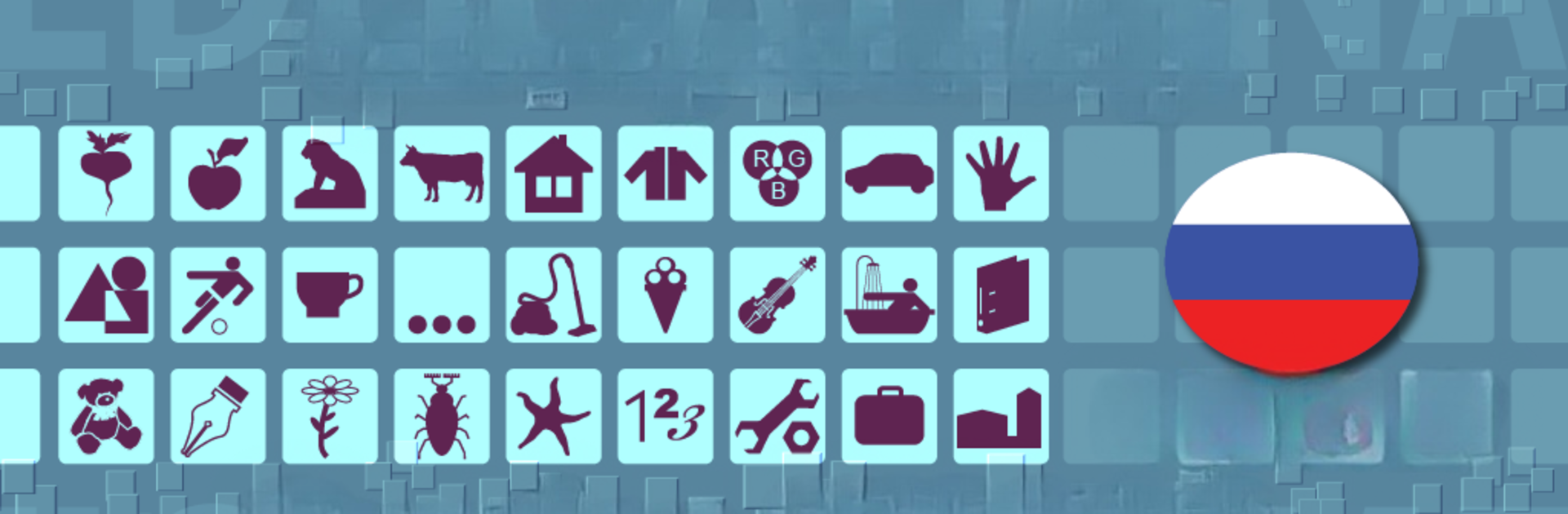
Visual support: The app’s full of themed photos, lists, and images, not just plain text. Everything is laid out clearly so new words stick in your mind.
-
High-quality native pronunciation: Every word comes with native speaker sound. Listen as much as you want to get that authentic Russian accent.
-
Tons of topics: Go from fruits and animals, to clothes, food, travel, school, nature, vehicles, and even stuff like musical instruments and sports. You’ll find all kinds of everyday Russian vocabulary covered.
-
Kid and family friendly: The design is simple enough for kids—parents can use it for preschool lessons, or just to support what kids are learning at school.
-
Offline access: No Wi-Fi? Not a problem. The app works offline, so you can study anywhere, anytime.
-
Translation support: Words are translated into more than ten languages, perfect for multilingual households or international learners.
-
Flexible device support: Works smoothly on phones and tablets. If you like, you could even use it on your computer with BlueStacks for a bigger view.
-
Adaptive training: The interactive style keeps adjusting to your progress, helping reinforce words you need most. Easy to follow, but with enough challenge to keep things interesting.
-
Pro version extras: If you upgrade, you’ll go ad-free with bonus tools to track your learning and see real progress in your Russian proficiency.
Ready to experience Learn and play. Russian words – vocabulary & games on a bigger screen, in all its glory? Download BlueStacks now.





