
Learn Arabic - 5,000 Phrases

Learn Arabic - 5,000 Phrases

Education

| FunEasyLearn

Play on PC with BlueStacks or from our cloud

  • Overview
  • How to Download

Page Modified On: September 12, 2025

Run Learn Arabic - 5,000 Phrases on PC or Mac

Upgrade your experience. Try Learn Arabic – 5,000 Phrases, the fantastic Education app from FunEasyLearn, from the comfort of your laptop, PC, or Mac, only on BlueStacks.

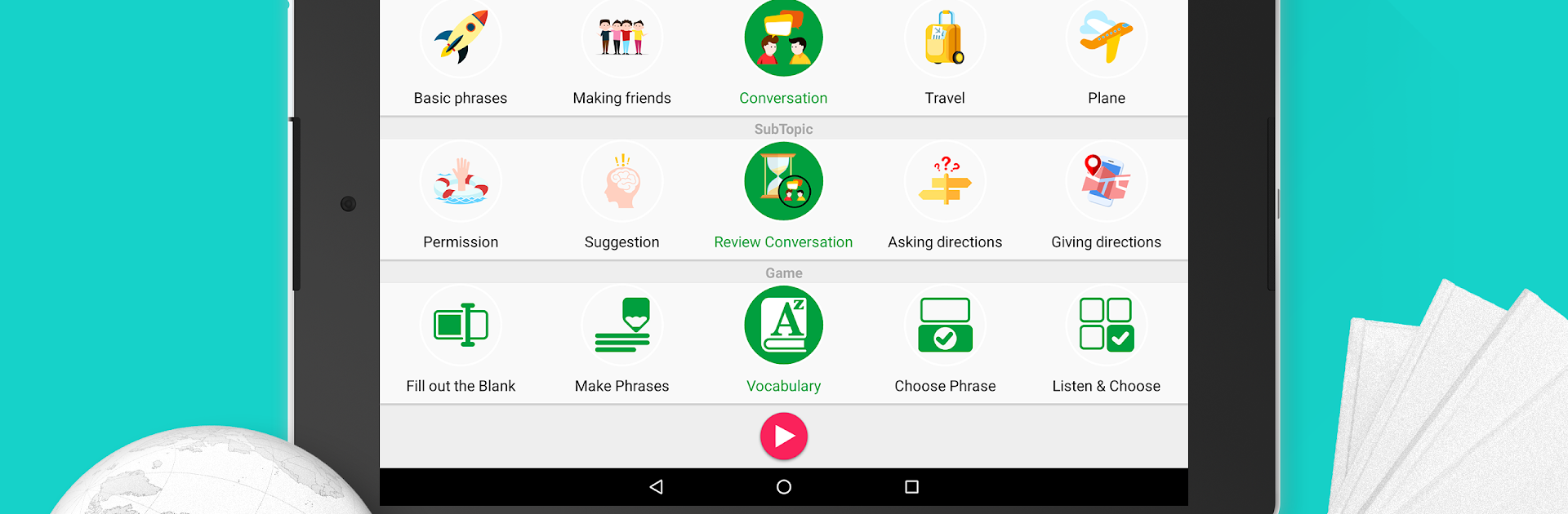
Learn Arabic – 5,000 Phrases feels like a big pocket phrasebook that turned into quick mini games. Instead of long grammar lessons, it serves short, useful lines people actually say in day to day stuff. Topics are very practical, split into things like greetings, chatting with friends, travel, taxis, hotel check in, restaurants, shopping, work, business, and more. Every phrase comes with audio from a Saudi speaker and an easy phonetic line, so someone can hear it, see it, and try to say it without guessing.

There are four learning levels and eleven little game modes that mix listening, spelling, and speaking. Nothing fancy, just quick rounds that get repetitive in a good way. It works offline, which is helpful when signal is bad. Search and bookmarks let a learner build a small set of go‑to lines, and the random category button is great when things start to feel routine. The app covers around five thousand phrases and supports sixty interface languages, so a user can learn Arabic explanations from their own language, not only English. On PC with BlueStacks, the typing and matching games are easier to fly through with a keyboard and bigger screen, and the mic still handles pronunciation checks fine. It has a points system to track progress without turning it into a grind. Overall it suits travelers or anyone who wants ready to use phrases for real conversations more than theory heavy study. It is straightforward, a bit repetitive on purpose, and that is pretty much the point.

Ready to experience Learn Arabic – 5,000 Phrases on a bigger screen, in all its glory? Download BlueStacks now.


How to Download and Run Learn Arabic - 5,000 Phrases on PC or Mac

  • Download and install BlueStacks on your PC or Mac

  • Complete Google sign-in to access the Play Store, or do it later

  • Look for Learn Arabic - 5,000 Phrases in the search bar at the top right corner

  • Click to install Learn Arabic - 5,000 Phrases from the search results

  • Complete Google sign-in (if you skipped step 2) to install Learn Arabic - 5,000 Phrases

  • Click the Learn Arabic - 5,000 Phrases icon on the home screen to start playing

video
Watch Video

Minimum System Requirements

With BlueStacks 5, you can get started on a PC that fulfills the following requirements.

  • Operating System

    Microsoft Windows 7 or above, macOS 11 (Big Sur) or above

  • Processor

    Intel, AMD or Apple Silicon Processor

  • RAM

    at least 4GB

  • HDD

    10GB Free Disk Space

Note:

* You must be an Administrator on your PC. Up to date graphics drivers from Microsoft or the chipset vendor.

Learn Arabic - 5,000 Phrases - FAQs

  • How to Run Learn Arabic - 5,000 Phrases on Windows PC & Mac?

    Run Learn Arabic - 5,000 Phrases on your PC or Mac by following these simple steps.

    • Click on ‘Download Learn Arabic - 5,000 Phrases on PC’ to download BlueStacks
    • Install it and log-in to Google Play Store
    • Launch and run the app.
  • Why is BlueStacks the fastest and safest platform to play games on PC?

    BlueStacks respects your privacy and is always safe and secure to use. It does not carry any malware, spyware, or any sort of additional software that could harm your PC.

    It is engineered to optimize speed and performance for a seamless gaming experience.

  • What are Learn Arabic - 5,000 Phrases PC requirements?

    Minimum requirement to run Learn Arabic - 5,000 Phrases on your PC

    • OS: Microsoft Windows 7 and above:
    • Processor: Intel or AMD Processor:
    • RAM: Your PC must have at least 2GB of RAM. (Note that having 2GB or more disk space is not a substitute for RAM):
    • HDD: 5GB Free Disk Space.
    • You must be an Administrator on your PC.



