تعليم الحساب و الارقام للاطفال

تعليم الحساب و الارقام للاطفال

Education

| ITSworks

Play on PC with BlueStacks or from our cloud

  • Overview
  • How to Download

Page Modified On: September 12, 2025

Run تعليم الحساب و الارقام للاطفال on PC or Mac

What’s better than using تعليم الحساب و الارقام للاطفال by ITSworks? Well, try it on a big screen, on your PC or Mac, with BlueStacks to see the difference.

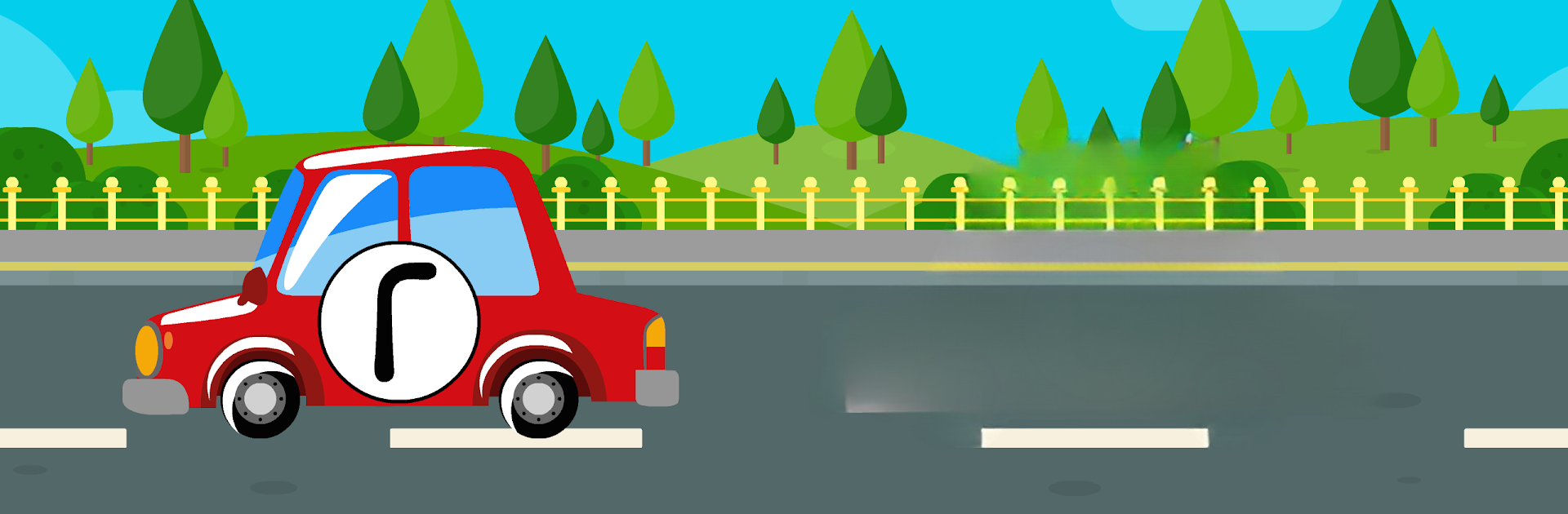
تعليم الحساب و الارقام للاطفال feels like a small Arabic math class turned into a set of quick games. Everything is built around Arabic numbers from 1 to 20, with clear voice prompts and big, colorful buttons that young kids can understand. There are little sections for learning the number shapes and names, then counting things like flowers in a garden, and simple addition with fruit trees. Subtraction happens with an apple tree, which makes the idea of taking away feel easy and visual. There is also tracing numbers with colors, comparing which number is bigger or smaller, and a basic tour of geometric shapes. It is aimed at ages 3 to 8, and it shows. Short tasks, big rewards, no complicated menus.

What stands out is how much it focuses on pronunciation and writing. Kids hear the number, see it, then draw it, which sticks pretty fast. The design is bright without being noisy, and the instructions are in clear Arabic, so parents or teachers can sit back and let the app lead. It works offline, which is a relief on trips or weak Wi Fi. On a PC with BlueStacks, the bigger screen makes the tracing and counting boards easier to see, and dragging with a mouse is fine, though a touch screen or pen would feel closer to paper. No fluff, just steady practice with numbers, counting objects, simple sums, and shapes, all in Arabic.

Switch to BlueStacks and make the most of your apps on your PC or Mac.

How to Download and Run تعليم الحساب و الارقام للاطفال on PC or Mac

  • Download and install BlueStacks on your PC or Mac

  • Complete Google sign-in to access the Play Store, or do it later

  • Look for تعليم الحساب و الارقام للاطفال in the search bar at the top right corner

  • Click to install تعليم الحساب و الارقام للاطفال from the search results

  • Complete Google sign-in (if you skipped step 2) to install تعليم الحساب و الارقام للاطفال

  • Click the تعليم الحساب و الارقام للاطفال icon on the home screen to start playing

video
Watch Video

Minimum System Requirements

With BlueStacks 5, you can get started on a PC that fulfills the following requirements.

  • Operating System

    Microsoft Windows 7 or above, macOS 11 (Big Sur) or above

  • Processor

    Intel, AMD or Apple Silicon Processor

  • RAM

    at least 4GB

  • HDD

    10GB Free Disk Space

Note:

* You must be an Administrator on your PC. Up to date graphics drivers from Microsoft or the chipset vendor.

تعليم الحساب و الارقام للاطفال - FAQs

  • How to Run تعليم الحساب و الارقام للاطفال on Windows PC & Mac?

    Run تعليم الحساب و الارقام للاطفال on your PC or Mac by following these simple steps.

    • Click on ‘Download تعليم الحساب و الارقام للاطفال on PC’ to download BlueStacks
    • Install it and log-in to Google Play Store
    • Launch and run the app.
  • Why is BlueStacks the fastest and safest platform to play games on PC?

    BlueStacks respects your privacy and is always safe and secure to use. It does not carry any malware, spyware, or any sort of additional software that could harm your PC.

    It is engineered to optimize speed and performance for a seamless gaming experience.

  • What are تعليم الحساب و الارقام للاطفال PC requirements?

    Minimum requirement to run تعليم الحساب و الارقام للاطفال on your PC

    • OS: Microsoft Windows 7 and above:
    • Processor: Intel or AMD Processor:
    • RAM: Your PC must have at least 2GB of RAM. (Note that having 2GB or more disk space is not a substitute for RAM):
    • HDD: 5GB Free Disk Space.
    • You must be an Administrator on your PC.