



What’s better than using Learn Computer Courses Offline by Asbhii Apps Solution? Well, try it on a big screen, on your PC or Mac, with BlueStacks to see the difference.
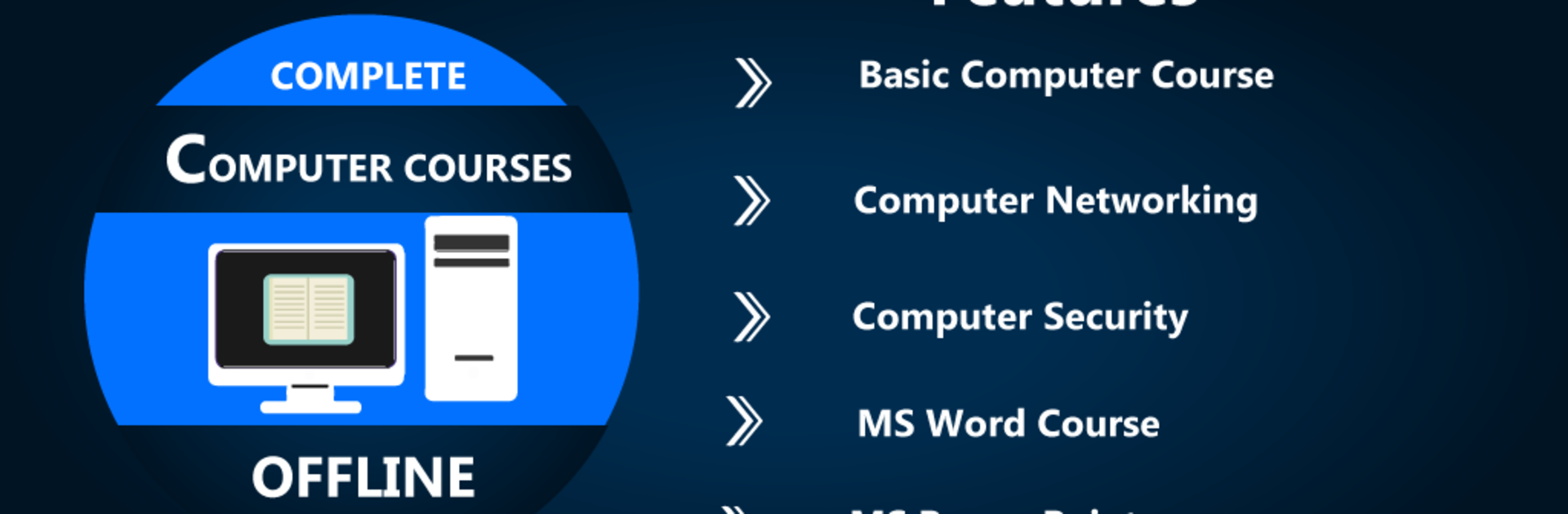
Learn Computer Courses Offline feels like a pocket handbook for anyone who wants to get comfortable with computers without hunting for Wi‑Fi. It loads fast, everything is stored locally, and the lessons are broken into small, clear bits. The app covers the basics like what hardware and software mean, how operating systems work, and how to keep a computer secure. There are sections for Microsoft Word, Excel, and PowerPoint, plus keyboard and mouse practice, shortcut keys, and common run commands to speed up daily work. It also touches on networking, wireless communication, and general computer science ideas. Nothing flashy, just straight text and simple explanations that are easy to skim when someone needs a quick answer.
On a PC through BlueStacks, it is nicer to read on a bigger screen and click through the chapters with a mouse. It is not a full course with heavy projects or fancy videos, more like a tidy reference and step by step guide for beginners or anyone who wants a refresher. The tone is practical and to the point. Some parts read like class notes, which is fine if someone likes learning by reading and then trying it out on their own computer. If someone wants to learn basic Office tasks, understand networking terms, or remember those time saving shortcuts, this app keeps all of that in one place and works fully offline.
Big screen. Bigger performance. Use BlueStacks on your PC or Mac to run your favorite apps.





