
Learn French from scratch

Learn French from scratch

Education

| Fastlingo

Play on PC with BlueStacks or from our cloud

  • Overview
  • How to Download

Page Modified On: December 15, 2025

Run Learn French from scratch on PC or Mac

Let BlueStacks turn your PC, Mac, or laptop into the perfect home for Learn French from scratch, a fun Education app from Fastlingo.

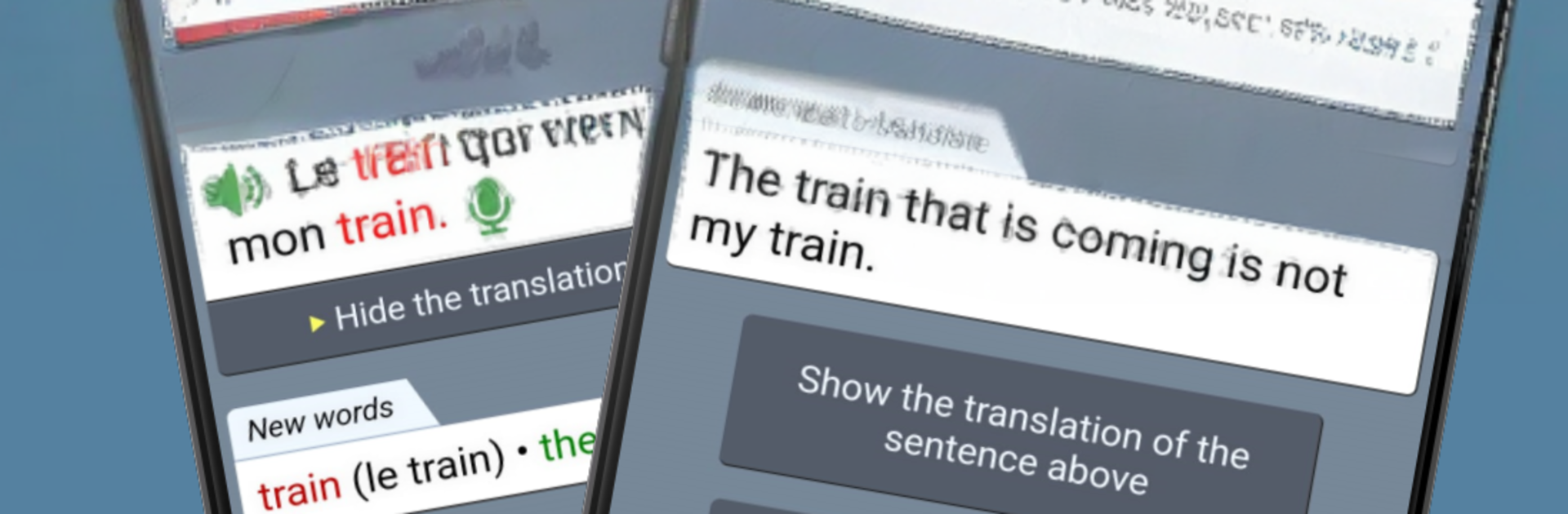
Learn French from scratch feels like a straight to the point tutor rather than a flashy game. It starts very simple and keeps building, so the jump from one step to the next never feels random. The focus is on real sentences made by an actual teacher, not auto generated stuff, and that makes the examples sound natural. There is a huge bank of content here, around 10,000 sentences and about 4,000 of the most useful words, so practice does not dry up. Sessions are short by design, 10 to 20 minutes, which fits well between other things without losing momentum. Grammar shows up inside the sentences, so rules make sense right when they are needed instead of feeling like school notes.

The training tools are solid. Spaced repetition keeps old items coming back before they fade, and the review picks up on what someone misses. Pronunciation work is built in, with native audio to shadow, plus record and voice recognition to check how it sounds. Every line has audio, either text to speech or teacher recordings, so listening practice never stops. There is also a quick Practice mode that adapts to weak spots. No account is needed to start, which lowers the barrier. On PC with BlueStacks, the bigger screen helps with longer sentences and verb tables, and the mic checks work fine. It aims up to B2, so it suits beginners and anyone who wants a structured refresh. It is calm, methodical, and honest about the learning grind, and progress after a week already feels real.

Ready to experience Learn French from scratch on a bigger screen, in all its glory? Download BlueStacks now.


How to Download and Run Learn French from scratch on PC or Mac

  • Download and install BlueStacks on your PC or Mac

  • Complete Google sign-in to access the Play Store, or do it later

  • Look for Learn French from scratch in the search bar at the top right corner

  • Click to install Learn French from scratch from the search results

  • Complete Google sign-in (if you skipped step 2) to install Learn French from scratch

  • Click the Learn French from scratch icon on the home screen to start playing

video
Watch Video

Minimum System Requirements

With BlueStacks 5, you can get started on a PC that fulfills the following requirements.

  • Operating System

    Microsoft Windows 7 or above, macOS 11 (Big Sur) or above

  • Processor

    Intel, AMD or Apple Silicon Processor

  • RAM

    at least 4GB

  • HDD

    10GB Free Disk Space

Note:

* You must be an Administrator on your PC. Up to date graphics drivers from Microsoft or the chipset vendor.

Learn French from scratch - FAQs

  • How to Run Learn French from scratch on Windows PC & Mac?

    Run Learn French from scratch on your PC or Mac by following these simple steps.

    • Click on ‘Download Learn French from scratch on PC’ to download BlueStacks
    • Install it and log-in to Google Play Store
    • Launch and run the app.
  • Why is BlueStacks the fastest and safest platform to play games on PC?

    BlueStacks respects your privacy and is always safe and secure to use. It does not carry any malware, spyware, or any sort of additional software that could harm your PC.

    It is engineered to optimize speed and performance for a seamless gaming experience.

  • What are Learn French from scratch PC requirements?

    Minimum requirement to run Learn French from scratch on your PC

    • OS: Microsoft Windows 7 and above:
    • Processor: Intel or AMD Processor:
    • RAM: Your PC must have at least 2GB of RAM. (Note that having 2GB or more disk space is not a substitute for RAM):
    • HDD: 5GB Free Disk Space.
    • You must be an Administrator on your PC.



