
Learn most used English words

Learn most used English words

Education

| Aliaksandr Uvarau

Play on PC with BlueStacks or from our cloud

  • Overview
  • How to Download

Page Modified On: January 06, 2026

Run Learn most used English words on PC or Mac

Upgrade your experience. Try Learn most used English words, the fantastic Education app from Aliaksandr Uvarau, from the comfort of your laptop, PC, or Mac, only on BlueStacks.

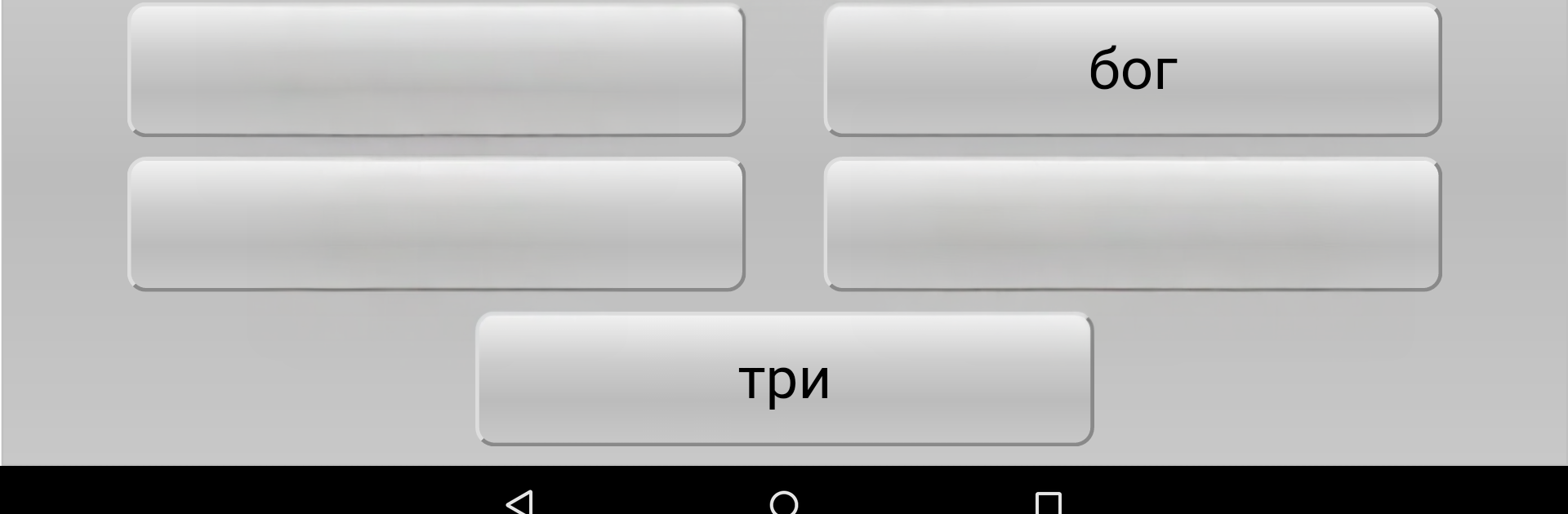
Learn most used English words keeps things simple in a good way. Instead of dumping thousands of terms, it sticks to the core stuff people actually say every day. Most conversations run on a few hundred common words, and this app leans into that. It collects about 300 of the most frequent English words and puts them right in front, so the goal feels small enough to finish, not endless. No noisy menus, no clutter, just the essentials. Someone opens it, sees a word, learns what it means, then moves on and circles back until it sticks. It feels more like steady practice than a class.

What stands out is the focus. There is no pressure to memorize rare vocabulary or chase badges. It is more about building a base that actually shows up in daily talk, which is what beginners and rusty speakers need. Short sessions work well here, a few minutes and you have covered a handful of useful words. On a PC with BlueStacks, the bigger screen and keyboard make it easier to read and move through the list without squinting, and that helps with longer study runs. If someone wants a clean way to lock down the words that carry most of a conversation, this has that narrow target, and that is the point.

BlueStacks gives you the much-needed freedom to experience your favorite apps on a bigger screen. Get it now.


How to Download and Run Learn most used English words on PC or Mac

  • Download and install BlueStacks on your PC or Mac

  • Complete Google sign-in to access the Play Store, or do it later

  • Look for Learn most used English words in the search bar at the top right corner

  • Click to install Learn most used English words from the search results

  • Complete Google sign-in (if you skipped step 2) to install Learn most used English words

  • Click the Learn most used English words icon on the home screen to start playing

video
Watch Video

Minimum System Requirements

With BlueStacks 5, you can get started on a PC that fulfills the following requirements.

  • Operating System

    Microsoft Windows 7 or above, macOS 11 (Big Sur) or above

  • Processor

    Intel, AMD or Apple Silicon Processor

  • RAM

    at least 4GB

  • HDD

    10GB Free Disk Space

Note:

* You must be an Administrator on your PC. Up to date graphics drivers from Microsoft or the chipset vendor.

Learn most used English words - FAQs

  • How to Run Learn most used English words on Windows PC & Mac?

    Run Learn most used English words on your PC or Mac by following these simple steps.

    • Click on ‘Download Learn most used English words on PC’ to download BlueStacks
    • Install it and log-in to Google Play Store
    • Launch and run the app.
  • Why is BlueStacks the fastest and safest platform to play games on PC?

    BlueStacks respects your privacy and is always safe and secure to use. It does not carry any malware, spyware, or any sort of additional software that could harm your PC.

    It is engineered to optimize speed and performance for a seamless gaming experience.

  • What are Learn most used English words PC requirements?

    Minimum requirement to run Learn most used English words on your PC

    • OS: Microsoft Windows 7 and above:
    • Processor: Intel or AMD Processor:
    • RAM: Your PC must have at least 2GB of RAM. (Note that having 2GB or more disk space is not a substitute for RAM):
    • HDD: 5GB Free Disk Space.
    • You must be an Administrator on your PC.



