
Learn Russian with MosaLingua

Learn Russian with MosaLingua

Education

| MosaLingua (digiSchool)

Play on PC with BlueStacks or from our cloud

  • Overview
  • How to Download

Page Modified On: August 11, 2025

Run Learn Russian with MosaLingua on PC or Mac

Let BlueStacks turn your PC, Mac, or laptop into the perfect home for Learn Russian with MosaLingua, a fun Education app from MosaLingua Crea.

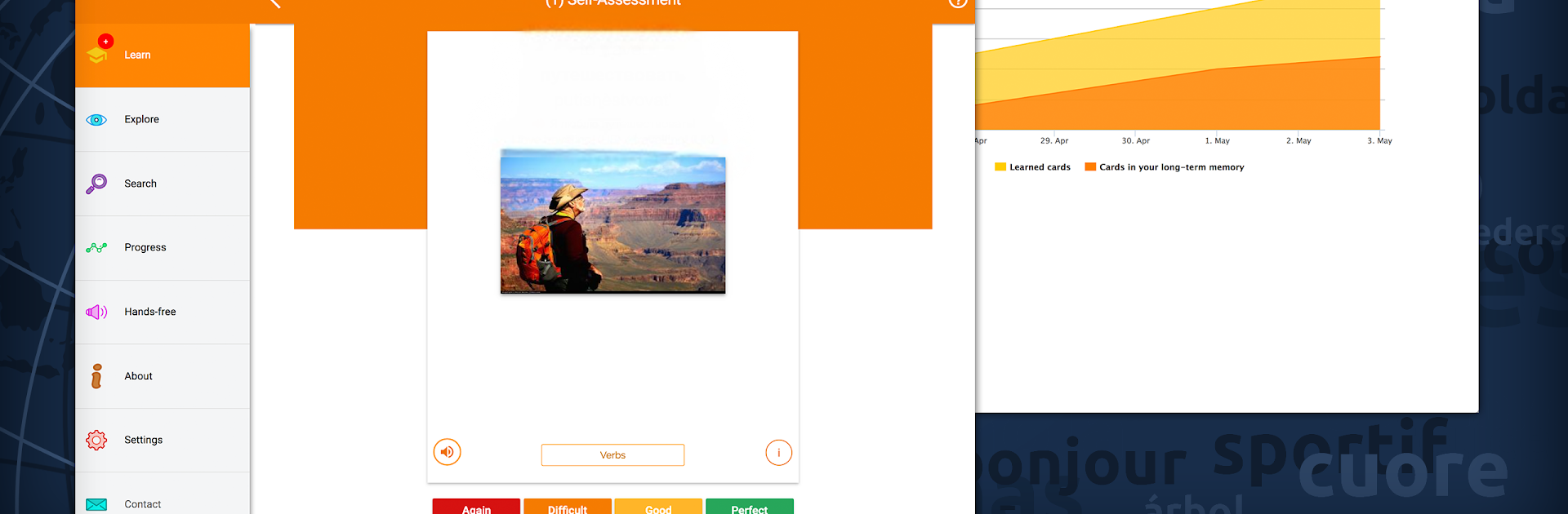
If someone’s curious about learning Russian but doesn’t want to sit through endless grammar drills, MosaLingua might be worth a look. On PC with BlueStacks, it’s like having a bunch of bite-sized language lessons set up right on the desktop. Everything’s chunked into short, practical pieces—there’s not a lot of filler or confusing stuff, just the words and phrases actually used all the time. The setup’s kind of smart, too. The app figures out when you’re about to forget something and brings it back for you to review right at the right moment, so there’s less cramming and more remembering what matters.

The lessons have a mix of vocabulary, short dialogues, and some quirky memory tricks thrown in, so it’s not all flashcards. There are quick explanations for grammar here and there, but it never feels like school. There’s also a sense that someone’s guiding things a bit—offering tips, reminders, and little side notes about Russian culture to keep things interesting. For anyone who likes progressing in small bursts instead of marathon study sessions, MosaLingua’s style is actually pretty motivating. The whole thing feels more like a toolbox than a regular textbook, with just enough structure to keep things moving, but plenty of freedom to skip around to what’s useful. On a bigger screen with BlueStacks, it’s easy to zip through a few lessons between other stuff, and it actually feels manageable—even with a busy schedule.

BlueStacks gives you the much-needed freedom to experience your favorite apps on a bigger screen. Get it now.


How to Download and Run Learn Russian with MosaLingua on PC or Mac

  • Download and install BlueStacks on your PC or Mac

  • Complete Google sign-in to access the Play Store, or do it later

  • Look for Learn Russian with MosaLingua in the search bar at the top right corner

  • Click to install Learn Russian with MosaLingua from the search results

  • Complete Google sign-in (if you skipped step 2) to install Learn Russian with MosaLingua

  • Click the Learn Russian with MosaLingua icon on the home screen to start playing

video
Watch Video

Minimum System Requirements

With BlueStacks 5, you can get started on a PC that fulfills the following requirements.

  • Operating System

    Microsoft Windows 7 or above, macOS 11 (Big Sur) or above

  • Processor

    Intel, AMD or Apple Silicon Processor

  • RAM

    at least 4GB

  • HDD

    10GB Free Disk Space

Note:

* You must be an Administrator on your PC. Up to date graphics drivers from Microsoft or the chipset vendor.

Learn Russian with MosaLingua - FAQs

  • How to Run Learn Russian with MosaLingua on Windows PC & Mac?

    Run Learn Russian with MosaLingua on your PC or Mac by following these simple steps.

    • Click on ‘Download Learn Russian with MosaLingua on PC’ to download BlueStacks
    • Install it and log-in to Google Play Store
    • Launch and run the app.
  • Why is BlueStacks the fastest and safest platform to play games on PC?

    BlueStacks respects your privacy and is always safe and secure to use. It does not carry any malware, spyware, or any sort of additional software that could harm your PC.

    It is engineered to optimize speed and performance for a seamless gaming experience.

  • What are Learn Russian with MosaLingua PC requirements?

    Minimum requirement to run Learn Russian with MosaLingua on your PC

    • OS: Microsoft Windows 7 and above:
    • Processor: Intel or AMD Processor:
    • RAM: Your PC must have at least 2GB of RAM. (Note that having 2GB or more disk space is not a substitute for RAM):
    • HDD: 5GB Free Disk Space.
    • You must be an Administrator on your PC.



