



Why limit yourself to your small screen on the phone? Run LearnEnglish GREAT Videos, an app by British Council, best experienced on your PC or Mac with BlueStacks, the world’s #1 Android emulator.
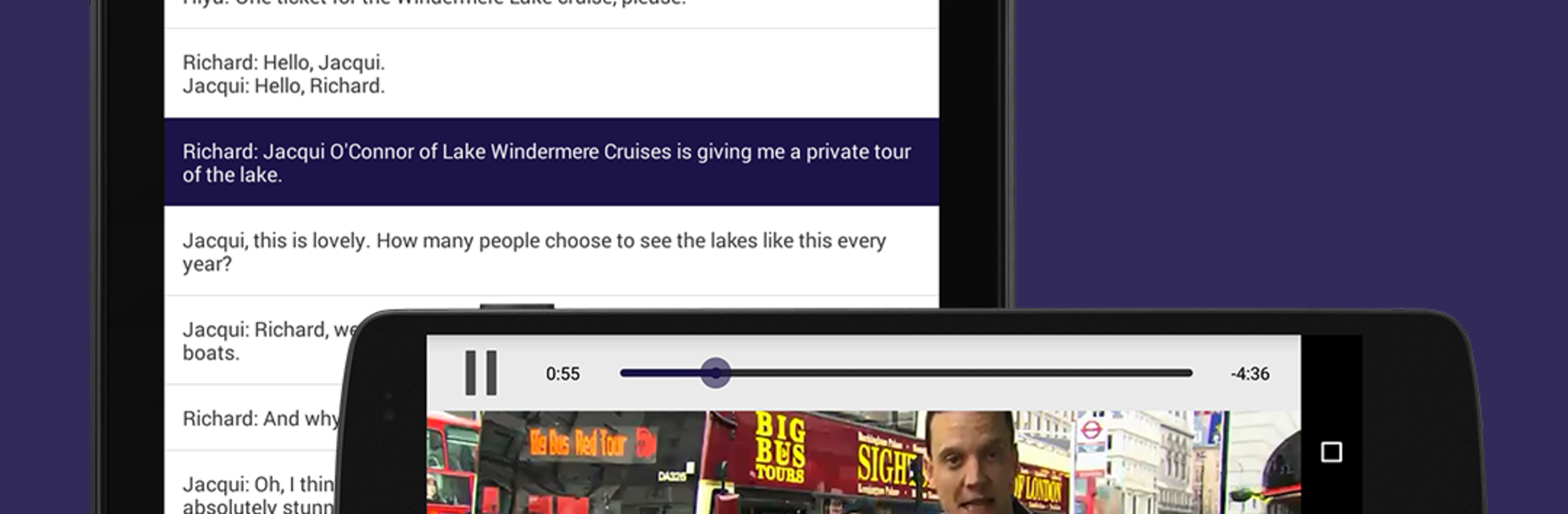
LearnEnglish GREAT Videos feels like a tidy library of short UK culture clips that double as listening practice. Each video comes with a full on-screen script you can follow while the audio plays, a simple glossary for the tricky bits, and quick questions so users can see what actually stuck. There is a pitch control to slow things down when the speakers move fast, which helps without making the voices sound weird. The app suggests a few ways to train that keep things fresh: watch and read together, switch to audio with the script in full screen, or hide the text and just watch to test real understanding.
The content leans very British in a good way. There are roughly 24 videos that follow host Richard around London icons like Shakespeare’s Globe and Harrods, plus short pieces on how English evolved and nods to entrepreneurs such as Richard Branson. It is not a grammar grind. It works more like a steady listening coach that builds confidence and pronunciation through regular practice. Since it is from the British Council, explanations feel clear and the language sounds natural, not classroom stiff. Running it on BlueStacks on a PC is handy too, because the bigger screen makes the script and video comfortable to use side by side, and pausing or skipping back with a keyboard feels smoother than tapping a phone screen. For someone who wants real voices, bite-sized lessons, and a simple structure that rewards repeat practice, this fits nicely.
Big screen. Bigger performance. Use BlueStacks on your PC or Mac to run your favorite apps.





