
LearnEnglish Sounds Right

LearnEnglish Sounds Right

Education

| British Council

Play on PC with BlueStacks or from our cloud

  • Overview
  • How to Download

Page Modified On: August 18, 2025

Run LearnEnglish Sounds Right on PC or Mac

Upgrade your experience. Try LearnEnglish Sounds Right, the fantastic Education app from British Council, from the comfort of your laptop, PC, or Mac, only on BlueStacks.

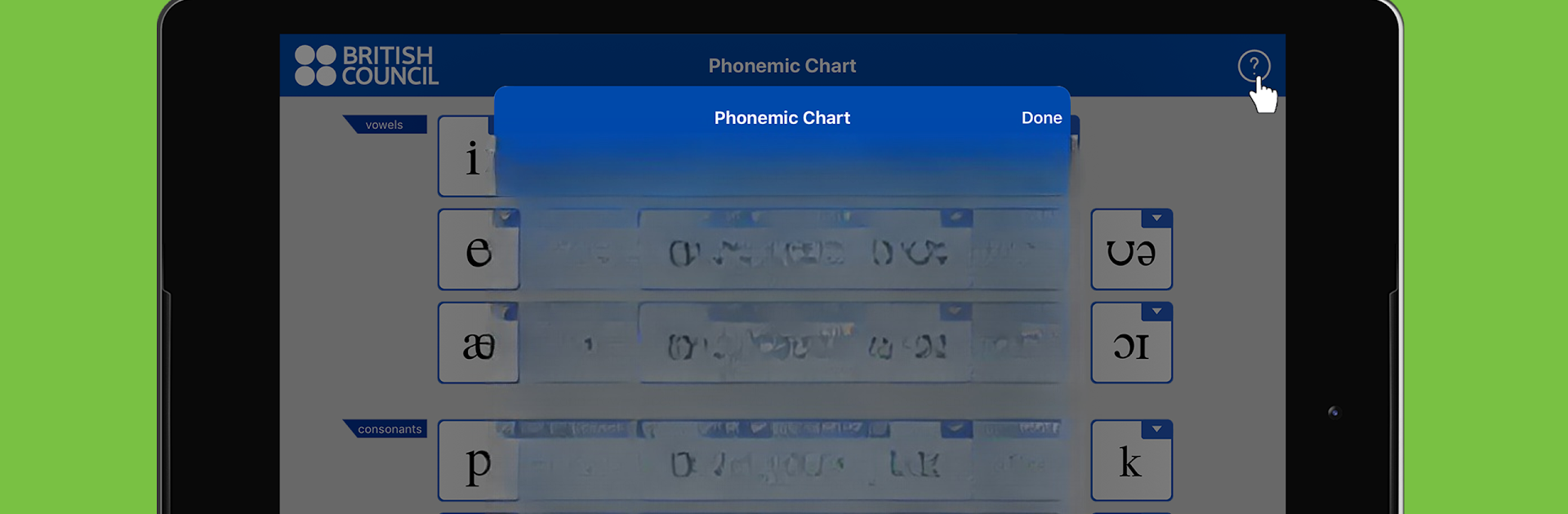
LearnEnglish Sounds Right is basically a handy chart for anyone trying to figure out English pronunciation, but it’s not just a static chart — you can actually tap on any of the sounds and it says them out loud, which is helpful if you’re not sure how a symbol is supposed to sound. There’s also a shortcut where, after picking a sound, you can listen to example words, so you’re not just memorizing symbols. It’s pretty direct and simple, so there aren’t any games or complicated menus, just this big, colorful layout that shows all the vowel and consonant sounds.

If you’re running it with BlueStacks on your PC, the chart gets nice and big, which makes tapping (or clicking, really) a bit more satisfying than on a phone. Everything is grouped logically, with pure vowels and diphthongs arranged kind of how they appear in that IPA chart that language teachers always have. The consonants are laid out front-of-mouth to back-of-mouth, and there’s this little detail where the plosive sounds play with a neutral vowel to make them easier to hear. It’s not something flashy, but for anyone learning English or just trying to get a handle on pronunciation, it’s easy to open, mess with, and figure things out at your own pace, no instructions needed. Teachers like it for class too, since the students can just tap around and figure out where those weird English sounds actually come from.

Ready to experience LearnEnglish Sounds Right on a bigger screen, in all its glory? Download BlueStacks now.


How to Download and Run LearnEnglish Sounds Right on PC or Mac

  • Download and install BlueStacks on your PC or Mac

  • Complete Google sign-in to access the Play Store, or do it later

  • Look for LearnEnglish Sounds Right in the search bar at the top right corner

  • Click to install LearnEnglish Sounds Right from the search results

  • Complete Google sign-in (if you skipped step 2) to install LearnEnglish Sounds Right

  • Click the LearnEnglish Sounds Right icon on the home screen to start playing

video
Watch Video

Minimum System Requirements

With BlueStacks 5, you can get started on a PC that fulfills the following requirements.

  • Operating System

    Microsoft Windows 7 or above, macOS 11 (Big Sur) or above

  • Processor

    Intel, AMD or Apple Silicon Processor

  • RAM

    at least 4GB

  • HDD

    10GB Free Disk Space

Note:

* You must be an Administrator on your PC. Up to date graphics drivers from Microsoft or the chipset vendor.

LearnEnglish Sounds Right - FAQs

  • How to Run LearnEnglish Sounds Right on Windows PC & Mac?

    Run LearnEnglish Sounds Right on your PC or Mac by following these simple steps.

    • Click on ‘Download LearnEnglish Sounds Right on PC’ to download BlueStacks
    • Install it and log-in to Google Play Store
    • Launch and run the app.
  • Why is BlueStacks the fastest and safest platform to play games on PC?

    BlueStacks respects your privacy and is always safe and secure to use. It does not carry any malware, spyware, or any sort of additional software that could harm your PC.

    It is engineered to optimize speed and performance for a seamless gaming experience.

  • What are LearnEnglish Sounds Right PC requirements?

    Minimum requirement to run LearnEnglish Sounds Right on your PC

    • OS: Microsoft Windows 7 and above:
    • Processor: Intel or AMD Processor:
    • RAM: Your PC must have at least 2GB of RAM. (Note that having 2GB or more disk space is not a substitute for RAM):
    • HDD: 5GB Free Disk Space.
    • You must be an Administrator on your PC.



