

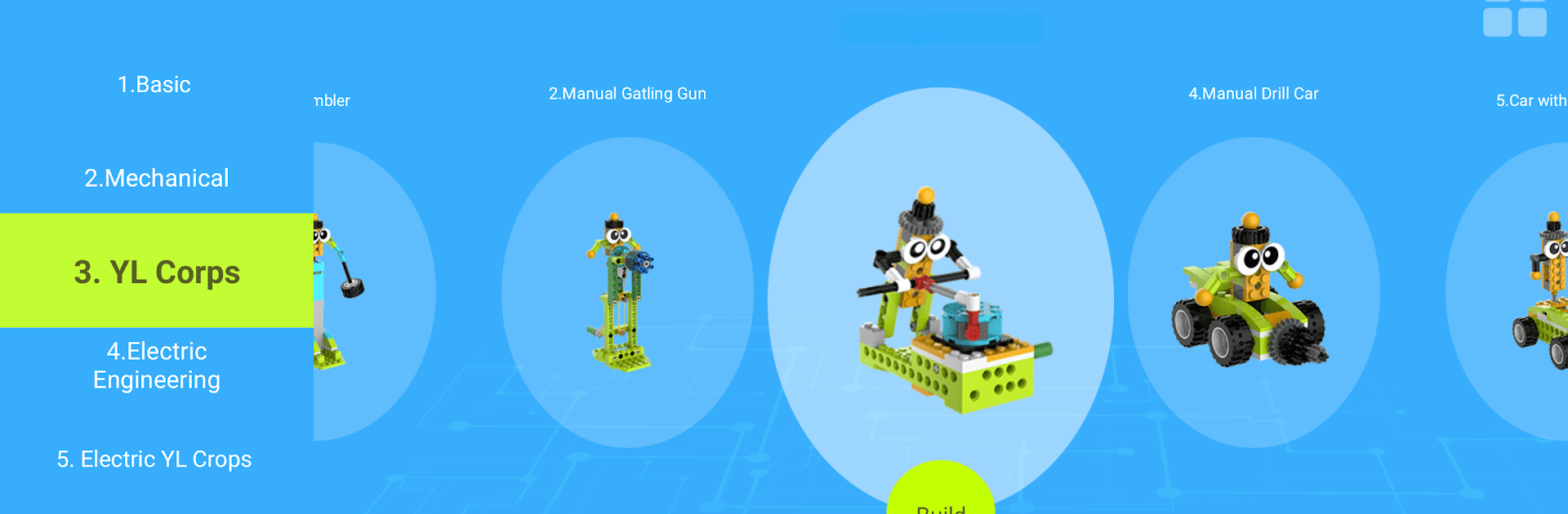


What’s better than using makerzoid by Tenen Hong Kong? Well, try it on a big screen, on your PC or Mac, with BlueStacks to see the difference.
makerzoid feels like a simple hub for two things the kits focus on: building and basic robot control. There is a Mechanical Master side that walks through assembling the block sets with clear step by step pictures, so someone can follow along without guessing what part goes where. Then the Robot Master side turns the screen into a controller, with big buttons to move a little bot forward, backward, left, or right, plus a tracker that shows how far along the build is. There is also a Scratch style coding area, so users can drag blocks to make short programs that tell the robot what to do, loop actions, or run a small sequence.
The whole app is very no fuss. The interface is plain, the English is a bit rough in spots, but everything still makes sense. Buttons are large, pairing to the robot over Bluetooth is straightforward, and the robot responds fast enough for simple tests. On BlueStacks, the bigger screen really helps with those assembly diagrams, and dragging code blocks with a mouse feels easier than on a phone. It is worth knowing this app is meant for the specific Mechanical Master and Robot Master kits, so without the hardware there is not much to poke at. For beginners, kids, or anyone who wants a gentle intro to building and programming a small robot, it keeps things clear and not overwhelming.
Switch to BlueStacks and make the most of your apps on your PC or Mac.





