

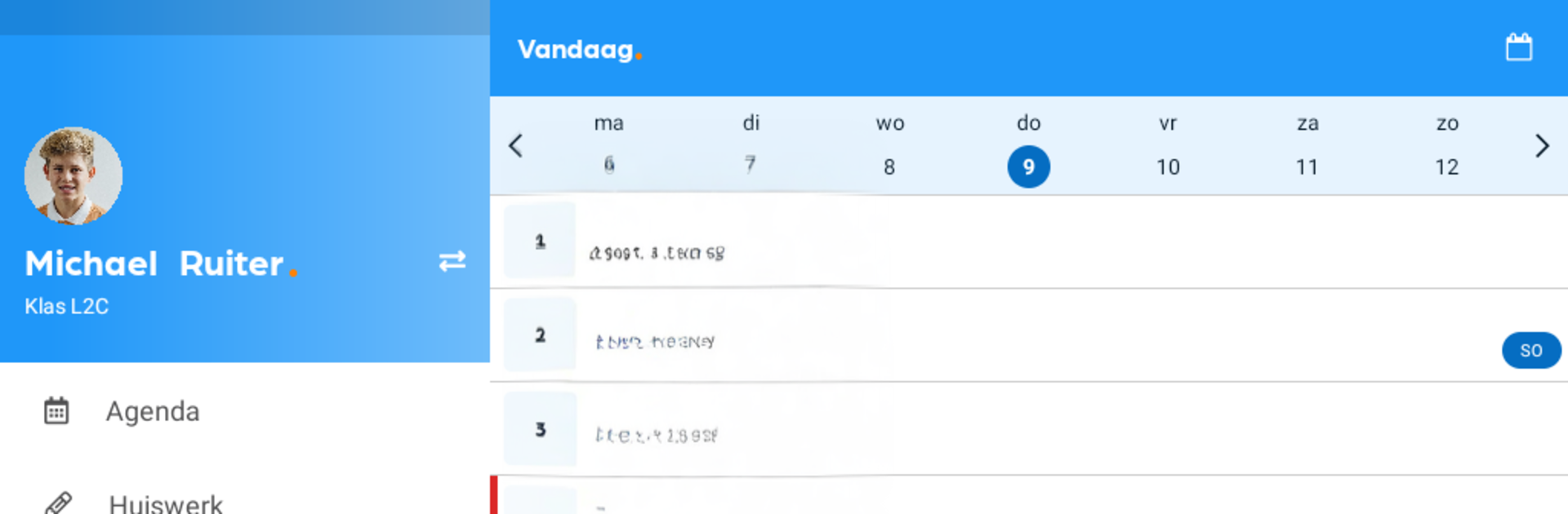


Why limit yourself to your small screen on the phone? Run Magister – Leerling en Ouder, an app by Magister, best experienced on your PC or Mac with BlueStacks, the world’s #1 Android emulator.
Magister – Leerling en Ouder feels like a tidy control center for school life. A student or parent opens it and gets the day in one place: timetable, homework, recent grades, and messages. Schedule changes show up quickly, and there are push notifications when a grade is added or edited, so no refreshing all the time. Homework can be checked off and planned, and study guides or other digital materials sit right next to the schedule so it all lines up. Parents can switch between children in a couple of taps, which keeps things simple during busy weeks. The design is plain but clear, and the data stays current since it pulls straight from the school account.
Running it on a PC with BlueStacks makes the week view and grade lists much easier to read. The whole timetable fits on one screen, messages are comfortable to scan, and opening materials alongside homework is way less cramped. Sign in uses school credentials and updates are quick, so it feels safe and up to date. Features can differ by school, since each school chooses what to enable, so some people will see more options than others. If something looks missing or odd, help usually goes through the school side. Not flashy, just practical, and that is the point when deadlines are stacking up and someone needs a clear overview without digging around.
BlueStacks gives you the much-needed freedom to experience your favorite apps on a bigger screen. Get it now.





