

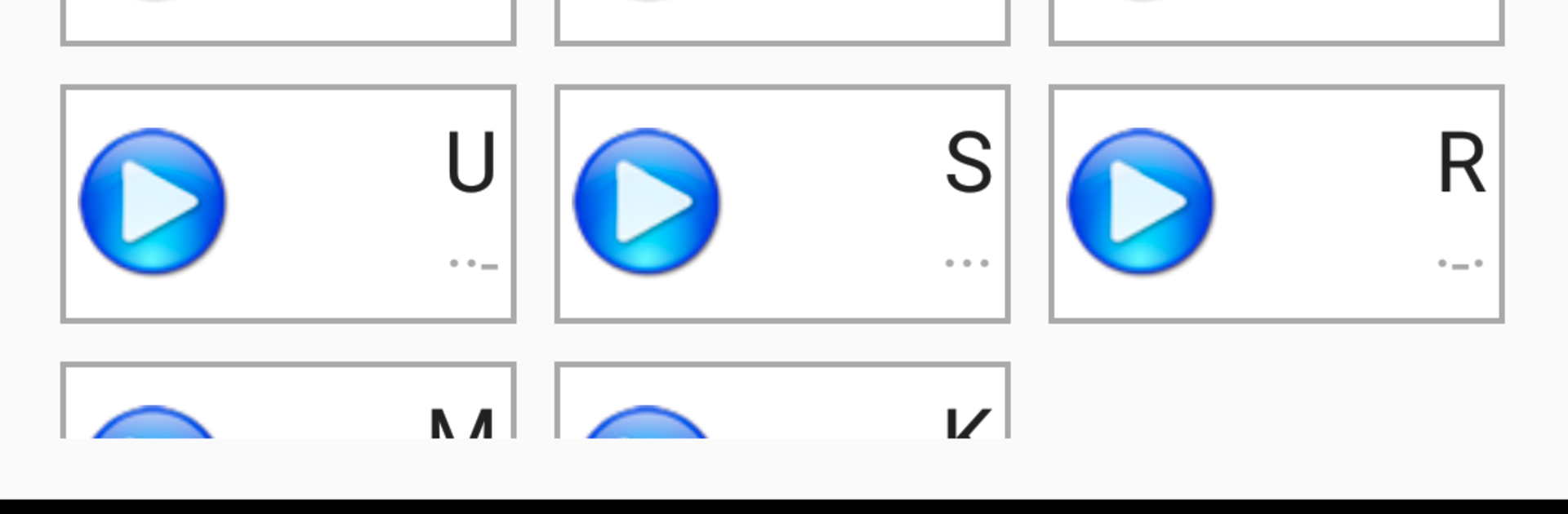


Multitask effortlessly on your PC or Mac as you try out Morse Mentor, a Education app by Smoky Ink Creations on BlueStacks.
About the App
Morse Mentor makes learning Morse code feel approachable, whether you’re chasing your first QSO or just curious about dits and dahs. Built by Smoky Ink Creations, this Education app teaches by ear so you build real listening skills from the start. It’s flexible, practical, and surprisingly fun to use on a quick break or during a focused study session.
App Features
- Koch method, done right: Start with a couple of characters and, once you’re consistently around 90% accurate, new ones are added. You’re always learning at real character speed, so progress sticks.
- Real-speed learning with Farnsworth timing: Characters play fast while spacing is stretched, keeping the rhythm authentic without overwhelming you.
- Clear feedback after every lesson: See accuracy per character and exactly where your input differed—mistakes are easy to spot and correct.
- Smarter practice scheduling: Emphasize brand‑new or troublesome characters more often, or keep everything evenly mixed. You can even preview how new characters sound before starting.
- Custom lessons your way: Pick which characters to train on, including letters, digits, punctuation, prosigns, and extended symbols like Ä, Ñ, Ø, and more.
- Fully adjustable sessions: Set session length, WPM, tone frequency, and word length. Use your device keyboard or the built‑in one, and switch to a dark theme for low light.
- Practice mode with variety: Work through 1,000 common English words, amateur radio call signs, CW abbreviations, and Q‑codes. Use your own words or sentences, import from a file, run in order or shuffle, and keep or strip punctuation.
- Background playback: Keep lessons running while you use other apps or stash your phone in a pocket.
- Helpful narration: Text‑to‑speech can say words before or after transmission, and can speak characters in the ITU phonetic alphabet or plain English—great for hands‑free learning.
- Nice on a bigger screen too: Prefer practicing at a desk? You can run Morse Mentor on your PC with BlueStacks for comfortable long sessions.
BlueStacks brings your apps to life on a bigger screen—seamless and straightforward.





