
Physics - Experiments for High School and College

Physics - Experiments for High School and College

Education

| A_K

Play on PC with BlueStacks or from our cloud

  • Overview
  • How to Download

Page Modified On: August 29, 2025

Run Physics - Experiments for High School and College on PC or Mac

Multitask effortlessly on your PC or Mac as you try out Physics – Experiments for High School and College, a Education app by A_K on BlueStacks.

About the App

Physics – Experiments for High School and College turns tricky physics concepts into something you can actually see and play with. It’s an interactive lab from A_K in the Education genre, built around simulations that show how classic experiments behave in real time. Expect visuals, sliders, and data readouts that help you connect the theory to what’s really happening.

App Features

  • Interactive simulations: Watch core experiments unfold step by step—no lab bench required. See motion, waves, and fields respond the moment you change a setting.
  • Tweak and test: Adjust masses, angles, voltages, slit spacing, magnetic fields, initial speeds, and more. Run it again and compare outcomes in seconds.
  • Real numbers, not just pictures: Get live readouts and plots for things like velocity, force, energy, and vectors so you can do proper quantitative analysis.
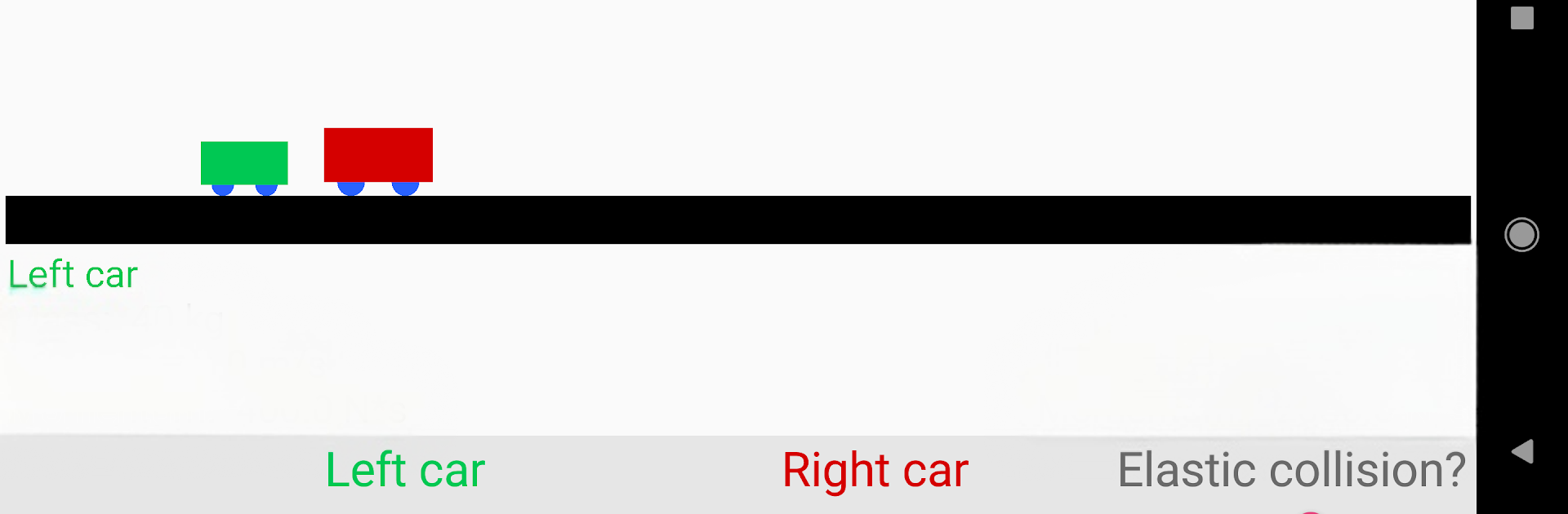
  • Mechanics lab: Explore accelerated and constant motion, elastic and inelastic collisions, a spring pendulum, vectors, circular motion, and both horizontal and angled projectile motion.
  • Waves and modern physics: Experiment with a ripple tank (two sources), double-slit and diffraction grating patterns, the photoelectric effect, Millikan’s oil drop, the Teltron tube, and electron diffraction.
  • Electrodynamics essentials: Visualize the Lorentz force, self-induction (Gauss’s cannon), induced currents in a conductor loop, plus generator and transformer behavior.
  • Focused learning space: Ads stay in the menus—experiments themselves run without interruptions. There’s also a pro option if you want everything ad‑free.
  • Night mode: A clean, dark theme that’s easy on the eyes during late study sessions.
  • Quick study break: Atom Smasher, a fast mini-game where you collect quarks, dodge electrons, and nab extra points with protons or neutrons. Google Play Games support adds achievements and global rankings.
  • Great for exam prep: Helpful for high school, college, or Abitur-level topics when you need to see the process, not just memorize formulas.
  • Big-screen friendly: Prefer learning on your computer? It works nicely with BlueStacks for a roomier view.

Eager to take your app experience to the next level? Start right away by downloading BlueStacks on your PC or Mac.


How to Download and Run Physics - Experiments for High School and College on PC or Mac

  • Download and install BlueStacks on your PC or Mac

  • Complete Google sign-in to access the Play Store, or do it later

  • Look for Physics - Experiments for High School and College in the search bar at the top right corner

  • Click to install Physics - Experiments for High School and College from the search results

  • Complete Google sign-in (if you skipped step 2) to install Physics - Experiments for High School and College

  • Click the Physics - Experiments for High School and College icon on the home screen to start playing

video
Watch Video

Minimum System Requirements

With BlueStacks 5, you can get started on a PC that fulfills the following requirements.

  • Operating System

    Microsoft Windows 7 or above, macOS 11 (Big Sur) or above

  • Processor

    Intel, AMD or Apple Silicon Processor

  • RAM

    at least 4GB

  • HDD

    10GB Free Disk Space

Note:

* You must be an Administrator on your PC. Up to date graphics drivers from Microsoft or the chipset vendor.

Physics - Experiments for High School and College - FAQs

  • How to Run Physics - Experiments for High School and College on Windows PC & Mac?

    Run Physics - Experiments for High School and College on your PC or Mac by following these simple steps.

    • Click on ‘Download Physics - Experiments for High School and College on PC’ to download BlueStacks
    • Install it and log-in to Google Play Store
    • Launch and run the app.
  • Why is BlueStacks the fastest and safest platform to play games on PC?

    BlueStacks respects your privacy and is always safe and secure to use. It does not carry any malware, spyware, or any sort of additional software that could harm your PC.

    It is engineered to optimize speed and performance for a seamless gaming experience.

  • What are Physics - Experiments for High School and College PC requirements?

    Minimum requirement to run Physics - Experiments for High School and College on your PC

    • OS: Microsoft Windows 7 and above:
    • Processor: Intel or AMD Processor:
    • RAM: Your PC must have at least 2GB of RAM. (Note that having 2GB or more disk space is not a substitute for RAM):
    • HDD: 5GB Free Disk Space.
    • You must be an Administrator on your PC.



