
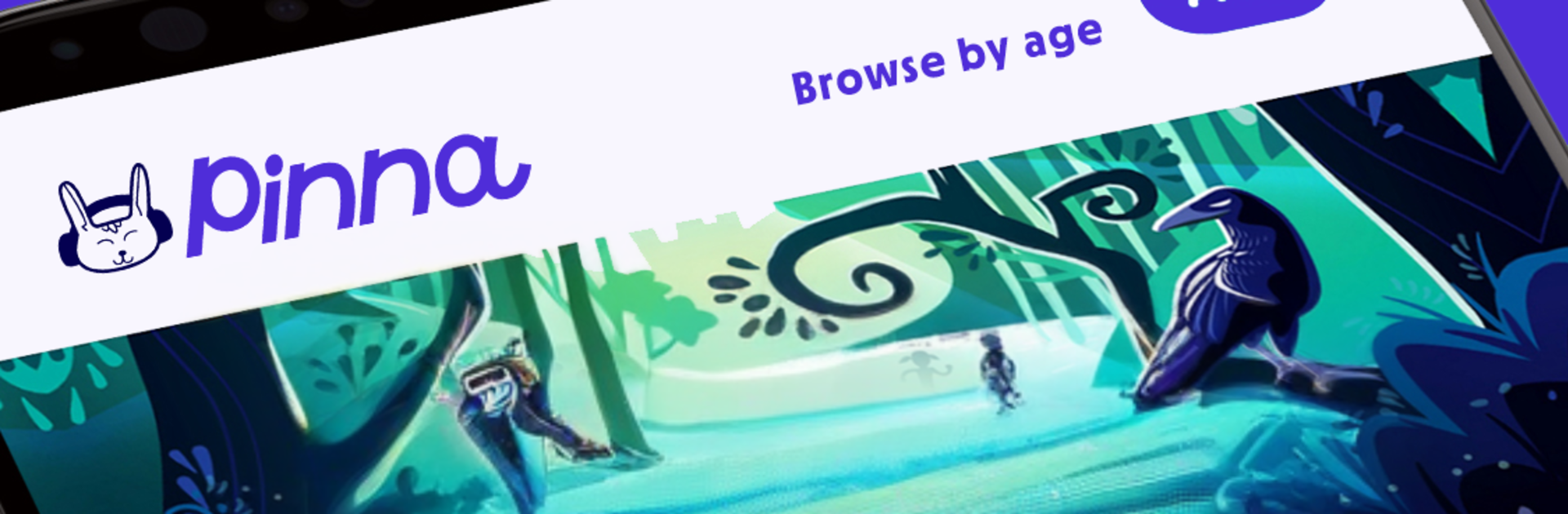
Pinna - Audio stories for kids

Pinna - Audio stories for kids

Education

| Pinna LLC

Play on PC with BlueStacks or from our cloud

  • Overview
  • How to Download

Page Modified On: January 06, 2026

Run Pinna - Audio stories for kids on PC or Mac

Multitask effortlessly on your PC or Mac as you try out Pinna – Audio stories for kids, a Education app by Pinna LLC on BlueStacks.

Pinna feels like a kid friendly hub full of stories, podcasts, and little game show style things that do not need a screen. There are tons of hours to pick from, with mysteries, silly comedies, science explainers, and fantasy adventures that feel like old school radio but modern. The app is easy to browse, and on PC with BlueStacks it is simple to leave it running in the background while someone draws or builds Lego, just search a favorite character or genre and let a playlist roll.

What stands out is how organized it is for families. Content can be sorted by age, there are playlists for bedtime, car rides, or homework breaks, and you can download episodes for offline time so the tablet can stay in airplane mode while travelling. Some shows even listen for voice responses, so the interactive bits feel playful without being chaotic. Their originals are actually good, like Grimm, Grimmer, Grimmest, Food Crimes, A to Z Mysteries: Clue Club, Dinosaur Train stories, and 5 for 5 Trivia when a quick brain break is all that is needed. Multiple listeners can use it at once, progress syncs across devices, and parents get controls that make it feel safe. Teachers get class codes and simple lesson plans for listening practice and vocabulary, which is rare in an audio app. There is a 7 day free trial, then it is about six bucks a month on the annual plan, and cancelling or switching plans is straightforward. There is even a referral credit thing if friends subscribe.

BlueStacks gives you the much-needed freedom to experience your favorite apps on a bigger screen. Get it now.


How to Download and Run Pinna - Audio stories for kids on PC or Mac

  • Download and install BlueStacks on your PC or Mac

  • Complete Google sign-in to access the Play Store, or do it later

  • Look for Pinna - Audio stories for kids in the search bar at the top right corner

  • Click to install Pinna - Audio stories for kids from the search results

  • Complete Google sign-in (if you skipped step 2) to install Pinna - Audio stories for kids

  • Click the Pinna - Audio stories for kids icon on the home screen to start playing

video
Watch Video

Minimum System Requirements

With BlueStacks 5, you can get started on a PC that fulfills the following requirements.

  • Operating System

    Microsoft Windows 7 or above, macOS 11 (Big Sur) or above

  • Processor

    Intel, AMD or Apple Silicon Processor

  • RAM

    at least 4GB

  • HDD

    10GB Free Disk Space

Note:

* You must be an Administrator on your PC. Up to date graphics drivers from Microsoft or the chipset vendor.

Pinna - Audio stories for kids - FAQs

  • How to Run Pinna - Audio stories for kids on Windows PC & Mac?

    Run Pinna - Audio stories for kids on your PC or Mac by following these simple steps.

    • Click on ‘Download Pinna - Audio stories for kids on PC’ to download BlueStacks
    • Install it and log-in to Google Play Store
    • Launch and run the app.
  • Why is BlueStacks the fastest and safest platform to play games on PC?

    BlueStacks respects your privacy and is always safe and secure to use. It does not carry any malware, spyware, or any sort of additional software that could harm your PC.

    It is engineered to optimize speed and performance for a seamless gaming experience.

  • What are Pinna - Audio stories for kids PC requirements?

    Minimum requirement to run Pinna - Audio stories for kids on your PC

    • OS: Microsoft Windows 7 and above:
    • Processor: Intel or AMD Processor:
    • RAM: Your PC must have at least 2GB of RAM. (Note that having 2GB or more disk space is not a substitute for RAM):
    • HDD: 5GB Free Disk Space.
    • You must be an Administrator on your PC.



