
Полиглот. Продвинутый курс

Полиглот. Продвинутый курс

Education

| AxiomRun

Play on PC with BlueStacks or from our cloud

  • Overview
  • How to Download

Page Modified On: August 21, 2025

Run Полиглот. Продвинутый курс on PC or Mac

Let BlueStacks turn your PC, Mac, or laptop into the perfect home for Полиглот. Продвинутый курс, a fun Education app from AxiomMobile.

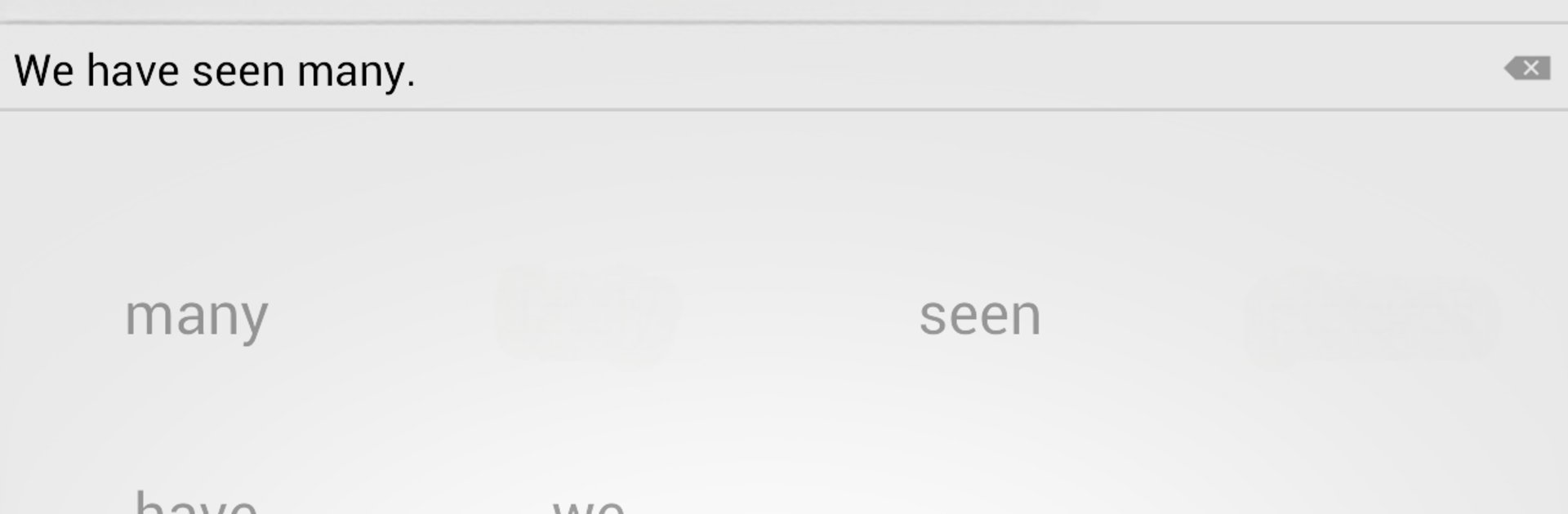
So, this app’s basically a follow-up to that original Polyglot English course — it covers all the trickier grammar points like the perfect tenses and different forms of the passive voice. There’s a pretty big list of lessons, all centered on things that don’t always click right away, like Present Perfect Continuous, all the participles, and the passive stuff. What’s nice is the setup: it shows you a phrase in Russian, and then gives you a set of English words to put in order and make the right translation. It speaks each word as you pick them, then says the full correct answer at the end, which helps with pronunciation as well as grammar.

Each section is locked until you score high enough (4.5 out of 5 over the last hundred answers), so you really have to get the hang of every topic before it lets you move on. There’s a voice input option, and you can choose different color themes too. If someone else in the house wants to use the app, it keeps stats separately for each user. You can turn off auto-check and auto-next for tests if you want to take your time, and there’s an exam mode if you want to really check what you know. On BlueStacks, it actually works well — you can see everything on a bigger screen, and the voice features still function. Neat option for anyone digging into those awkward English grammar bits who wants regular practice, and it doesn’t feel overwhelming since it paces you.

Switch to BlueStacks and make the most of your apps on your PC or Mac.

How to Download and Run Полиглот. Продвинутый курс on PC or Mac

  • Download and install BlueStacks on your PC or Mac

  • Complete Google sign-in to access the Play Store, or do it later

  • Look for Полиглот. Продвинутый курс in the search bar at the top right corner

  • Click to install Полиглот. Продвинутый курс from the search results

  • Complete Google sign-in (if you skipped step 2) to install Полиглот. Продвинутый курс

  • Click the Полиглот. Продвинутый курс icon on the home screen to start playing

video
Watch Video

Minimum System Requirements

With BlueStacks 5, you can get started on a PC that fulfills the following requirements.

  • Operating System

    Microsoft Windows 7 or above, macOS 11 (Big Sur) or above

  • Processor

    Intel, AMD or Apple Silicon Processor

  • RAM

    at least 4GB

  • HDD

    10GB Free Disk Space

Note:

* You must be an Administrator on your PC. Up to date graphics drivers from Microsoft or the chipset vendor.

Полиглот. Продвинутый курс - FAQs

  • How to Run Полиглот. Продвинутый курс on Windows PC & Mac?

    Run Полиглот. Продвинутый курс on your PC or Mac by following these simple steps.

    • Click on ‘Download Полиглот. Продвинутый курс on PC’ to download BlueStacks
    • Install it and log-in to Google Play Store
    • Launch and run the app.
  • Why is BlueStacks the fastest and safest platform to play games on PC?

    BlueStacks respects your privacy and is always safe and secure to use. It does not carry any malware, spyware, or any sort of additional software that could harm your PC.

    It is engineered to optimize speed and performance for a seamless gaming experience.

  • What are Полиглот. Продвинутый курс PC requirements?

    Minimum requirement to run Полиглот. Продвинутый курс on your PC

    • OS: Microsoft Windows 7 and above:
    • Processor: Intel or AMD Processor:
    • RAM: Your PC must have at least 2GB of RAM. (Note that having 2GB or more disk space is not a substitute for RAM):
    • HDD: 5GB Free Disk Space.
    • You must be an Administrator on your PC.




