
Portuguese-Spanish Dictionary

Portuguese-Spanish Dictionary

Education

| AllDict

Play on PC with BlueStacks or from our cloud

  • Overview
  • How to Download

Page Modified On: January 05, 2026

Run Portuguese-Spanish Dictionary on PC or Mac

Let BlueStacks turn your PC, Mac, or laptop into the perfect home for Portuguese-Spanish Dictionary, a fun Education app from AllDict.

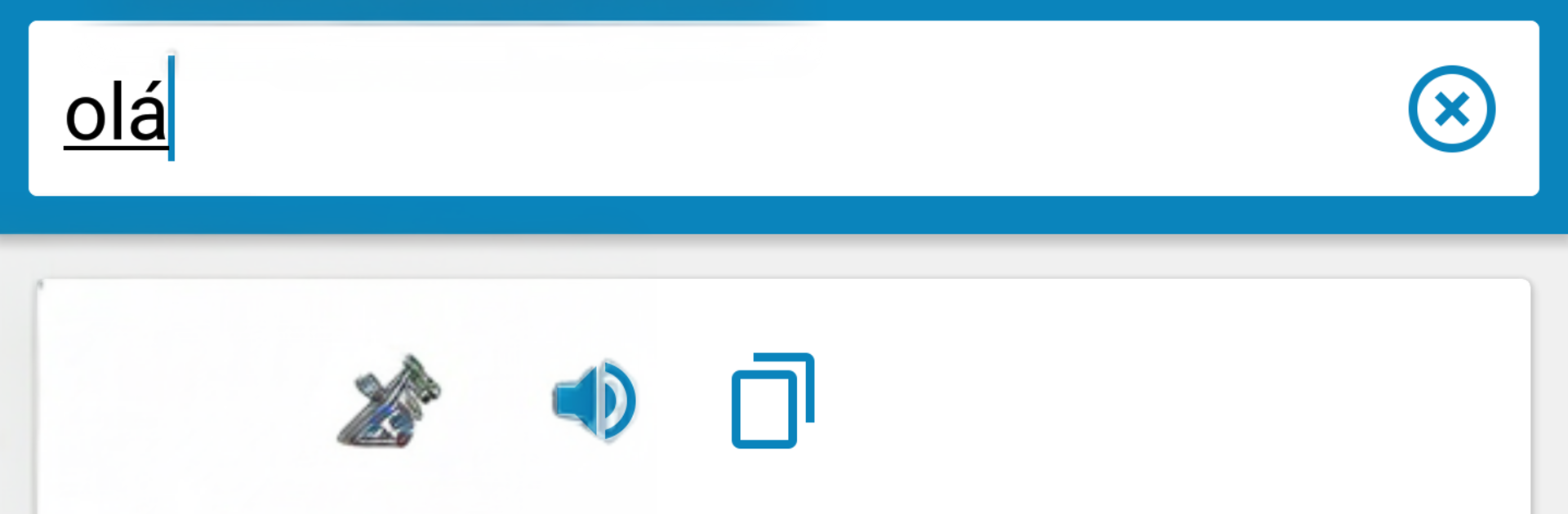
Portuguese-Spanish Dictionary feels like one of those tools that just gets out of the way and lets someone learn. It opens to a clean search, results pop up fast, and everything works offline, so no waiting or fiddling with internet. Words go both directions, Portuguese to Spanish and Spanish to Portuguese, and tapping a result can play the pronunciation so the sound sticks. There are no weird menus hiding basic stuff, which is nice when the brain is already juggling two languages.

What really stands out is the trainer. Instead of being a static dictionary, it lets the user save words into a personal list and then practice them through different exercises. Reading, listening, writing, even saying the word out loud has a spot here, so it does not feel like rote memorization. It scales well whether someone is starting from zero or just keeping skills fresh. Running it on PC with BlueStacks makes typing long phrases easier, and the audio is clearer through decent speakers, so it feels a bit like a mini study desk on the computer. Switching between Spanish and Portuguese is quick, and building a custom word bank becomes kind of a routine. There are not many frills, and that is a good thing. It focuses on the basics that matter when learning and keeps them simple.

Switch to BlueStacks and make the most of your apps on your PC or Mac.

How to Download and Run Portuguese-Spanish Dictionary on PC or Mac

  • Download and install BlueStacks on your PC or Mac

  • Complete Google sign-in to access the Play Store, or do it later

  • Look for Portuguese-Spanish Dictionary in the search bar at the top right corner

  • Click to install Portuguese-Spanish Dictionary from the search results

  • Complete Google sign-in (if you skipped step 2) to install Portuguese-Spanish Dictionary

  • Click the Portuguese-Spanish Dictionary icon on the home screen to start playing

video
Watch Video

Minimum System Requirements

With BlueStacks 5, you can get started on a PC that fulfills the following requirements.

  • Operating System

    Microsoft Windows 7 or above, macOS 11 (Big Sur) or above

  • Processor

    Intel, AMD or Apple Silicon Processor

  • RAM

    at least 4GB

  • HDD

    10GB Free Disk Space

Note:

* You must be an Administrator on your PC. Up to date graphics drivers from Microsoft or the chipset vendor.

Portuguese-Spanish Dictionary - FAQs

  • How to Run Portuguese-Spanish Dictionary on Windows PC & Mac?

    Run Portuguese-Spanish Dictionary on your PC or Mac by following these simple steps.

    • Click on ‘Download Portuguese-Spanish Dictionary on PC’ to download BlueStacks
    • Install it and log-in to Google Play Store
    • Launch and run the app.
  • Why is BlueStacks the fastest and safest platform to play games on PC?

    BlueStacks respects your privacy and is always safe and secure to use. It does not carry any malware, spyware, or any sort of additional software that could harm your PC.

    It is engineered to optimize speed and performance for a seamless gaming experience.

  • What are Portuguese-Spanish Dictionary PC requirements?

    Minimum requirement to run Portuguese-Spanish Dictionary on your PC

    • OS: Microsoft Windows 7 and above:
    • Processor: Intel or AMD Processor:
    • RAM: Your PC must have at least 2GB of RAM. (Note that having 2GB or more disk space is not a substitute for RAM):
    • HDD: 5GB Free Disk Space.
    • You must be an Administrator on your PC.




