
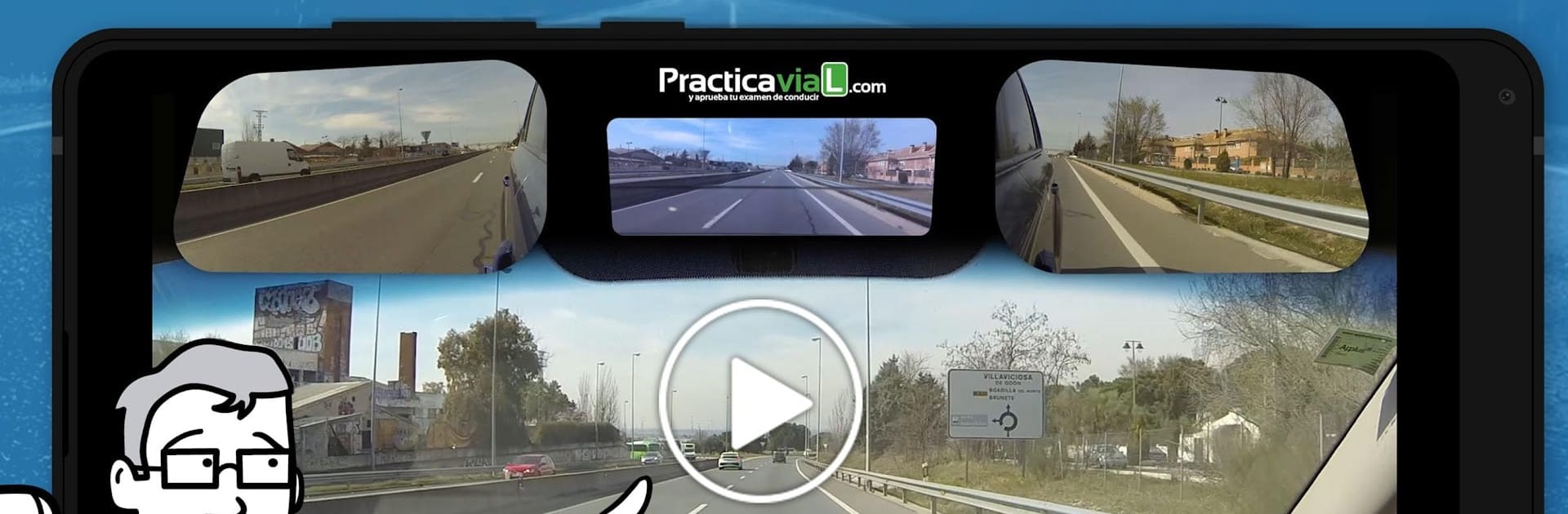
Practicavial Recorridos en Zonas de Examen

Practicavial Recorridos en Zonas de Examen

Education

| PracticaVial

Play on PC with BlueStacks or from our cloud

  • Overview
  • How to Download

Page Modified On: September 19, 2025

Run Practicavial Recorridos en Zonas de Examen on PC or Mac

Upgrade your experience. Try Practicavial Recorridos en Zonas de Examen, the fantastic Education app from PracticaVial, from the comfort of your laptop, PC, or Mac, only on BlueStacks.

About the App

Practicavial Recorridos en Zonas de Examen is an Education app by PracticaVial designed to help you get comfortable with Spain’s practical driving test routes before you ever sit behind the wheel. You’ll watch clear, straightforward videos that walk you through real exam areas, maneuvers, and the tricky moments that tend to trip people up. The goal? Feel calm, know what’s coming, and handle traffic situations with confidence.

App Features

  • Real exam routes
    Get familiar with the exact neighborhoods and roads used in practical tests so the route feels “already seen” on exam day.

  • Guided video tutorials
    Short, focused explanations show how to approach intersections, roundabouts, lane changes, and more—step by step.

  • Maneuvers made simple
    See every maneuver the test usually asks for, from parking to hill starts, with practical guidance on how to do them correctly.

  • Common mistakes and how to avoid them
    Learn the typical errors examiners note and the small fixes that make a big difference.

  • Wide city coverage
    Explore routes in Madrid, Barcelona, Bilbao, Valencia, Málaga, Zaragoza, Girona, Murcia, Valladolid, Santiago de Compostela, Santa Cruz de Tenerife, Las Palmas de Gran Canaria, Sabadell/Terrassa, Mataró, Segovia, Guadalajara, Guipúzcoa, Almansa, and Vilafranca del Penedés, with Sevilla on the way.

  • Not in your area yet?
    Use the general driving videos to build solid habits, improve observation, and develop smooth, safe control anywhere you practice.

  • Learn at your pace
    Rewatch as needed and focus on the topics that matter most to you—confidence grows with each video.

  • Comfortable viewing options
    Prefer a bigger screen? You can also study the content on BlueStacks for a roomier view while you take notes.

Ready to experience Practicavial Recorridos en Zonas de Examen on a bigger screen, in all its glory? Download BlueStacks now.


How to Download and Run Practicavial Recorridos en Zonas de Examen on PC or Mac

  • Download and install BlueStacks on your PC or Mac

  • Complete Google sign-in to access the Play Store, or do it later

  • Look for Practicavial Recorridos en Zonas de Examen in the search bar at the top right corner

  • Click to install Practicavial Recorridos en Zonas de Examen from the search results

  • Complete Google sign-in (if you skipped step 2) to install Practicavial Recorridos en Zonas de Examen

  • Click the Practicavial Recorridos en Zonas de Examen icon on the home screen to start playing

video
Watch Video

Minimum System Requirements

With BlueStacks 5, you can get started on a PC that fulfills the following requirements.

  • Operating System

    Microsoft Windows 7 or above, macOS 11 (Big Sur) or above

  • Processor

    Intel, AMD or Apple Silicon Processor

  • RAM

    at least 4GB

  • HDD

    10GB Free Disk Space

Note:

* You must be an Administrator on your PC. Up to date graphics drivers from Microsoft or the chipset vendor.

Practicavial Recorridos en Zonas de Examen - FAQs

  • How to Run Practicavial Recorridos en Zonas de Examen on Windows PC & Mac?

    Run Practicavial Recorridos en Zonas de Examen on your PC or Mac by following these simple steps.

    • Click on ‘Download Practicavial Recorridos en Zonas de Examen on PC’ to download BlueStacks
    • Install it and log-in to Google Play Store
    • Launch and run the app.
  • Why is BlueStacks the fastest and safest platform to play games on PC?

    BlueStacks respects your privacy and is always safe and secure to use. It does not carry any malware, spyware, or any sort of additional software that could harm your PC.

    It is engineered to optimize speed and performance for a seamless gaming experience.

  • What are Practicavial Recorridos en Zonas de Examen PC requirements?

    Minimum requirement to run Practicavial Recorridos en Zonas de Examen on your PC

    • OS: Microsoft Windows 7 and above:
    • Processor: Intel or AMD Processor:
    • RAM: Your PC must have at least 2GB of RAM. (Note that having 2GB or more disk space is not a substitute for RAM):
    • HDD: 5GB Free Disk Space.
    • You must be an Administrator on your PC.



