
Progate
Progate

Progate

Education

| Progate, Inc.

Play on PC with BlueStacks or from our cloud

  • Overview
  • How to Download

Page Modified On: September 12, 2025

Run Progate on PC or Mac

Let BlueStacks turn your PC, Mac, or laptop into the perfect home for Progate, a fun Education app from Progate, Inc..

Progate feels like a coding app that actually wants beginners to relax. It greets users with little guides, Ken the Ninja and Master White, who pop in with friendly hints so nothing feels overwhelming. Lessons start as illustrated slides that explain one idea at a time, then it jumps straight into a practice area where the code runs right away. That instant result makes mistakes easy to spot and fix, which keeps the tempo steady instead of frustrating. Progress moves through simple levels as lessons are cleared, so there is a sense of growth without any grind.

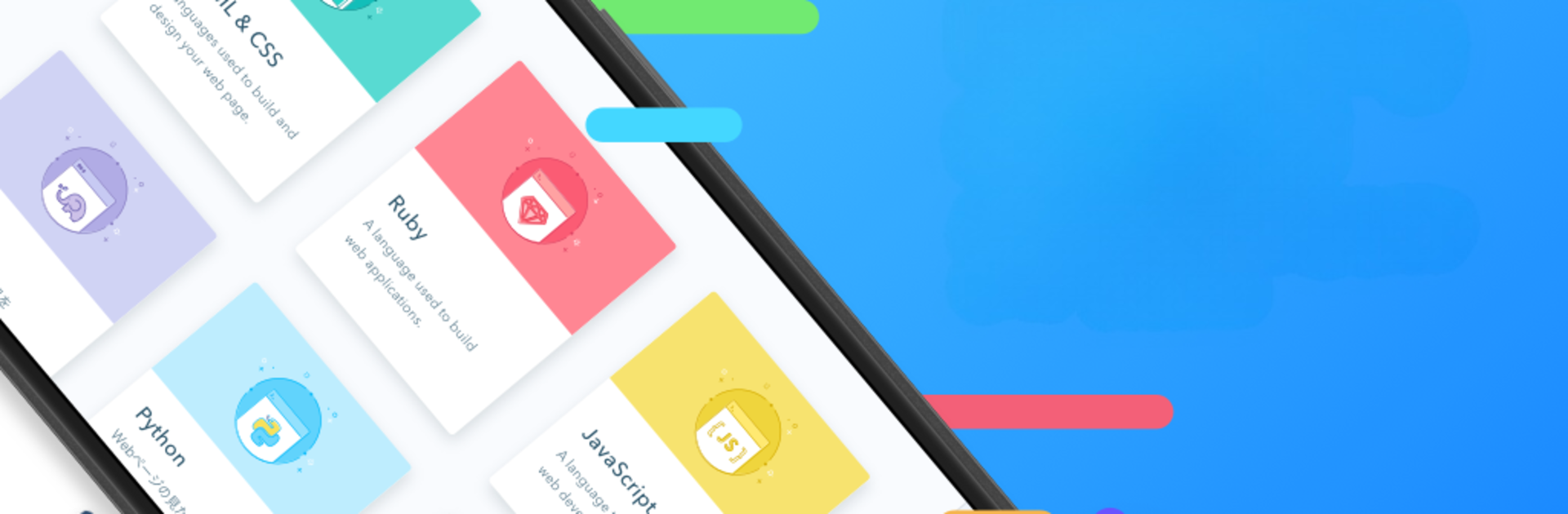
The course list covers a lot for a starter or a rusted returner: HTML and CSS, JavaScript, Ruby, Python, Java, Go, SQL, and PHP. Explanations are plain and avoid heavy jargon, and the pacing is calm enough that it actually sticks. On a PC with BlueStacks, the bigger screen and a real keyboard make typing and reading the slides way nicer, and flipping between slides and exercises is smooth. Lessons feel carefully put together and consistent, like someone edited them for clarity. There is a Progate Plus plan that unlocks all courses and the more advanced tracks if someone wants the full library, subscription style. It is learn by doing, with gentle characters and small steps that build up without any panic.

Switch to BlueStacks and make the most of your apps on your PC or Mac.

How to Download and Run Progate on PC or Mac

  • Download and install BlueStacks on your PC or Mac

  • Complete Google sign-in to access the Play Store, or do it later

  • Look for Progate in the search bar at the top right corner

  • Click to install Progate from the search results

  • Complete Google sign-in (if you skipped step 2) to install Progate

  • Click the Progate icon on the home screen to start playing

video
Watch Video

Minimum System Requirements

With BlueStacks 5, you can get started on a PC that fulfills the following requirements.

  • Operating System

    Microsoft Windows 7 or above, macOS 11 (Big Sur) or above

  • Processor

    Intel, AMD or Apple Silicon Processor

  • RAM

    at least 4GB

  • HDD

    10GB Free Disk Space

Note:

* You must be an Administrator on your PC. Up to date graphics drivers from Microsoft or the chipset vendor.

Progate - FAQs

  • How to Run Progate on Windows PC & Mac?

    Run Progate on your PC or Mac by following these simple steps.

    • Click on ‘Download Progate on PC’ to download BlueStacks
    • Install it and log-in to Google Play Store
    • Launch and run the app.
  • Why is BlueStacks the fastest and safest platform to play games on PC?

    BlueStacks respects your privacy and is always safe and secure to use. It does not carry any malware, spyware, or any sort of additional software that could harm your PC.

    It is engineered to optimize speed and performance for a seamless gaming experience.

  • What are Progate PC requirements?

    Minimum requirement to run Progate on your PC

    • OS: Microsoft Windows 7 and above:
    • Processor: Intel or AMD Processor:
    • RAM: Your PC must have at least 2GB of RAM. (Note that having 2GB or more disk space is not a substitute for RAM):
    • HDD: 5GB Free Disk Space.
    • You must be an Administrator on your PC.




