



What’s better than using Risale-i Nur Okuma Programı by Yükselis? Well, try it on a big screen, on your PC or Mac, with BlueStacks to see the difference.
About the App
If you’re looking for a convenient, all-in-one tool to read, study, and explore the Risale-i Nur Collection and other classic Islamic texts, Risale-i Nur Okuma Programı is here to help. Designed by Yükselis for the Education genre, this app makes deep reading and research hassle-free—whether you’re a student, a seeker, or just love having a huge collection at your fingertips. You’ll find yourself moving swiftly between books, switching alphabets, and finding meanings in just a couple of taps. Works great on BlueStacks too, especially if you like a bigger screen for your reading sessions.
App Features
-
Full Library at Hand
Browse the entire Risale-i Nur Collection, including Ottoman and Latin scripts, as well as shorter treatises, the Quran (with translation), Cevşen, Tasbihat, and more essentials. -
Instant Word Meanings
Curious about a word? Just long-press it and get its meaning right away—no digging through dictionaries. -
Script Switching
Effortlessly switch between Ottoman Turkish and the Latin alphabet or view both versions in sync. Great for learners and anyone brushing up on their Ottoman Turkish. -
Advanced Search Tools
Search any text in either Arabic or Latin letters. Not sure of the spelling? The app suggests corrections and even finds what you want if you mix up the alphabets. -
Translate Dates
Instantly convert between Hijri, Gregorian, and Rumi calendars—perfect for historical context or academic work. -
Rich Note-taking
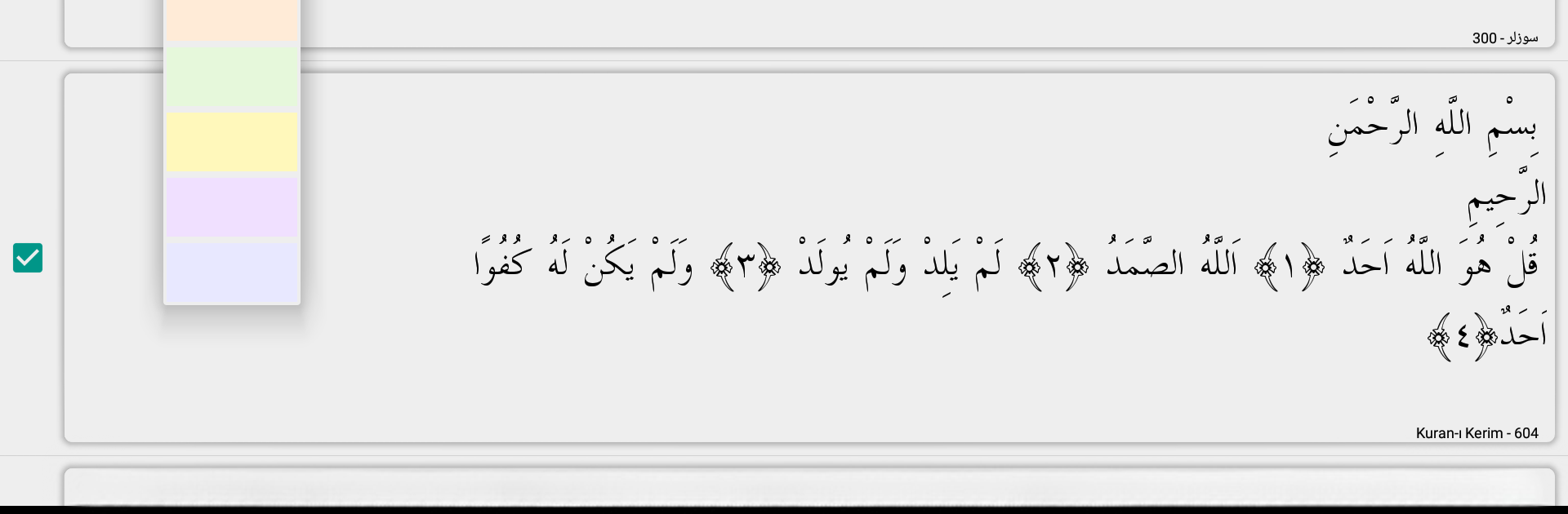
Highlight, bookmark, add notes, group your readings, and even create colorful widgets for your favorite passages right on your home screen. -
Personalized Reading
Adjust font style, size, background, and colors for day or night reading. Change up line and paragraph spacing to suit your comfort. -
Dual Book View
Open two books side by side, compare passages, or keep reference material handy as you read. -
Encyclopedic Ottoman Dictionary
Includes an extensive dictionary packed with over 56,000 Ottoman Turkish words with Latin transcriptions. -
Handy Navigation
Jump between chapters, scroll by swiping, or use simple tap gestures. You can increase font size with a pinch, and even use auto-scroll. -
Audio Features
Use voice commands to search or jump straight to a specific page—super useful when your hands are full. -
Reading Reminders and Tracking
Set daily reading goals, track your progress, and let the app help keep your routine steady. -
Built-in Editor
Edit lessons, format your notes, and organize everything with complete flexibility. Export anything you’ve prepared, or copy text directly from books into your notes. -
Custom Widgets and Shortcuts
Toss shortcuts and reading widgets on your device’s main screen for quick access to your top books and notes. -
Meditative Study Mode
Use the special contemplation mode to break the text down into shorter phrases or paragraphs, which can make reflecting on the content much easier.
Whether you’re researching, translating, or just reading for pleasure, Risale-i Nur Okuma Programı brings a sophisticated reading tool to your fingertips without the clutter. And if you like using BlueStacks, everything works seamlessly there too.
Big screen. Bigger performance. Use BlueStacks on your PC or Mac to run your favorite apps.





