



Why limit yourself to your small screen on the phone? Run Shred Guitar Mastery, an app by AmparoSoft, best experienced on your PC or Mac with BlueStacks, the world’s #1 Android emulator.
About the App
Shred Guitar Mastery is for players who want to actually play, not just tap along to a game. It’s a focused Education app from AmparoSoft that packs short, punchy licks, clear visuals, and pro-style tools into one place. Expect real practice you can hear and feel—built to push your technique and spark new ideas.
App Features
- Real-guitar training: This isn’t a rhythm game. You’ll be practicing on your own instrument with guided material that translates straight into your playing.
- 30 bite-sized shred licks: Compact, musical phrases designed to be challenging, memorable, and usable in your solos—not just exercises for the sake of it.
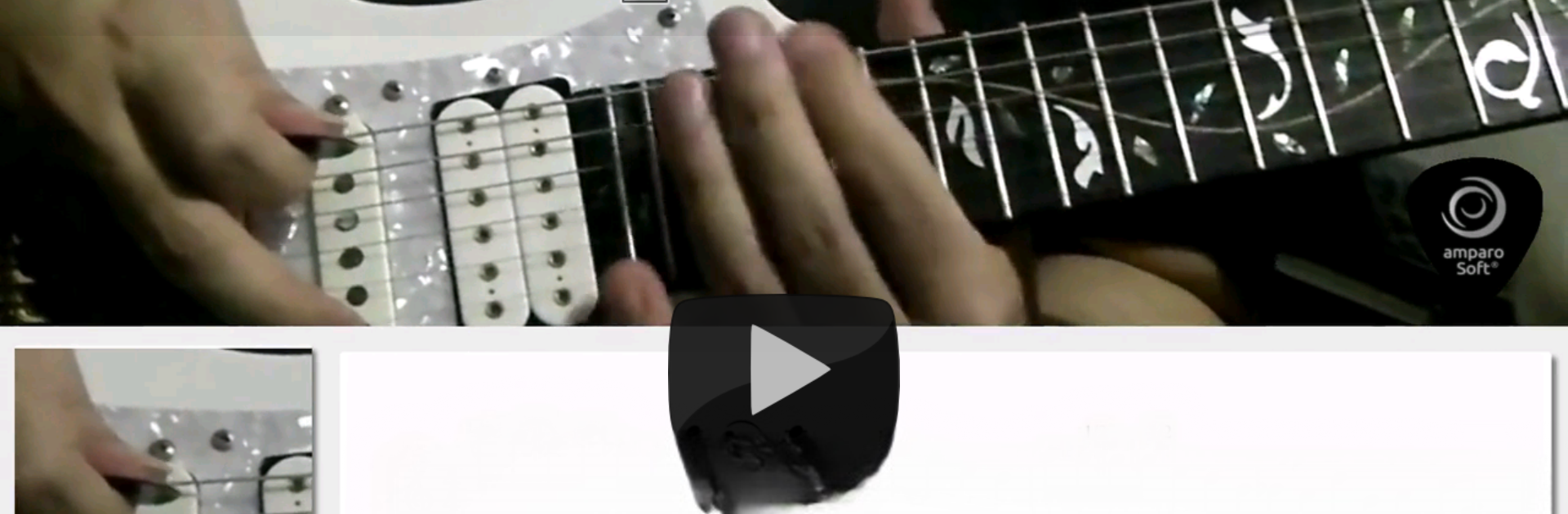
- Multi-speed video lessons: 81 lesson videos cover the first 27 licks at normal, fast, and super-slow speeds, so you can see and hear every detail.
- Animated tabs you can follow: Watch the notes line up with the performance and lock in the fingerings without guessing.
- Tabs and audio for every lick: Get demo tracks and multiple tempos (fast, slow, super slow) to practice at the pace that fits you.
- Backing tracks to jam over: Most licks include accompaniment, making it easy to hear how the phrases sit in a real musical context.
- Metronome up to 500 bpm: A precise, no-nonsense click that supports everything from steady-building practice to full-on shred workouts.
- Lick breakdowns with fretboard maps: See the patterns, positions, and fingerings so you understand the “why,” not just the “how.”
- Practice guidance, basic to advanced: Structured tips help you build speed, accuracy, and consistency—without wrecking your technique.
- Techniques that matter: Alternate and economy picking, sweep picking, tapping, legato, plus focused left-hand work inspired by modern virtuoso styles.
- Great for warm-ups: Use individual licks as fast, effective warm-ups before rehearsals or gigs.
- Play anywhere after download: Lesson media is saved locally once fetched, so you can keep practicing on the go.
- Easy on big screens: Prefer a larger view for tabs and videos? Running it on your PC or Mac with BlueStacks feels right at home.
Big screen. Bigger performance. Use BlueStacks on your PC or Mac to run your favorite apps.





