Shroomify - USA Mushroom ID

Shroomify - USA Mushroom ID

Education

| Foragers Friend

Play on PC with BlueStacks or from our cloud

  • Overview
  • How to Download

Page Modified On: November 28, 2025

Run Shroomify - USA Mushroom ID on PC or Mac

Let BlueStacks turn your PC, Mac, or laptop into the perfect home for Shroomify – USA Mushroom ID, a fun Education app from Foragers Friend.

Shroomify feels like a pocket field guide that actually helps, not just a wall of mushroom photos. It lets a person tick off traits like cap color, gills, stem shape, where it was growing, and it quietly crunches that into a short list of likely matches. The layout is simple and no-nonsense, with clean photos that show what matters. On BlueStacks, the bigger screen makes those comparison moments smoother, side by side photos are easier to study and the filters do not feel cramped. It is not a game, more of a slow, satisfying “what is this thing” companion that rewards a bit of curiosity.

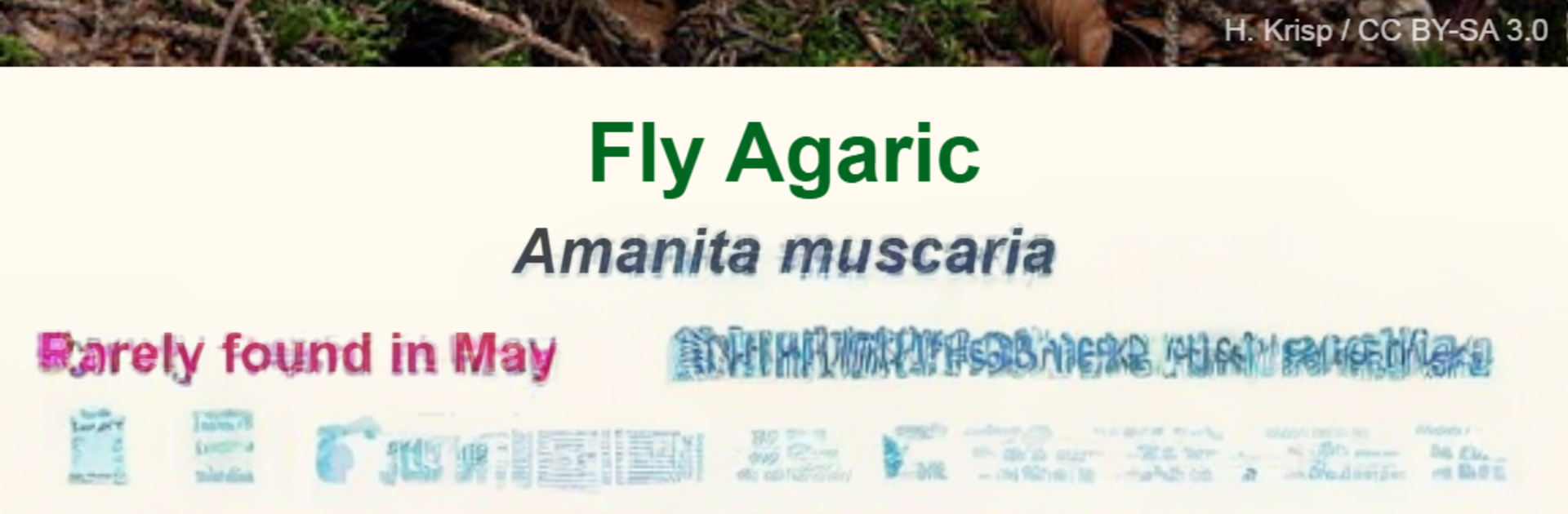
There is a monthly top twenty list that highlights what is common right now, which is great when someone is trying to learn the usual suspects instead of chasing rare finds. It loads a region specific set as soon as it knows the location, so the species shown are actually from that country instead of random global stuff. There are hundreds of mushrooms in there with over a thousand images, and each entry has handy notes on edibility, plus a curated list of good edible species for the user’s country. The charts show when a mushroom is most common in the year and how frequently it shows up, with a little country ranking that gives a sense of how likely it is. The whole thing encourages careful ID rather than guesswork, and having it on PC through BlueStacks turns it into a comfortable desk reference when the phone screen feels too small.

Eager to take your app experience to the next level? Start right away by downloading BlueStacks on your PC or Mac.


How to Download and Run Shroomify - USA Mushroom ID on PC or Mac

  • Download and install BlueStacks on your PC or Mac

  • Complete Google sign-in to access the Play Store, or do it later

  • Look for Shroomify - USA Mushroom ID in the search bar at the top right corner

  • Click to install Shroomify - USA Mushroom ID from the search results

  • Complete Google sign-in (if you skipped step 2) to install Shroomify - USA Mushroom ID

  • Click the Shroomify - USA Mushroom ID icon on the home screen to start playing

video
Watch Video

Minimum System Requirements

With BlueStacks 5, you can get started on a PC that fulfills the following requirements.

  • Operating System

    Microsoft Windows 7 or above, macOS 11 (Big Sur) or above

  • Processor

    Intel, AMD or Apple Silicon Processor

  • RAM

    at least 4GB

  • HDD

    10GB Free Disk Space

Note:

* You must be an Administrator on your PC. Up to date graphics drivers from Microsoft or the chipset vendor.

Shroomify - USA Mushroom ID - FAQs

  • How to Run Shroomify - USA Mushroom ID on Windows PC & Mac?

    Run Shroomify - USA Mushroom ID on your PC or Mac by following these simple steps.

    • Click on ‘Download Shroomify - USA Mushroom ID on PC’ to download BlueStacks
    • Install it and log-in to Google Play Store
    • Launch and run the app.
  • Why is BlueStacks the fastest and safest platform to play games on PC?

    BlueStacks respects your privacy and is always safe and secure to use. It does not carry any malware, spyware, or any sort of additional software that could harm your PC.

    It is engineered to optimize speed and performance for a seamless gaming experience.

  • What are Shroomify - USA Mushroom ID PC requirements?

    Minimum requirement to run Shroomify - USA Mushroom ID on your PC

    • OS: Microsoft Windows 7 and above:
    • Processor: Intel or AMD Processor:
    • RAM: Your PC must have at least 2GB of RAM. (Note that having 2GB or more disk space is not a substitute for RAM):
    • HDD: 5GB Free Disk Space.
    • You must be an Administrator on your PC.