
Simply Learn Slovak
Simply Learn Slovak

Simply Learn Slovak

Education

| Ling Learn Languages

Play on PC with BlueStacks or from our cloud

  • Overview
  • How to Download

Page Modified On: September 19, 2025

Run Simply Learn Slovak on PC or Mac

Upgrade your experience. Try Simply Learn Slovak, the fantastic Education app from Ling Learn Languages, from the comfort of your laptop, PC, or Mac, only on BlueStacks.

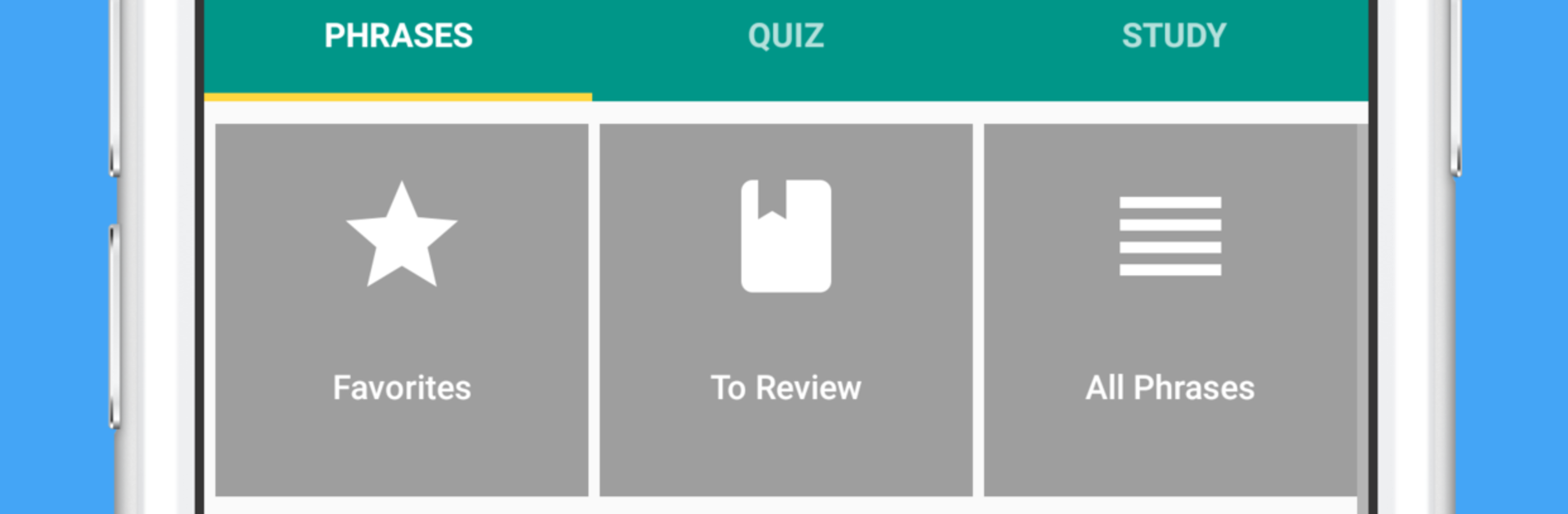
Simply Learn Slovak feels like a friendly phrasebook that actually talks back. It focuses on useful phrases with clear audio from a native speaker, and it shows both the Slovak text and an easy phonetic line, so the tongue twisters hurt less. Someone can favorite phrases, slow the voice down when a word is tricky, and even let the app speak for them to a taxi driver if pronunciation goes out the window. The quick search is handy when a word is on the tip of the tongue. Flashcards use spaced repetition, so the stuff that keeps slipping shows up more often, and there is a simple quiz to check if anything is sticking. Progress tracking is basic but nice for a small win after a few sessions. On a PC with BlueStacks, tapping through cards feels smoother, and it is easier to jump between categories without squinting.

The free set covers things a traveler actually needs, like numbers, time and date, greetings, directions, eating out, shopping, emergencies, and finding a bed for the night. The paid upgrade opens the rest, adding more everyday life topics like health, border crossing, phone and internet, banking, hobbies, feelings, plus food groups and a couple of romance sections for the brave. It is not a full grammar course, more of a get-talking toolkit. Little touches help, like copying a phrase to the clipboard with a long press, or flipping quiz direction from Slovak to English or the other way around.

Eager to take your app experience to the next level? Start right away by downloading BlueStacks on your PC or Mac.


How to Download and Run Simply Learn Slovak on PC or Mac

  • Download and install BlueStacks on your PC or Mac

  • Complete Google sign-in to access the Play Store, or do it later

  • Look for Simply Learn Slovak in the search bar at the top right corner

  • Click to install Simply Learn Slovak from the search results

  • Complete Google sign-in (if you skipped step 2) to install Simply Learn Slovak

  • Click the Simply Learn Slovak icon on the home screen to start playing

video
Watch Video

Minimum System Requirements

With BlueStacks 5, you can get started on a PC that fulfills the following requirements.

  • Operating System

    Microsoft Windows 7 or above, macOS 11 (Big Sur) or above

  • Processor

    Intel, AMD or Apple Silicon Processor

  • RAM

    at least 4GB

  • HDD

    10GB Free Disk Space

Note:

* You must be an Administrator on your PC. Up to date graphics drivers from Microsoft or the chipset vendor.

Simply Learn Slovak - FAQs

  • How to Run Simply Learn Slovak on Windows PC & Mac?

    Run Simply Learn Slovak on your PC or Mac by following these simple steps.

    • Click on ‘Download Simply Learn Slovak on PC’ to download BlueStacks
    • Install it and log-in to Google Play Store
    • Launch and run the app.
  • Why is BlueStacks the fastest and safest platform to play games on PC?

    BlueStacks respects your privacy and is always safe and secure to use. It does not carry any malware, spyware, or any sort of additional software that could harm your PC.

    It is engineered to optimize speed and performance for a seamless gaming experience.

  • What are Simply Learn Slovak PC requirements?

    Minimum requirement to run Simply Learn Slovak on your PC

    • OS: Microsoft Windows 7 and above:
    • Processor: Intel or AMD Processor:
    • RAM: Your PC must have at least 2GB of RAM. (Note that having 2GB or more disk space is not a substitute for RAM):
    • HDD: 5GB Free Disk Space.
    • You must be an Administrator on your PC.



