
Spanish Verbs Learning Game

Spanish Verbs Learning Game

Education

| CosmoLapti

Play on PC with BlueStacks or from our cloud

  • Overview
  • How to Download

Page Modified On: July 17, 2025

Run Spanish Verbs Learning Game on PC or Mac

What’s better than using Spanish Verbs Learning Game by CosmoLapti? Well, try it on a big screen, on your PC or Mac, with BlueStacks to see the difference.

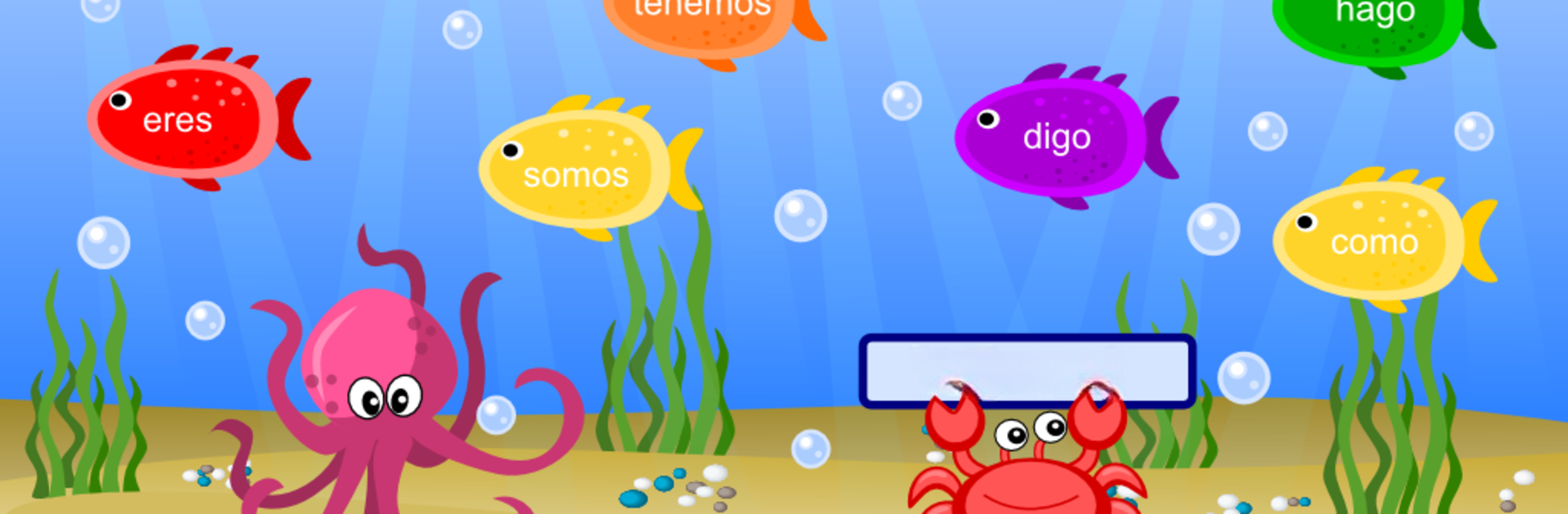
Spanish Verbs Learning Game sorts out all that boring textbook memorization and turns it into something a lot more casual and friendly. It’s basically a little fishing game, except instead of just clicking away, you’re snagging fish that have the right verb conjugation on them. You get shown a verb and a pronoun, and then you’ve got to pick the correct fish that matches. Honestly, it makes those tricky Spanish verb endings feel way less intimidating. All the common verbs are in there, and you go through one verb at a time, practicing each tense—present, past, and future.

The game keeps things focused, so you’re not getting overwhelmed. The early rounds let you warm up with easy stuff before you move to more involved verbs and conjugations. There’s enough repetition that you actually start remembering the patterns, but because it’s a game, it doesn’t feel like some big chore. On PC with BlueStacks, it’s smooth and actually more comfortable, especially if you’re tired of tiny phone screens. Anyone looking to brush up on Spanish verbs without falling asleep will probably get a lot out of it. It feels like a quick break but helps you pick up something useful every time.

BlueStacks brings your apps to life on a bigger screen—seamless and straightforward.

How to Download and Run Spanish Verbs Learning Game on PC or Mac

  • Download and install BlueStacks on your PC or Mac

  • Complete Google sign-in to access the Play Store, or do it later

  • Look for Spanish Verbs Learning Game in the search bar at the top right corner

  • Click to install Spanish Verbs Learning Game from the search results

  • Complete Google sign-in (if you skipped step 2) to install Spanish Verbs Learning Game

  • Click the Spanish Verbs Learning Game icon on the home screen to start playing

video
Watch Video

Minimum System Requirements

With BlueStacks 5, you can get started on a PC that fulfills the following requirements.

  • Operating System

    Microsoft Windows 7 or above, macOS 11 (Big Sur) or above

  • Processor

    Intel, AMD or Apple Silicon Processor

  • RAM

    at least 4GB

  • HDD

    10GB Free Disk Space

Note:

* You must be an Administrator on your PC. Up to date graphics drivers from Microsoft or the chipset vendor.

Spanish Verbs Learning Game - FAQs

  • How to Run Spanish Verbs Learning Game on Windows PC & Mac?

    Run Spanish Verbs Learning Game on your PC or Mac by following these simple steps.

    • Click on ‘Download Spanish Verbs Learning Game on PC’ to download BlueStacks
    • Install it and log-in to Google Play Store
    • Launch and run the app.
  • Why is BlueStacks the fastest and safest platform to play games on PC?

    BlueStacks respects your privacy and is always safe and secure to use. It does not carry any malware, spyware, or any sort of additional software that could harm your PC.

    It is engineered to optimize speed and performance for a seamless gaming experience.

  • What are Spanish Verbs Learning Game PC requirements?

    Minimum requirement to run Spanish Verbs Learning Game on your PC

    • OS: Microsoft Windows 7 and above:
    • Processor: Intel or AMD Processor:
    • RAM: Your PC must have at least 2GB of RAM. (Note that having 2GB or more disk space is not a substitute for RAM):
    • HDD: 5GB Free Disk Space.
    • You must be an Administrator on your PC.




