Speak Portuguese - 5000 Phrases & Sentences

Speak Portuguese - 5000 Phrases & Sentences

Education

| FunEasyLearn

Play on PC with BlueStacks or from our cloud

  • Overview
  • How to Download

Page Modified On: August 11, 2025

Run Speak Portuguese - 5000 Phrases & Sentences on PC or Mac

Get freedom from your phone’s obvious limitations. Use Speak Portuguese – 5000 Phrases & Sentences, made by FunEasyLearn, a Education app on your PC or Mac with BlueStacks, and level up your experience.

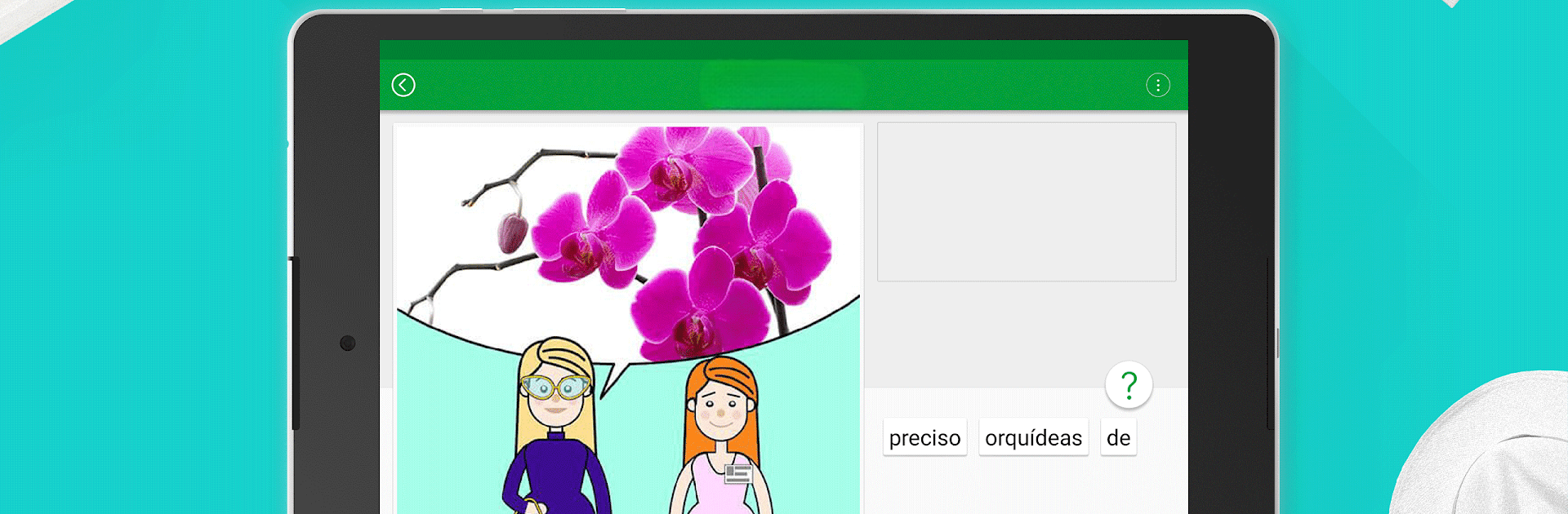
Speak Portuguese – 5000 Phrases & Sentences is actually pretty straightforward, but also surprisingly broad. There’s this huge collection of Portuguese phrases, and they don’t just throw a list at users – it’s organized by real everyday topics like greetings, travel, food, work, shopping, and so on. So if someone needs just the restaurant stuff or wants to brush up before a trip, it’s all right there. It’s designed for all levels, too, from absolute beginners up to people who already get the basics and want to get more comfortable.

The app mixes things up with different mini-games for practicing how things sound, how to spell them, or say them out loud. Users can hear each phrase spoken by an actual person, then check the written pronunciation, and play with those learning games, which keeps it from feeling repetitive. One click, and it plays offline, so there’s no need to track down wi-fi or deal with signal issues. If someone finds a phrase they know they’ll need later—ordering coffee, asking for directions—it’s easy to bookmark stuff for quick practice.

It even supports a bunch of languages to learn from, so it works well for people who aren’t starting from English. The randomizer feature is a nice way to just pick something out of the blue and try it for a change, too. Running the app on BlueStacks makes everything bigger and easier to sort through, especially for people who like learning on a bigger screen. The points system is there, but it doesn’t try to force anyone to keep unlocking things; everything’s open, and nothing’s hidden behind paywalls. For someone trying to pick up practical Portuguese, especially if they want audio with clear pronunciation examples, this app covers all the main areas in a way that actually feels manageable.

Big screen. Bigger performance. Use BlueStacks on your PC or Mac to run your favorite apps.

How to Download and Run Speak Portuguese - 5000 Phrases & Sentences on PC or Mac

  • Download and install BlueStacks on your PC or Mac

  • Complete Google sign-in to access the Play Store, or do it later

  • Look for Speak Portuguese - 5000 Phrases & Sentences in the search bar at the top right corner

  • Click to install Speak Portuguese - 5000 Phrases & Sentences from the search results

  • Complete Google sign-in (if you skipped step 2) to install Speak Portuguese - 5000 Phrases & Sentences

  • Click the Speak Portuguese - 5000 Phrases & Sentences icon on the home screen to start playing

video
Watch Video

Minimum System Requirements

With BlueStacks 5, you can get started on a PC that fulfills the following requirements.

  • Operating System

    Microsoft Windows 7 or above, macOS 11 (Big Sur) or above

  • Processor

    Intel, AMD or Apple Silicon Processor

  • RAM

    at least 4GB

  • HDD

    10GB Free Disk Space

Note:

* You must be an Administrator on your PC. Up to date graphics drivers from Microsoft or the chipset vendor.

Speak Portuguese - 5000 Phrases & Sentences - FAQs

  • How to Run Speak Portuguese - 5000 Phrases & Sentences on Windows PC & Mac?

    Run Speak Portuguese - 5000 Phrases & Sentences on your PC or Mac by following these simple steps.

    • Click on ‘Download Speak Portuguese - 5000 Phrases & Sentences on PC’ to download BlueStacks
    • Install it and log-in to Google Play Store
    • Launch and run the app.
  • Why is BlueStacks the fastest and safest platform to play games on PC?

    BlueStacks respects your privacy and is always safe and secure to use. It does not carry any malware, spyware, or any sort of additional software that could harm your PC.

    It is engineered to optimize speed and performance for a seamless gaming experience.

  • What are Speak Portuguese - 5000 Phrases & Sentences PC requirements?

    Minimum requirement to run Speak Portuguese - 5000 Phrases & Sentences on your PC

    • OS: Microsoft Windows 7 and above:
    • Processor: Intel or AMD Processor:
    • RAM: Your PC must have at least 2GB of RAM. (Note that having 2GB or more disk space is not a substitute for RAM):
    • HDD: 5GB Free Disk Space.
    • You must be an Administrator on your PC.