
Special Person
Special Person

Special Person

Education

| IT department of Dawateislami

Play on PC with BlueStacks or from our cloud

  • Overview
  • How to Download

Page Modified On: January 09, 2026

Run Special Person on PC or Mac

What’s better than using Special Person by IT department of Dawateislami? Well, try it on a big screen, on your PC or Mac, with BlueStacks to see the difference.

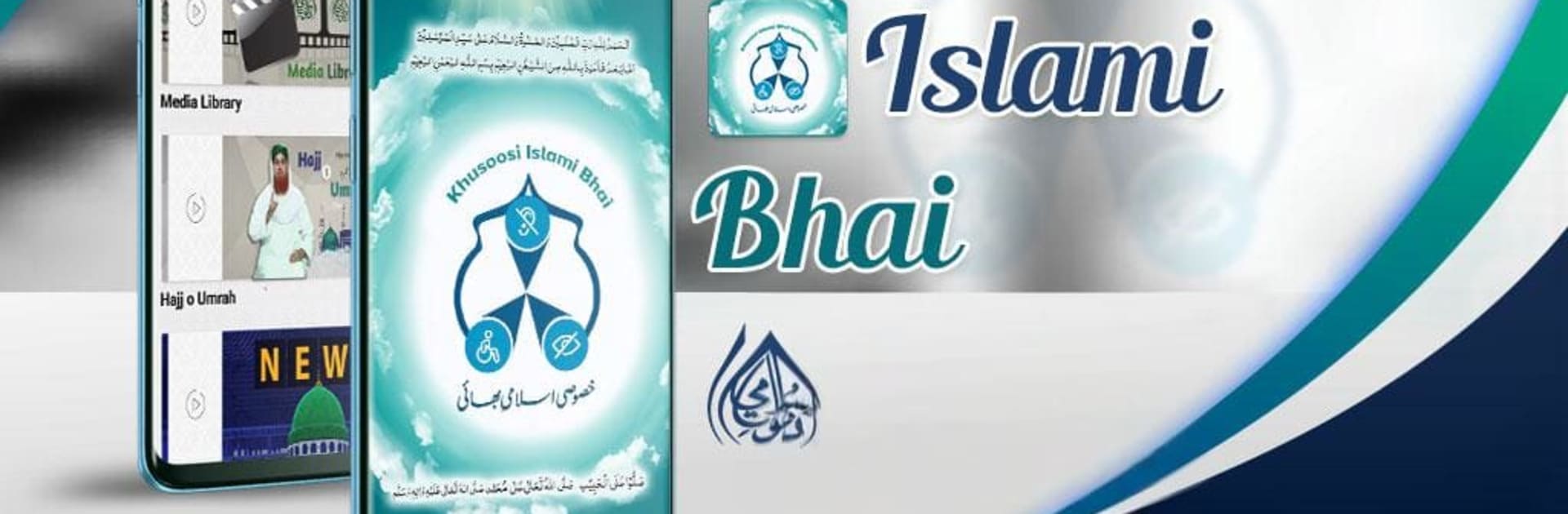
Special Person feels like a calm, focused space for deaf or nonverbal Muslims, and for anyone curious about sign language with an Islamic angle. It comes from Dawat-e-Islami, so the content leans faith-centered in a helpful way. The main draw is an animated sign language course that starts simple and stays clear. Alphabets, everyday words, numbers, days of the week, then it moves into building sentences so learners are not stuck at just finger spelling. There is a full Hajj guide in sign language that walks through the steps without rushing, which makes teaching family or planning a trip a lot less stressful.

There is also a library of audiobooks and PDFs for Islamic reading, so people who prefer text can follow along while others listen. The video section mixes educational clips with light cartoons in sign language, so learning does not feel dry. News posts keep the community informed about Dawat-e-Islami updates relevant to special persons, and sharing content with relatives is straightforward. The app is simple more than flashy, with sections that make sense and do not get in the way. On BlueStacks, the larger screen makes hand shapes and facial cues easier to catch, and pausing or replaying a gesture is quick, which helps with practice.

Overall, it focuses on accessibility first, faith material second, and it does both with steady pacing. Someone who wants a gentle start into sign language, or needs Islamic resources in sign, will probably feel at home here.

Ready to experience Special Person on a bigger screen, in all its glory? Download BlueStacks now.


How to Download and Run Special Person on PC or Mac

  • Download and install BlueStacks on your PC or Mac

  • Complete Google sign-in to access the Play Store, or do it later

  • Look for Special Person in the search bar at the top right corner

  • Click to install Special Person from the search results

  • Complete Google sign-in (if you skipped step 2) to install Special Person

  • Click the Special Person icon on the home screen to start playing

video
Watch Video

Minimum System Requirements

With BlueStacks 5, you can get started on a PC that fulfills the following requirements.

  • Operating System

    Microsoft Windows 7 or above, macOS 11 (Big Sur) or above

  • Processor

    Intel, AMD or Apple Silicon Processor

  • RAM

    at least 4GB

  • HDD

    10GB Free Disk Space

Note:

* You must be an Administrator on your PC. Up to date graphics drivers from Microsoft or the chipset vendor.

Special Person - FAQs

  • How to Run Special Person on Windows PC & Mac?

    Run Special Person on your PC or Mac by following these simple steps.

    • Click on ‘Download Special Person on PC’ to download BlueStacks
    • Install it and log-in to Google Play Store
    • Launch and run the app.
  • Why is BlueStacks the fastest and safest platform to play games on PC?

    BlueStacks respects your privacy and is always safe and secure to use. It does not carry any malware, spyware, or any sort of additional software that could harm your PC.

    It is engineered to optimize speed and performance for a seamless gaming experience.

  • What are Special Person PC requirements?

    Minimum requirement to run Special Person on your PC

    • OS: Microsoft Windows 7 and above:
    • Processor: Intel or AMD Processor:
    • RAM: Your PC must have at least 2GB of RAM. (Note that having 2GB or more disk space is not a substitute for RAM):
    • HDD: 5GB Free Disk Space.
    • You must be an Administrator on your PC.



