
Studyflix - Die Lernapp für Schüler und Studenten

Studyflix - Die Lernapp für Schüler und Studenten

Education

| Studyflix GmbH

Play on PC with BlueStacks or from our cloud

  • Overview
  • How to Download

Page Modified On: August 22, 2025

Run Studyflix - Die Lernapp für Schüler und Studenten on PC or Mac

Multitask effortlessly on your PC or Mac as you try out Studyflix – Die Lernapp für Schüler und Studenten, a Education app by Studyflix GmbH on BlueStacks.

About the App

Need to wrap your head around tricky topics before your next big test? Studyflix – Die Lernapp für Schüler und Studenten makes it a whole lot easier. Whether you’re in high school, at university, or tackling vocational training, this Education app from Studyflix GmbH gives you access to thousands of clear, bite-sized videos and handy flashcards. Settle in, pick your subject, and start learning in a way that finally makes sense—without the stress.

App Features

  • 2,000+ Short Videos
    From high school math and bio to college-level engineering, business, and more. Each video breaks down one concept at a time, usually in under five minutes. No fluff—just straight-to-the-point explanations.

  • Wide Subject Coverage
    Brush up on everything from classic algebra and chemistry to economics, IT, statistics, and much more. There’s help for students at every level, including those in professional apprenticeships.

  • Curated Flashcards
    Over 10,000 organized flashcards let you review key points quickly. Each card explains the essentials in plain language, and you’ll find handy practice exercises as well.

  • Tailored Learning Plans
    Get personalized recommendations based on what you’re studying. The app highlights the most relevant topics for your next test, so you’re not wasting time on things you don’t need right now.

  • Favorites and Progress Tracker
    Save videos and cards you want to revisit, and keep an eye on your learning progress with a straightforward overview. It’s easy to see what you’ve covered and what’s still left.

  • Animated Explanations
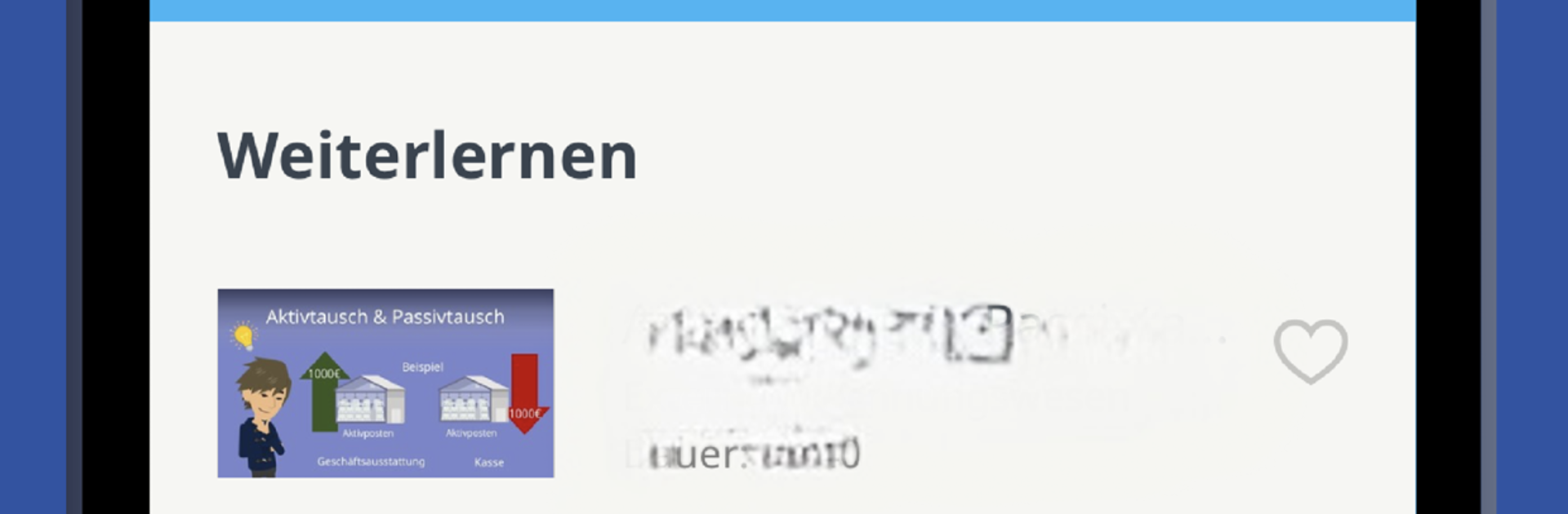
    Each lesson is professionally animated to hold your attention and help you remember tough material. Even dense topics feel lighter with clear visuals and practical examples.

  • Free Account Creation
    Signing up unlocks your own learning hub. Favorite your go-to topics, get tailored content suggestions, and watch your progress build over time.

  • Active Feedback Loop
    Got a suggestion or bumped into a problem? The Studyflix GmbH team is open to hearing from you—they want the app to genuinely help.

  • Works Great on BlueStacks
    If you want to study from your desktop, running Studyflix – Die Lernapp für Schüler und Studenten with BlueStacks gives you a bigger view and a little more comfort while you cram.

Switch to BlueStacks and make the most of your apps on your PC or Mac.

How to Download and Run Studyflix - Die Lernapp für Schüler und Studenten on PC or Mac

  • Download and install BlueStacks on your PC or Mac

  • Complete Google sign-in to access the Play Store, or do it later

  • Look for Studyflix - Die Lernapp für Schüler und Studenten in the search bar at the top right corner

  • Click to install Studyflix - Die Lernapp für Schüler und Studenten from the search results

  • Complete Google sign-in (if you skipped step 2) to install Studyflix - Die Lernapp für Schüler und Studenten

  • Click the Studyflix - Die Lernapp für Schüler und Studenten icon on the home screen to start playing

video
Watch Video

Minimum System Requirements

With BlueStacks 5, you can get started on a PC that fulfills the following requirements.

  • Operating System

    Microsoft Windows 7 or above, macOS 11 (Big Sur) or above

  • Processor

    Intel, AMD or Apple Silicon Processor

  • RAM

    at least 4GB

  • HDD

    10GB Free Disk Space

Note:

* You must be an Administrator on your PC. Up to date graphics drivers from Microsoft or the chipset vendor.

Studyflix - Die Lernapp für Schüler und Studenten - FAQs

  • How to Run Studyflix - Die Lernapp für Schüler und Studenten on Windows PC & Mac?

    Run Studyflix - Die Lernapp für Schüler und Studenten on your PC or Mac by following these simple steps.

    • Click on ‘Download Studyflix - Die Lernapp für Schüler und Studenten on PC’ to download BlueStacks
    • Install it and log-in to Google Play Store
    • Launch and run the app.
  • Why is BlueStacks the fastest and safest platform to play games on PC?

    BlueStacks respects your privacy and is always safe and secure to use. It does not carry any malware, spyware, or any sort of additional software that could harm your PC.

    It is engineered to optimize speed and performance for a seamless gaming experience.

  • What are Studyflix - Die Lernapp für Schüler und Studenten PC requirements?

    Minimum requirement to run Studyflix - Die Lernapp für Schüler und Studenten on your PC

    • OS: Microsoft Windows 7 and above:
    • Processor: Intel or AMD Processor:
    • RAM: Your PC must have at least 2GB of RAM. (Note that having 2GB or more disk space is not a substitute for RAM):
    • HDD: 5GB Free Disk Space.
    • You must be an Administrator on your PC.




