
شعبة تقني رياضي : Bac 2022

شعبة تقني رياضي : Bac 2022

Education

| ilyas-HM

Play on PC with BlueStacks or from our cloud

  • Overview
  • How to Download

Page Modified On: September 05, 2025

Run شعبة تقني رياضي : Bac 2022 on PC or Mac

Let BlueStacks turn your PC, Mac, or laptop into the perfect home for شعبة تقني رياضي : Bac 2022, a fun Education app from ilyas-HM.

About the App

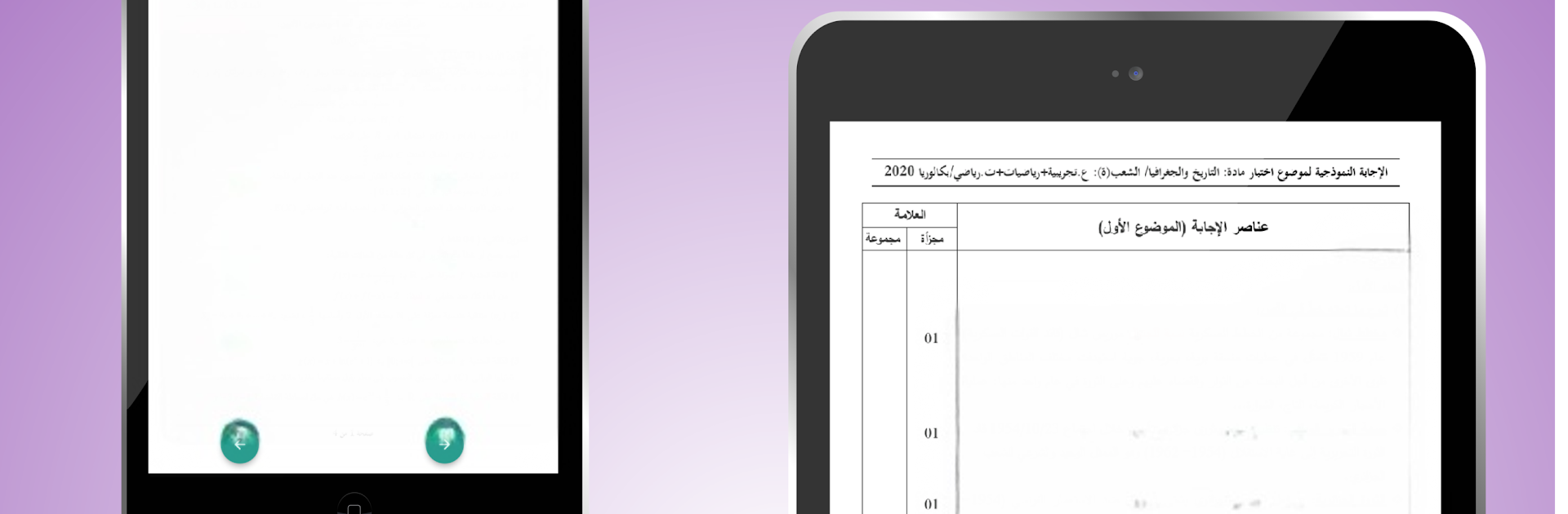
شعبة تقني رياضي : Bac 2022 is built for students in the Technical Math track who want a clean, no-fuss way to prepare for the Bac. It gathers real past exam papers with their solutions so you can practice, check your work, and see how problems are solved. Everything’s organized and available offline, making it easy to study anywhere. Created by ilyas-HM in the Education genre.

App Features

  • Past Bac Papers: Tackle authentic previous exams tailored to the تقني رياضي stream to get a feel for the real test.
  • Full Solutions: Check your reasoning with worked-out answers that help you understand each step, not just the final result.
  • Offline Access: No Wi‑Fi? No problem. Browse papers and solutions anytime without an internet connection.
  • Neat Organization: Jump between subjects and sessions with a simple layout that keeps papers and their solutions right where you expect them.
  • Practice Your Way: Use papers to simulate timed sessions or break problems down one by one—whatever suits your study style.
  • Consistent Format: Familiar layouts help you focus on the math instead of figuring out how the app works.
  • Quick Catch‑Up: Got a few minutes? Open a paper, solve a question, check the solution, and move on—short, effective study bursts.
  • Comfortable on Desktop: Prefer a bigger screen? Run the app on your computer with BlueStacks for roomier reading and problem-solving.

Big screen. Bigger performance. Use BlueStacks on your PC or Mac to run your favorite apps.

How to Download and Run شعبة تقني رياضي : Bac 2022 on PC or Mac

  • Download and install BlueStacks on your PC or Mac

  • Complete Google sign-in to access the Play Store, or do it later

  • Look for شعبة تقني رياضي : Bac 2022 in the search bar at the top right corner

  • Click to install شعبة تقني رياضي : Bac 2022 from the search results

  • Complete Google sign-in (if you skipped step 2) to install شعبة تقني رياضي : Bac 2022

  • Click the شعبة تقني رياضي : Bac 2022 icon on the home screen to start playing

video
Watch Video

Minimum System Requirements

With BlueStacks 5, you can get started on a PC that fulfills the following requirements.

  • Operating System

    Microsoft Windows 7 or above, macOS 11 (Big Sur) or above

  • Processor

    Intel, AMD or Apple Silicon Processor

  • RAM

    at least 4GB

  • HDD

    10GB Free Disk Space

Note:

* You must be an Administrator on your PC. Up to date graphics drivers from Microsoft or the chipset vendor.

شعبة تقني رياضي : Bac 2022 - FAQs

  • How to Run شعبة تقني رياضي : Bac 2022 on Windows PC & Mac?

    Run شعبة تقني رياضي : Bac 2022 on your PC or Mac by following these simple steps.

    • Click on ‘Download شعبة تقني رياضي : Bac 2022 on PC’ to download BlueStacks
    • Install it and log-in to Google Play Store
    • Launch and run the app.
  • Why is BlueStacks the fastest and safest platform to play games on PC?

    BlueStacks respects your privacy and is always safe and secure to use. It does not carry any malware, spyware, or any sort of additional software that could harm your PC.

    It is engineered to optimize speed and performance for a seamless gaming experience.

  • What are شعبة تقني رياضي : Bac 2022 PC requirements?

    Minimum requirement to run شعبة تقني رياضي : Bac 2022 on your PC

    • OS: Microsoft Windows 7 and above:
    • Processor: Intel or AMD Processor:
    • RAM: Your PC must have at least 2GB of RAM. (Note that having 2GB or more disk space is not a substitute for RAM):
    • HDD: 5GB Free Disk Space.
    • You must be an Administrator on your PC.




