
Time Timer Visual Productivity

Time Timer Visual Productivity

Education

| Time Timer LLC

Play on PC with BlueStacks or from our cloud

  • Overview
  • How to Download

Page Modified On: November 10, 2025

Run Time Timer Visual Productivity on PC or Mac

Why limit yourself to your small screen on the phone? Run Time Timer Visual Productivity, an app by Time Timer LLC, best experienced on your PC or Mac with BlueStacks, the world’s #1 Android emulator.

About the App
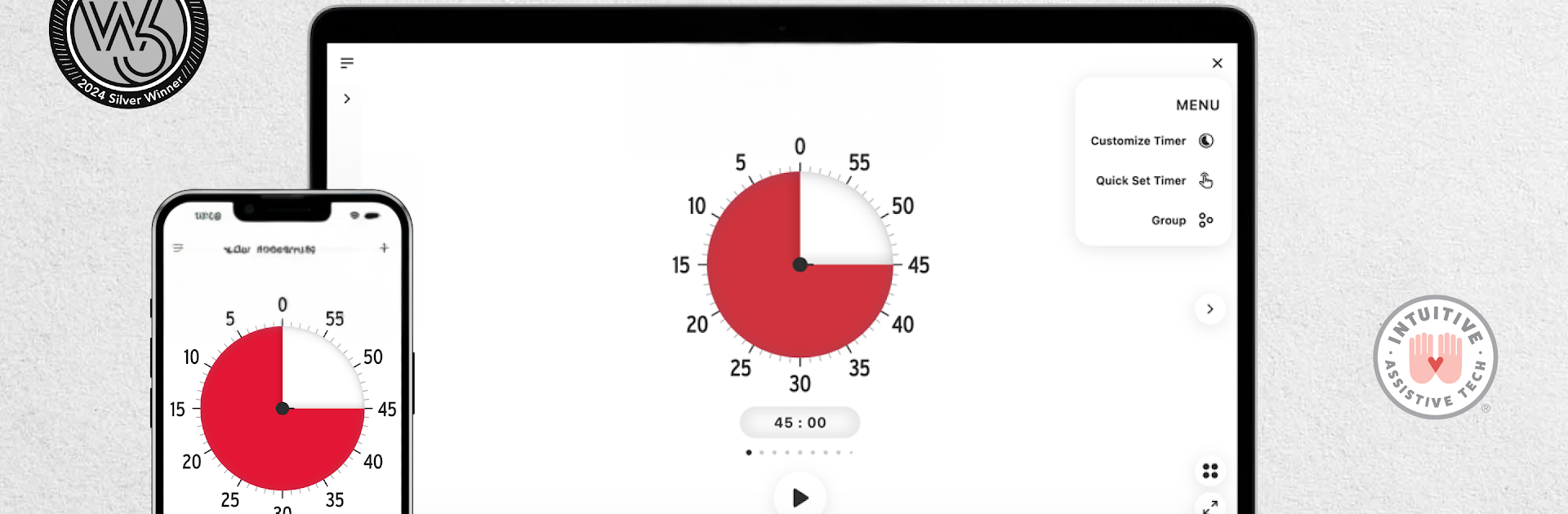
Time Timer Visual Productivity by Time Timer LLC turns the classic “red disk” timer into a modern, flexible tool you can actually feel working. Instead of staring at numbers, you see time shrink on-screen, which makes staying on task a lot less stressful. It’s great for home routines, classroom focus, and on-the-job planning—and it lives comfortably in the Education genre.

App Features
– See time at a glance: A bold visual disk slowly gets smaller as minutes pass, so you always know how much is left without doing mental math.
– Built for different brains: Helpful for folks with ADHD, Autism, or executive function challenges—and just as handy for anyone who likes a clear, calm way to manage time.
– One timer or many: Run several timers at the same time for parallel tasks, shared spaces, or different people.
– Routines, not just timers: Create step-by-step sequences for mornings, therapy sessions, homework blocks, or focused work sprints.
– Free essentials: Make up to three timers, run them simultaneously, pick any duration (not only 60 minutes), and adjust basic sound, vibration, and color options.
– Premium power-ups: Unlock unlimited customization, timer sequencing, Groups for organization, Quick Set +/- buttons, and fine-tuned control over disk size and detail.
– Organize and sync: Keep timers tidy with Groups and sync across mobile and desktop devices so your routines follow you.
– Tweak the look and feel: Choose colors, alert styles, and disk details to match your space or sensory needs.
– For home, class, and work: Smooth transitions between tasks, support study time, reduce resistance during routines, and make meetings or breaks more predictable.
– Big-screen option: Want a larger view while you work? You can also use it with BlueStacks to keep that visual timer front and center on your computer.

Ready to experience Time Timer Visual Productivity on a bigger screen, in all its glory? Download BlueStacks now.


How to Download and Run Time Timer Visual Productivity on PC or Mac

  • Download and install BlueStacks on your PC or Mac

  • Complete Google sign-in to access the Play Store, or do it later

  • Look for Time Timer Visual Productivity in the search bar at the top right corner

  • Click to install Time Timer Visual Productivity from the search results

  • Complete Google sign-in (if you skipped step 2) to install Time Timer Visual Productivity

  • Click the Time Timer Visual Productivity icon on the home screen to start playing

video
Watch Video

Minimum System Requirements

With BlueStacks 5, you can get started on a PC that fulfills the following requirements.

  • Operating System

    Microsoft Windows 7 or above, macOS 11 (Big Sur) or above

  • Processor

    Intel, AMD or Apple Silicon Processor

  • RAM

    at least 4GB

  • HDD

    10GB Free Disk Space

Note:

* You must be an Administrator on your PC. Up to date graphics drivers from Microsoft or the chipset vendor.

Time Timer Visual Productivity - FAQs

  • How to Run Time Timer Visual Productivity on Windows PC & Mac?

    Run Time Timer Visual Productivity on your PC or Mac by following these simple steps.

    • Click on ‘Download Time Timer Visual Productivity on PC’ to download BlueStacks
    • Install it and log-in to Google Play Store
    • Launch and run the app.
  • Why is BlueStacks the fastest and safest platform to play games on PC?

    BlueStacks respects your privacy and is always safe and secure to use. It does not carry any malware, spyware, or any sort of additional software that could harm your PC.

    It is engineered to optimize speed and performance for a seamless gaming experience.

  • What are Time Timer Visual Productivity PC requirements?

    Minimum requirement to run Time Timer Visual Productivity on your PC

    • OS: Microsoft Windows 7 and above:
    • Processor: Intel or AMD Processor:
    • RAM: Your PC must have at least 2GB of RAM. (Note that having 2GB or more disk space is not a substitute for RAM):
    • HDD: 5GB Free Disk Space.
    • You must be an Administrator on your PC.



