
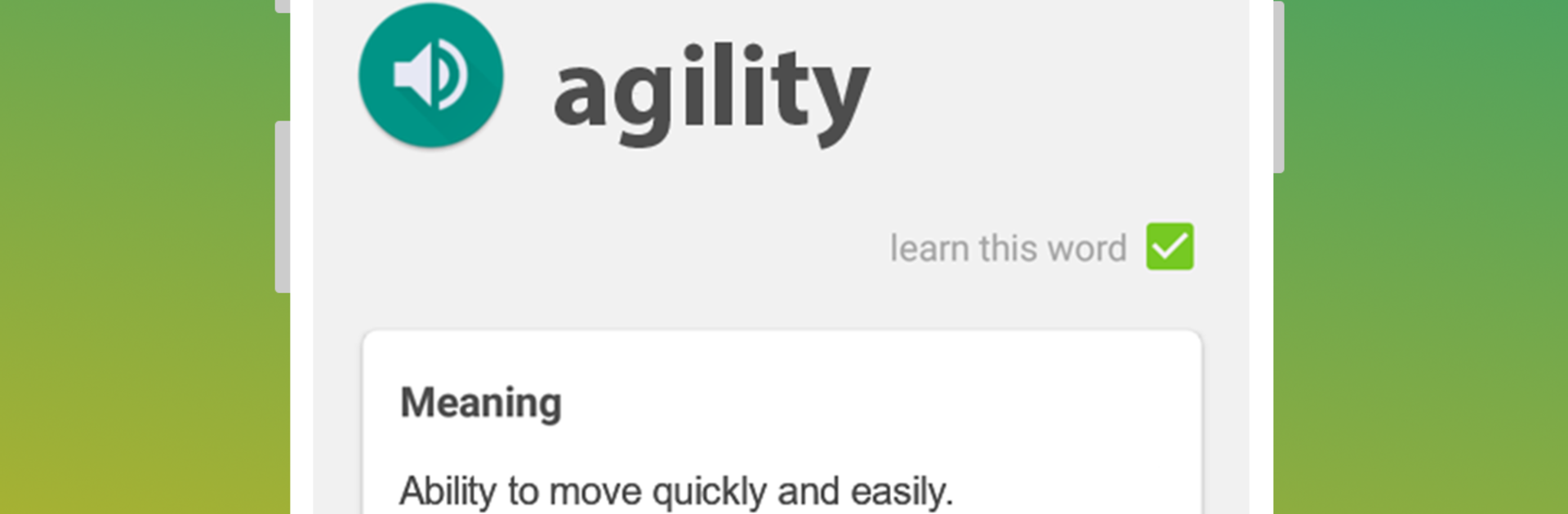
TOEFL preparation app. Learn English vocabulary

TOEFL preparation app. Learn English vocabulary

Education

| Smart learning solutions

Play on PC with BlueStacks or from our cloud

  • Overview
  • How to Download

Page Modified On: September 05, 2025

Run TOEFL preparation app. Learn English vocabulary on PC or Mac

Why limit yourself to your small screen on the phone? Run TOEFL preparation app. Learn English vocabulary, an app by Smart learning solutions, best experienced on your PC or Mac with BlueStacks, the world’s #1 Android emulator.

About the App

TOEFL preparation app. Learn English vocabulary is an Education app from Smart learning solutions built to help you master the kind of American English vocabulary the TOEFL actually tests. It keeps things simple: focused word lists, natural pronunciations, and a study flow that makes tough words stick. Prefer a bigger screen for long sessions? It also works nicely on BlueStacks.

App Features

  • Targeted TOEFL vocabulary — Study words that commonly appear on the exam, especially the academic terms you don’t always hear in everyday conversation.
  • Native audio you can trust — Every entry includes clear pronunciation from native American English speakers, so your ear gets used to natural rhythm and sounds for the TOEFL Listening section.
  • Clear definitions and phonetics — Get dictionary-style meanings, phonetic transcription, parts of speech, and other handy details that make tough words easier to remember.
  • Real usage in context — Explore over 40,000 example sentences, with up to 10 usage examples per word, to strengthen Reading and Speaking.
  • Smart practice technique — A streamlined learning method helps you pick up and retain new words fast; many learners add thousands in a month when they stay consistent.
  • Built for all TOEFL sections — The vocabulary work you do here supports Listening, Reading, Writing, and Speaking, including spelling accuracy for essays.
  • Flashcards and quizzes — Test yourself with exercises across different difficulty levels and share your results with friends when you’re proud of your progress.

BlueStacks gives you the much-needed freedom to experience your favorite apps on a bigger screen. Get it now.


How to Download and Run TOEFL preparation app. Learn English vocabulary on PC or Mac

  • Download and install BlueStacks on your PC or Mac

  • Complete Google sign-in to access the Play Store, or do it later

  • Look for TOEFL preparation app. Learn English vocabulary in the search bar at the top right corner

  • Click to install TOEFL preparation app. Learn English vocabulary from the search results

  • Complete Google sign-in (if you skipped step 2) to install TOEFL preparation app. Learn English vocabulary

  • Click the TOEFL preparation app. Learn English vocabulary icon on the home screen to start playing

video
Watch Video

Minimum System Requirements

With BlueStacks 5, you can get started on a PC that fulfills the following requirements.

  • Operating System

    Microsoft Windows 7 or above, macOS 11 (Big Sur) or above

  • Processor

    Intel, AMD or Apple Silicon Processor

  • RAM

    at least 4GB

  • HDD

    10GB Free Disk Space

Note:

* You must be an Administrator on your PC. Up to date graphics drivers from Microsoft or the chipset vendor.

TOEFL preparation app. Learn English vocabulary - FAQs

  • How to Run TOEFL preparation app. Learn English vocabulary on Windows PC & Mac?

    Run TOEFL preparation app. Learn English vocabulary on your PC or Mac by following these simple steps.

    • Click on ‘Download TOEFL preparation app. Learn English vocabulary on PC’ to download BlueStacks
    • Install it and log-in to Google Play Store
    • Launch and run the app.
  • Why is BlueStacks the fastest and safest platform to play games on PC?

    BlueStacks respects your privacy and is always safe and secure to use. It does not carry any malware, spyware, or any sort of additional software that could harm your PC.

    It is engineered to optimize speed and performance for a seamless gaming experience.

  • What are TOEFL preparation app. Learn English vocabulary PC requirements?

    Minimum requirement to run TOEFL preparation app. Learn English vocabulary on your PC

    • OS: Microsoft Windows 7 and above:
    • Processor: Intel or AMD Processor:
    • RAM: Your PC must have at least 2GB of RAM. (Note that having 2GB or more disk space is not a substitute for RAM):
    • HDD: 5GB Free Disk Space.
    • You must be an Administrator on your PC.



