
TOEFL® Test Pro 2019

TOEFL® Test Pro 2019

Education

| Estudyme Studio

Play on PC with BlueStacks or from our cloud

  • Overview
  • How to Download

Page Modified On: September 12, 2025

Run TOEFL® Test Pro 2019 on PC or Mac

Why limit yourself to your small screen on the phone? Run TOEFL® Test Pro 2019, an app by Estudyme Studio, best experienced on your PC or Mac with BlueStacks, the world’s #1 Android emulator.

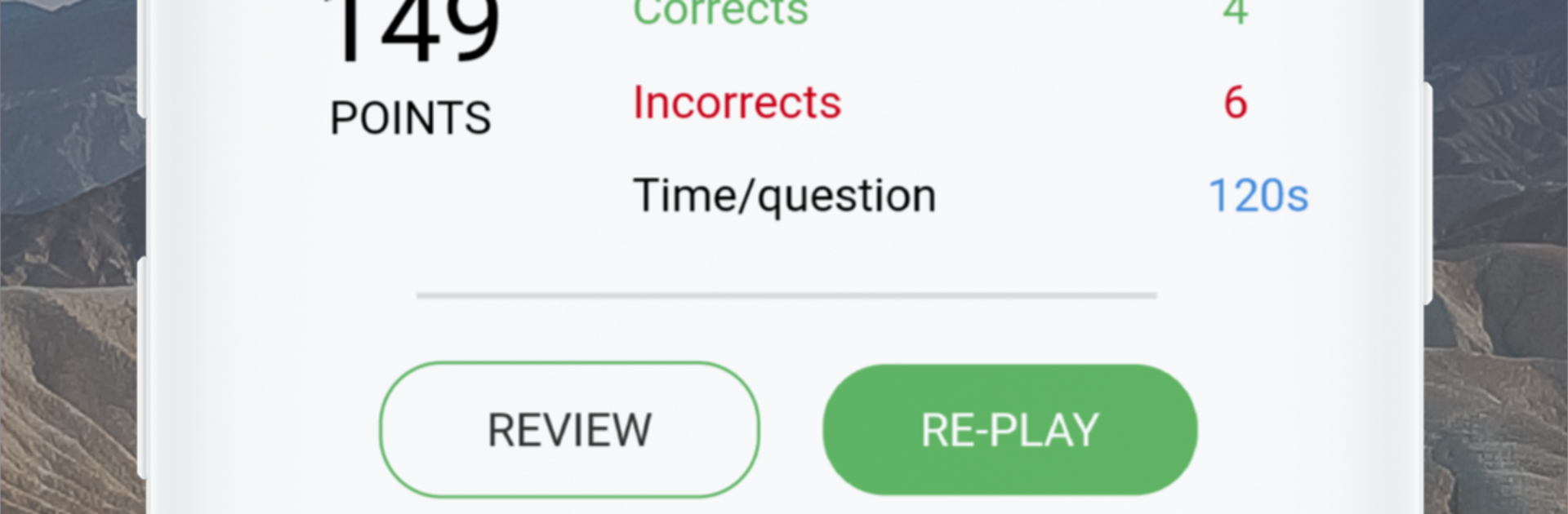
TOEFL Test Pro 2019 feels like a focused study buddy that never gets tired. It throws a lot of practice at you, thousands of questions across listening, reading, writing, and speaking, and it keeps score in a way that actually helps. After each set, it shows detailed stats, where the strong spots are and where things keep slipping, so it is easier to pick what to review next instead of guessing. The flashcards are straightforward, not flashy, just useful for drilling key concepts, and the daily review calendar nudges steady study without being a pain. There is text to speech for listening practice, and offline mode is there for times without internet, which is handy on a commute or a quiet library corner.

On a PC with BlueStacks, it feels even more practical. Reading long passages is less tiring on a bigger screen, typing essays with a real keyboard saves time, and looking at the analytics is cleaner when everything fits without pinching and zooming. The questions come from tutors and cover the usual TOEFL style, so the rhythm feels familiar, and the app tracks every attempt so progress does not get lost. It is clearly made for getting a higher score, not just casual trivia. Small note for anyone wondering, TOEFL is a registered trademark of ETS, and this app is not endorsed by them, it is just a drill tool that does the job.

Switch to BlueStacks and make the most of your apps on your PC or Mac.

How to Download and Run TOEFL® Test Pro 2019 on PC or Mac

  • Download and install BlueStacks on your PC or Mac

  • Complete Google sign-in to access the Play Store, or do it later

  • Look for TOEFL® Test Pro 2019 in the search bar at the top right corner

  • Click to install TOEFL® Test Pro 2019 from the search results

  • Complete Google sign-in (if you skipped step 2) to install TOEFL® Test Pro 2019

  • Click the TOEFL® Test Pro 2019 icon on the home screen to start playing

video
Watch Video

Minimum System Requirements

With BlueStacks 5, you can get started on a PC that fulfills the following requirements.

  • Operating System

    Microsoft Windows 7 or above, macOS 11 (Big Sur) or above

  • Processor

    Intel, AMD or Apple Silicon Processor

  • RAM

    at least 4GB

  • HDD

    10GB Free Disk Space

Note:

* You must be an Administrator on your PC. Up to date graphics drivers from Microsoft or the chipset vendor.

TOEFL® Test Pro 2019 - FAQs

  • How to Run TOEFL® Test Pro 2019 on Windows PC & Mac?

    Run TOEFL® Test Pro 2019 on your PC or Mac by following these simple steps.

    • Click on ‘Download TOEFL® Test Pro 2019 on PC’ to download BlueStacks
    • Install it and log-in to Google Play Store
    • Launch and run the app.
  • Why is BlueStacks the fastest and safest platform to play games on PC?

    BlueStacks respects your privacy and is always safe and secure to use. It does not carry any malware, spyware, or any sort of additional software that could harm your PC.

    It is engineered to optimize speed and performance for a seamless gaming experience.

  • What are TOEFL® Test Pro 2019 PC requirements?

    Minimum requirement to run TOEFL® Test Pro 2019 on your PC

    • OS: Microsoft Windows 7 and above:
    • Processor: Intel or AMD Processor:
    • RAM: Your PC must have at least 2GB of RAM. (Note that having 2GB or more disk space is not a substitute for RAM):
    • HDD: 5GB Free Disk Space.
    • You must be an Administrator on your PC.




