



Upgrade your experience. Try VokabelBox Vocabulary trainer, the fantastic Education app from Marcel Breska, from the comfort of your laptop, PC, or Mac, only on BlueStacks.
VokabelBox feels like a straight to the point vocab trainer that actually keeps study time organized. It starts with a 50 word limit to try things out, then there is a one time unlock if someone needs more. There are no built in word lists, so the learner builds their own sets, which is great for class notes or a specific book. On PC with BlueStacks, the bigger screen and keyboard make adding words and typing answers less fiddly than on a phone, and it just feels calmer to study that way.
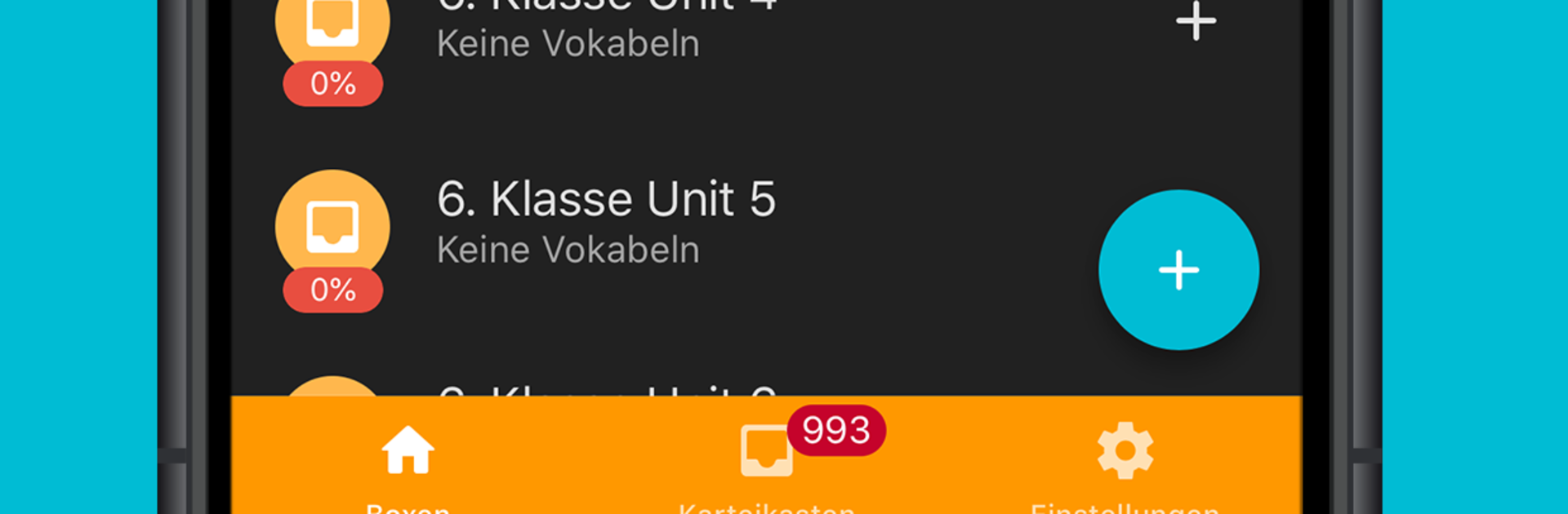
The app splits learning into three parts. Exercises are short drills that mix up multiple choice, matching pairs, picking the first letter, or scrambling letters into the right order, so the brain does not get bored with one format. A simple chart shows progress at any moment. The vocabulary test mode is for exam style practice, with an option to re test only the mistakes right away or start fresh with new items. The card box is the classic spaced repetition system with six compartments. Words move forward as they are remembered and jump back to the start when they are missed, with gaps like immediate, 4 days, 7, 14, 60, then 180 days, and those intervals can be adjusted. Folders keep everything tidy, so a person can mirror a textbook with a book folder, chapter folders, and lesson boxes. Lists can be created in the app or imported from a spreadsheet on a computer, and there is a backup file for moving progress to another device. Language support covers a long list from Arabic to Vietnamese, which should cover most learners needs.
Switch to BlueStacks and make the most of your apps on your PC or Mac.





