
World Factbook 2024 Pro

World Factbook 2024 Pro

Education

| Appventions

Play on PC with BlueStacks or from our cloud

  • Overview
  • How to Download

Page Modified On: September 02, 2025

Run World Factbook 2024 Pro on PC or Mac

Let BlueStacks turn your PC, Mac, or laptop into the perfect home for World Factbook 2024 Pro, a fun Education app from Appventions.

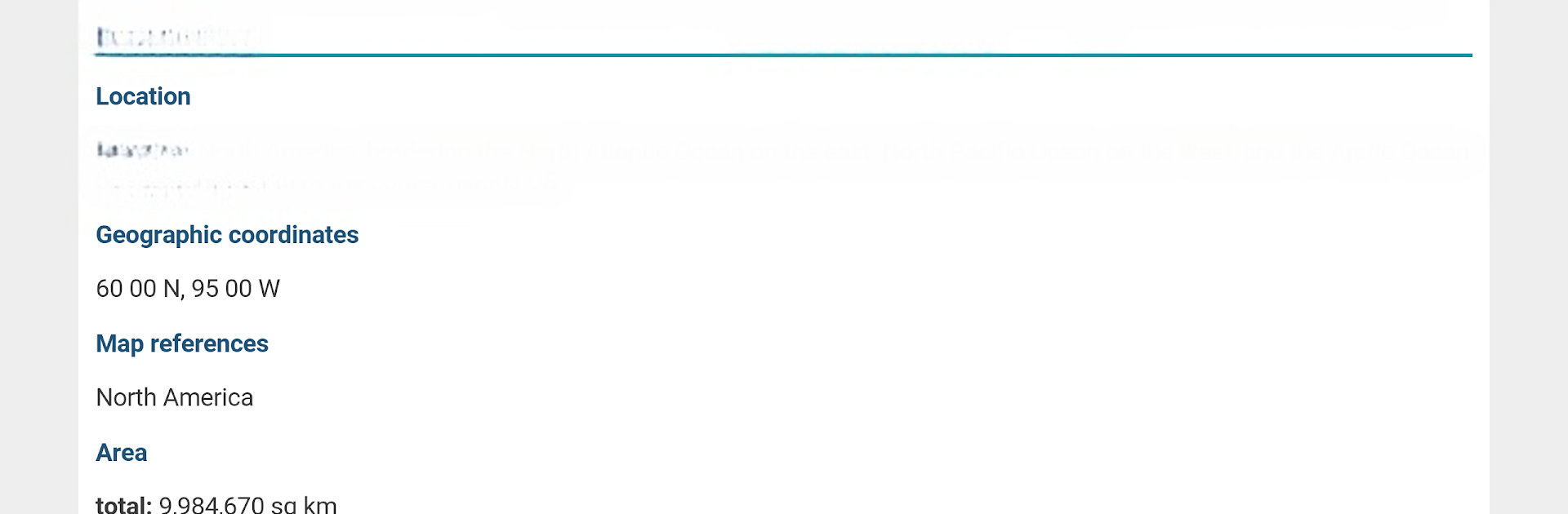
World Factbook 2024 Pro feels like a tidy digital atlas that someone can actually use without fuss. Open a country and there is a clean list of facts that matter, things like population, land size, coordinates, languages, capital, government type, GDP, climate, terrain, literacy, and a quick background blurb. Flags are here with simple descriptions, plus basic maps and country rankings that make comparison easy. The layout is straightforward, text is large and readable, and there is no weird navigation to fight with, just tap and scroll.

What stands out is how fast it is and that it works fully offline. All the data lives in the app, so it keeps going on a plane, in a classroom, or anywhere the signal is bad. It pulls from the CIA World Factbook, which is public domain and reliable, and the 2024 set feels current without feeling bloated. On BlueStacks, the bigger screen helps a lot, especially when flipping between countries or skimming stats side by side. Typing a name with a keyboard to jump straight to a place is handy, and swapping back to notes or a spreadsheet is smooth. It suits homework, trivia prep, quick research at work, or just answering that random question about a flag or who has the highest GDP per capita. It is not flashy, but it is solid, quick, and oddly fun to explore.

BlueStacks gives you the much-needed freedom to experience your favorite apps on a bigger screen. Get it now.


How to Download and Run World Factbook 2024 Pro on PC or Mac

  • Download and install BlueStacks on your PC or Mac

  • Complete Google sign-in to access the Play Store, or do it later

  • Look for World Factbook 2024 Pro in the search bar at the top right corner

  • Click to install World Factbook 2024 Pro from the search results

  • Complete Google sign-in (if you skipped step 2) to install World Factbook 2024 Pro

  • Click the World Factbook 2024 Pro icon on the home screen to start playing

video
Watch Video

Minimum System Requirements

With BlueStacks 5, you can get started on a PC that fulfills the following requirements.

  • Operating System

    Microsoft Windows 7 or above, macOS 11 (Big Sur) or above

  • Processor

    Intel, AMD or Apple Silicon Processor

  • RAM

    at least 4GB

  • HDD

    10GB Free Disk Space

Note:

* You must be an Administrator on your PC. Up to date graphics drivers from Microsoft or the chipset vendor.

World Factbook 2024 Pro - FAQs

  • How to Run World Factbook 2024 Pro on Windows PC & Mac?

    Run World Factbook 2024 Pro on your PC or Mac by following these simple steps.

    • Click on ‘Download World Factbook 2024 Pro on PC’ to download BlueStacks
    • Install it and log-in to Google Play Store
    • Launch and run the app.
  • Why is BlueStacks the fastest and safest platform to play games on PC?

    BlueStacks respects your privacy and is always safe and secure to use. It does not carry any malware, spyware, or any sort of additional software that could harm your PC.

    It is engineered to optimize speed and performance for a seamless gaming experience.

  • What are World Factbook 2024 Pro PC requirements?

    Minimum requirement to run World Factbook 2024 Pro on your PC

    • OS: Microsoft Windows 7 and above:
    • Processor: Intel or AMD Processor:
    • RAM: Your PC must have at least 2GB of RAM. (Note that having 2GB or more disk space is not a substitute for RAM):
    • HDD: 5GB Free Disk Space.
    • You must be an Administrator on your PC.



