Brain Exercise Games - IQ test

Brain Exercise Games - IQ test

Educational

| XGAME9X

Play on PC with BlueStacks or from our cloud

  • Overview
  • Game Features
  • How to Play

Page Modified On: October 10, 2025

Play Brain Exercise Games - IQ test on PC or Mac

Step into the World of Brain Exercise Games – IQ test, a thrilling Educational game from the house of XGAME9X. Play this Android game on BlueStacks App Player and experience immersive gaming on PC or Mac.

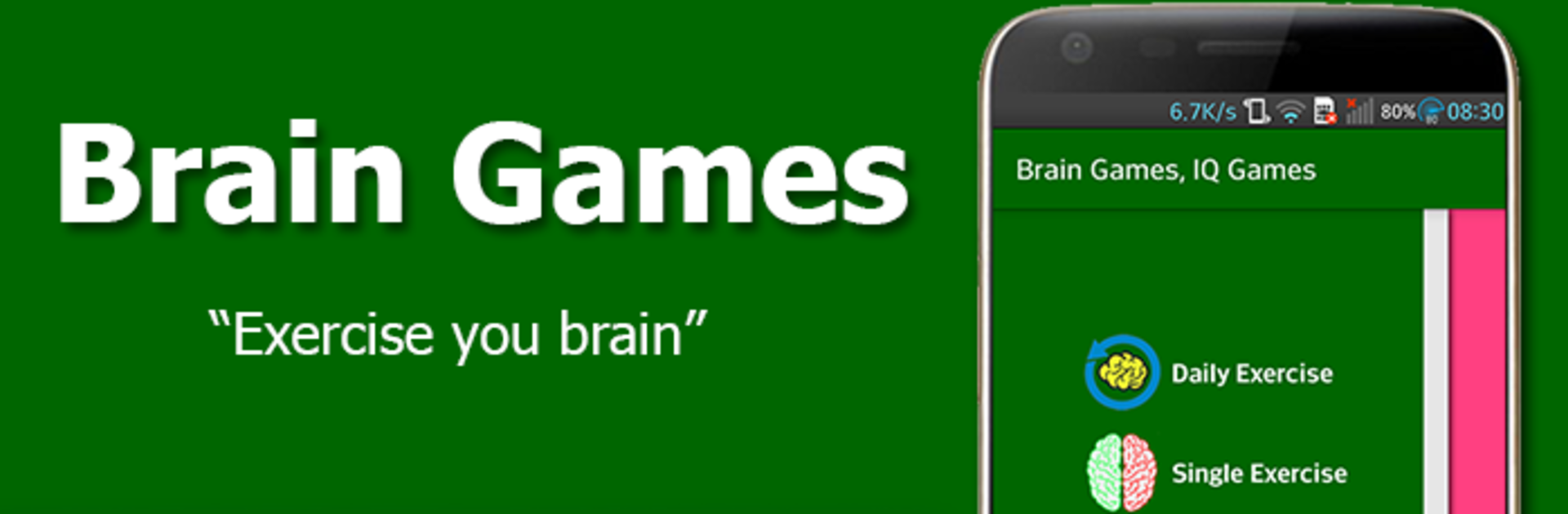
Brain Exercise Games is one of those collections where players hop between quick little puzzles that make the brain wake up. It is very straightforward, no big story, just bite size challenges that stack up into a nice daily routine. There is a Daily Training path that mixes a few activities back to back, or players can pick a single exercise when there is only time for one. The set leans on classics like math drills, Sudoku, and matching pairs, then tosses in attention checks, color and shape sorting, simple word memory, and a couple of reflex tests that ask for quick taps. One minute it is counting or solving, the next it is spotting patterns or remembering where cards went. It starts gentle and builds speed, which keeps things from feeling stale.

Everything is clean and bright, readable for kids and still fine for older folks. The whole point is to keep the mind active through short, frequent practice, and the app even nudges with notifications so the habit sticks. On PC with BlueStacks, the bigger screen helps a lot for small numbers and tiny icons, and the mouse clicks make the matching and Sudoku steps feel precise. Rounds are short, usually a few minutes, so it fits between other games or during a coffee break. It is not trying to be flashy, just a simple toolbox of brain teasers that players can chip away at every day, and it looks like more mini games might be added over time.

Make your gaming sessions memorable with precise controls that give you an edge in close combats and visuals that pop up, bringing every character to life.


Game Features

Enhancements

  • Macros
  • Multi Instance
  • Multi Instance Sync
  • Script
  • Enhancements
Macros

Macros

Automate the predictable in Brain Exercise Games - IQ test and transform your gameplay with Macros. Get access to inventive Macros in the BlueStacks Macro Community
Multi Instance

Multi Instance

Play Brain Exercise Games - IQ test on one window. And chat with your friend on the other. Press CTRL + Shift + 8 to open the Multi-Instance Manager. And start creating fresh instances or clone an existing one.
Multi Instance Sync

Multi Instance Sync

Play Brain Exercise Games - IQ test with the power of Multi-Instance Sync. Replicate what you are doing on the main instance on all other instances. Level up faster, play more.
Script

Script

Script your way to gaming glory in Brain Exercise Games - IQ test with BlueStacks Script. Write and run a set of commands to automate repeated tasks. Trigger the command by assigning it to any key.
Read More

How to Download and Play Brain Exercise Games - IQ test on PC or Mac

  • Download and install BlueStacks on your PC or Mac

  • Complete Google sign-in to access the Play Store, or do it later

  • Look for Brain Exercise Games - IQ test in the search bar at the top right corner

  • Click to install Brain Exercise Games - IQ test from the search results

  • Complete Google sign-in (if you skipped step 2) to install Brain Exercise Games - IQ test

  • Click the Brain Exercise Games - IQ test icon on the home screen to start playing

video
Watch Video

Minimum System Requirements

With BlueStacks 5, you can get started on a PC that fulfills the following requirements.

  • Operating System

    Microsoft Windows 7 or above, macOS 11 (Big Sur) or above

  • Processor

    Intel, AMD or Apple Silicon Processor

  • RAM

    at least 4GB

  • HDD

    10GB Free Disk Space

Note:

* You must be an Administrator on your PC. Up to date graphics drivers from Microsoft or the chipset vendor.

Brain Exercise Games - IQ test - FAQs

  • How to play Brain Exercise Games - IQ test on Windows PC & Mac?

    Play Brain Exercise Games - IQ test on your PC or Mac by following these simple steps.

    • Click on 'Play Brain Exercise Games - IQ test on PC’ to download BlueStacks
    • Install it and log-in to Google Play Store
    • Launch and play the game.
  • Why is BlueStacks the fastest and safest platform to play games on PC?

    BlueStacks respects your privacy and is always safe and secure to use. It does not carry any malware, spyware, or any sort of additional software that could harm your PC.

    It is engineered to optimize speed and performance for a seamless gaming experience.

  • What are Brain Exercise Games - IQ test PC requirements?

    Minimum requirement to run Brain Exercise Games - IQ test on your PC

    • OS: Microsoft Windows 7 or above MacOS 11 (Big Sur) or above
    • Processor: Intel, AMD or Apple Silicon Processor
    • RAM: Your PC must have at least 4GB of RAM. (Note that having 4GB or more disk space is not a substitute for RAM)
    • HDD: 10GB Free Disk Space.
    • You must be an Administrator on your PC.