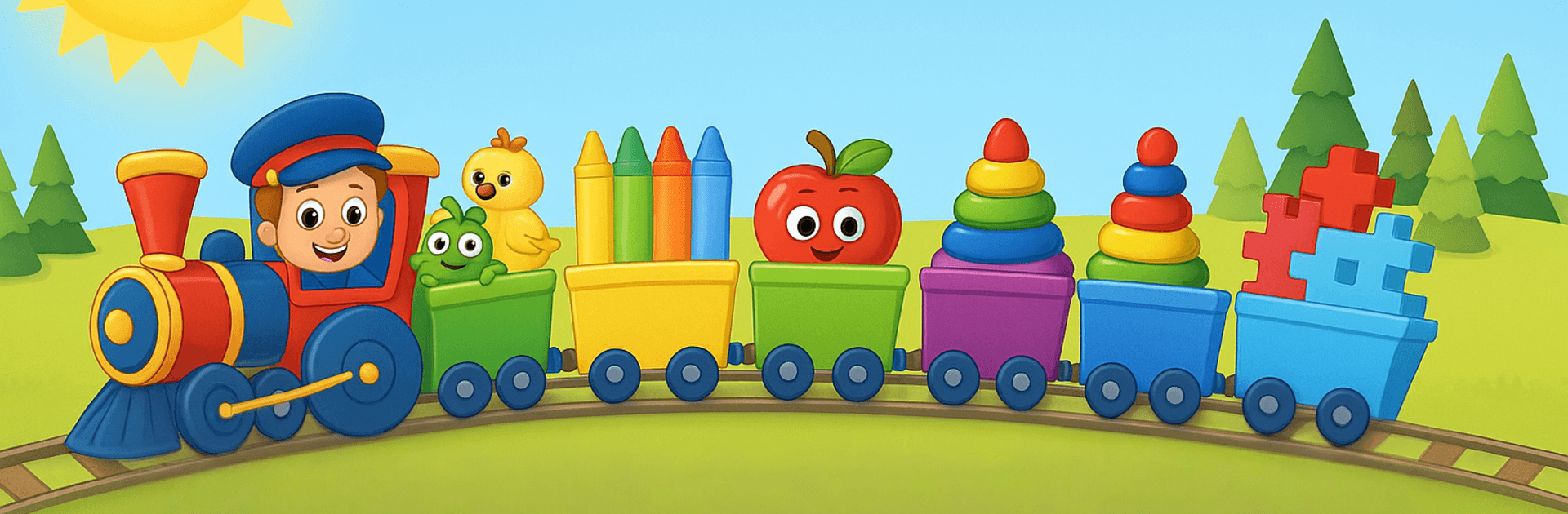
Games for Babies & Toddlers

Games for Babies & Toddlers

Educational

| GEIMZ - Board Games

Play on PC with BlueStacks or from our cloud

  • Overview
  • Game Features
  • How to Play

Page Modified On: May 05, 2026

Play Games for Babies & Toddlers on PC or Mac

Games for Babies & Toddlers brings the Educational genre to life, and throws up exciting challenges for gamers. Developed by GEIMZ – Board Games, this Android game is best experienced on BlueStacks, the World’s #1 app player for PC and Mac users.

About the Game

Games for Babies & Toddlers is an Educational collection from GEIMZ – Board Games that turns curious taps into early learning. Little ones explore bite-sized activities that teach ABCs, numbers, colors, animals, shapes, and simple music—without complicated menus or clutter. Bright visuals, chunky buttons, and friendly sounds keep kids engaged while you sit nearby and cheer them on.

Game Features

  • Puzzles & Matching: Meet animals, hear their sounds, and fit shapes where they belong to build memory, attention, and early logic.
  • Baby Xylophone: A tiny piano with cheerful notes and classic nursery tunes so kids can play with melody, rhythm, and tempo.
  • Tap Fireworks: Colorful bursts pop with every tap, helping toddlers practice fine motor skills and learn colors and cause-and-effect.
  • Letters & Numbers: Playful ABC and 123 activities sized for preschoolers—trace letters, count objects, and recognize sounds at an easy pace.
  • Coloring Book: Mess-free painting with big brushes and simple palettes; color animals, vehicles, and shapes to spark creativity.
  • Multilingual Alphabets: Choose Latin, Cyrillic, or Greek to support bilingual or multilingual families at home.
  • Kid-Friendly Controls: Large icons, clean screens, and voice cues let kids navigate on their own without accidental exits.
  • Gentle Audio Cues: Friendly sound effects and calm feedback keep kids focused without overwhelming them.
  • Offline Play: Works without Wi‑Fi, making it handy for trips, waiting rooms, or quiet time.
  • Grows With Your Child: Short, replayable games that suit ages 2–5, from first taps to early preschool skills.
  • Optional Big-Screen Play: Prefer a larger view while supervising? Run it on your PC with BlueStacks for roomy visuals.

Start your journey now. Download the game on BlueStacks, invite your friends, and march on a new adventure.


Game Features

Enhancements

  • Macros
  • Multi Instance
  • Multi Instance Sync
  • Script
  • Enhancements
Macros

Macros

Automate the predictable in Games for Babies & Toddlers and transform your gameplay with Macros. Get access to inventive Macros in the BlueStacks Macro Community
Multi Instance

Multi Instance

Play Games for Babies & Toddlers on one window. And chat with your friend on the other. Press CTRL + Shift + 8 to open the Multi-Instance Manager. And start creating fresh instances or clone an existing one.
Multi Instance Sync

Multi Instance Sync

Play Games for Babies & Toddlers with the power of Multi-Instance Sync. Replicate what you are doing on the main instance on all other instances. Level up faster, play more.
Script

Script

Script your way to gaming glory in Games for Babies & Toddlers with BlueStacks Script. Write and run a set of commands to automate repeated tasks. Trigger the command by assigning it to any key.
Read More

How to Download and Play Games for Babies & Toddlers on PC or Mac

  • Download and install BlueStacks on your PC or Mac

  • Complete Google sign-in to access the Play Store, or do it later

  • Look for Games for Babies & Toddlers in the search bar at the top right corner

  • Click to install Games for Babies & Toddlers from the search results

  • Complete Google sign-in (if you skipped step 2) to install Games for Babies & Toddlers

  • Click the Games for Babies & Toddlers icon on the home screen to start playing

video
Watch Video

Minimum System Requirements

With BlueStacks 5, you can get started on a PC that fulfills the following requirements.

  • Operating System

    Microsoft Windows 7 or above, macOS 11 (Big Sur) or above

  • Processor

    Intel, AMD or Apple Silicon Processor

  • RAM

    at least 4GB

  • HDD

    10GB Free Disk Space

Note:

* You must be an Administrator on your PC. Up to date graphics drivers from Microsoft or the chipset vendor.

Games for Babies & Toddlers - FAQs

  • How to play Games for Babies & Toddlers on Windows PC & Mac?

    Play Games for Babies & Toddlers on your PC or Mac by following these simple steps.

    • Click on 'Play Games for Babies & Toddlers on PC’ to download BlueStacks
    • Install it and log-in to Google Play Store
    • Launch and play the game.
  • Why is BlueStacks the fastest and safest platform to play games on PC?

    BlueStacks respects your privacy and is always safe and secure to use. It does not carry any malware, spyware, or any sort of additional software that could harm your PC.

    It is engineered to optimize speed and performance for a seamless gaming experience.

  • What are Games for Babies & Toddlers PC requirements?

    Minimum requirement to run Games for Babies & Toddlers on your PC

    • OS: Microsoft Windows 7 or above MacOS 11 (Big Sur) or above
    • Processor: Intel, AMD or Apple Silicon Processor
    • RAM: Your PC must have at least 4GB of RAM. (Note that having 4GB or more disk space is not a substitute for RAM)
    • HDD: 10GB Free Disk Space.
    • You must be an Administrator on your PC.