Aprender a leer 2 Grin y Uipi

Aprender a leer 2 Grin y Uipi

Educational

| Educaplanet S.L.

Play on PC with BlueStacks or from our cloud

  • Overview
  • Game Features
  • How to Play

Page Modified On: August 29, 2025

Play Aprender a leer 2 Grin y Uipi on PC or Mac

From the innovators and creators at Educaplanet S.L., Aprender a leer 2 Grin y Uipi is another fun addition to the World of Educational games. Go beyond your mobile screen and play it bigger and better on your PC or Mac. An immersive experience awaits you.

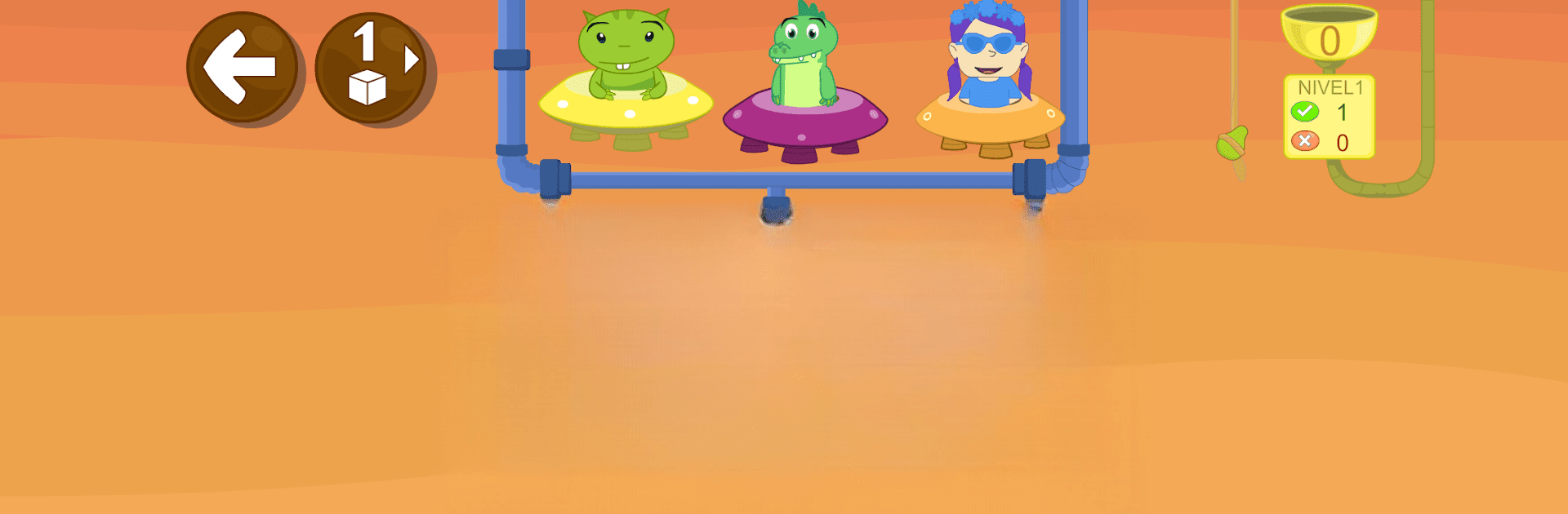
This is a kids reading app that leans into phonics and syllables, with a funny little space theme running through everything. It targets ages 5 to 8 and focuses on the nuts and bolts of reading in Spanish, like consonant blends, building syllables, turning those into words, then arranging full sentences and answering simple questions. There are 25 short lessons and a bunch of mini games that keep switching up the task so it never feels stuck. One minute a robot shows a word and its parts, then an asteroid game asks to match the shape of each syllable, then a crab game builds syllables from letters, then an alien wants words typed in. Snails for forming sentences is a cute touch. The whole thing nudges kids from recognition to actual reading and understanding, not just tapping pictures.

It runs smoothly on PC with BlueStacks. Mouse dragging makes the syllable matching clean, and using a real keyboard for the typing bits is faster and easier for small hands. There are two levels per activity, one with visual cues and one without, so listening matters later on. Kids can stop anytime and come back without losing their place. You can pick uppercase, lowercase, or cursive letters, which is handy for school alignment. Up to three child profiles are supported, and progress shows up as fruit that gets gifted to the aliens, which is silly in a good way and oddly motivating. It feels structured but friendly, with enough variety to keep a young reader practicing without complaint.

Slay your opponents with your epic moves. Play it your way on BlueStacks and dominate the battlefield.


Game Features

Enhancements

  • Macros
  • Multi Instance
  • Multi Instance Sync
  • Script
  • Enhancements
Macros

Macros

Automate the predictable in Aprender a leer 2 Grin y Uipi and transform your gameplay with Macros. Get access to inventive Macros in the BlueStacks Macro Community
Multi Instance

Multi Instance

Play Aprender a leer 2 Grin y Uipi on one window. And chat with your friend on the other. Press CTRL + Shift + 8 to open the Multi-Instance Manager. And start creating fresh instances or clone an existing one.
Multi Instance Sync

Multi Instance Sync

Play Aprender a leer 2 Grin y Uipi with the power of Multi-Instance Sync. Replicate what you are doing on the main instance on all other instances. Level up faster, play more.
Script

Script

Script your way to gaming glory in Aprender a leer 2 Grin y Uipi with BlueStacks Script. Write and run a set of commands to automate repeated tasks. Trigger the command by assigning it to any key.
Read More

How to Download and Play Aprender a leer 2 Grin y Uipi on PC or Mac

  • Download and install BlueStacks on your PC or Mac

  • Complete Google sign-in to access the Play Store, or do it later

  • Look for Aprender a leer 2 Grin y Uipi in the search bar at the top right corner

  • Click to install Aprender a leer 2 Grin y Uipi from the search results

  • Complete Google sign-in (if you skipped step 2) to install Aprender a leer 2 Grin y Uipi

  • Click the Aprender a leer 2 Grin y Uipi icon on the home screen to start playing

video
Watch Video

Minimum System Requirements

With BlueStacks 5, you can get started on a PC that fulfills the following requirements.

  • Operating System

    Microsoft Windows 7 or above, macOS 11 (Big Sur) or above

  • Processor

    Intel, AMD or Apple Silicon Processor

  • RAM

    at least 4GB

  • HDD

    10GB Free Disk Space

Note:

* You must be an Administrator on your PC. Up to date graphics drivers from Microsoft or the chipset vendor.

Aprender a leer 2 Grin y Uipi - FAQs

  • How to play Aprender a leer 2 Grin y Uipi on Windows PC & Mac?

    Play Aprender a leer 2 Grin y Uipi on your PC or Mac by following these simple steps.

    • Click on 'Play Aprender a leer 2 Grin y Uipi on PC’ to download BlueStacks
    • Install it and log-in to Google Play Store
    • Launch and play the game.
  • Why is BlueStacks the fastest and safest platform to play games on PC?

    BlueStacks respects your privacy and is always safe and secure to use. It does not carry any malware, spyware, or any sort of additional software that could harm your PC.

    It is engineered to optimize speed and performance for a seamless gaming experience.

  • What are Aprender a leer 2 Grin y Uipi PC requirements?

    Minimum requirement to run Aprender a leer 2 Grin y Uipi on your PC

    • OS: Microsoft Windows 7 or above MacOS 11 (Big Sur) or above
    • Processor: Intel, AMD or Apple Silicon Processor
    • RAM: Your PC must have at least 4GB of RAM. (Note that having 4GB or more disk space is not a substitute for RAM)
    • HDD: 10GB Free Disk Space.
    • You must be an Administrator on your PC.