Vlad and Niki: Car Games

Vlad and Niki: Car Games

Educational

| Azon Games

Play on PC with BlueStacks or from our cloud

  • Overview
  • Game Features
  • How to Play

Page Modified On: May 18, 2026

Play Vlad and Niki: Car Games on PC or Mac

Join millions to experience Vlad and Niki: Car Games, an exciting Educational game from Azon Games. With BlueStacks App Player, you are always a step ahead of your opponent, ready to outplay them with faster gameplay and better control with the mouse and keyboard on your PC or Mac.

About the Game

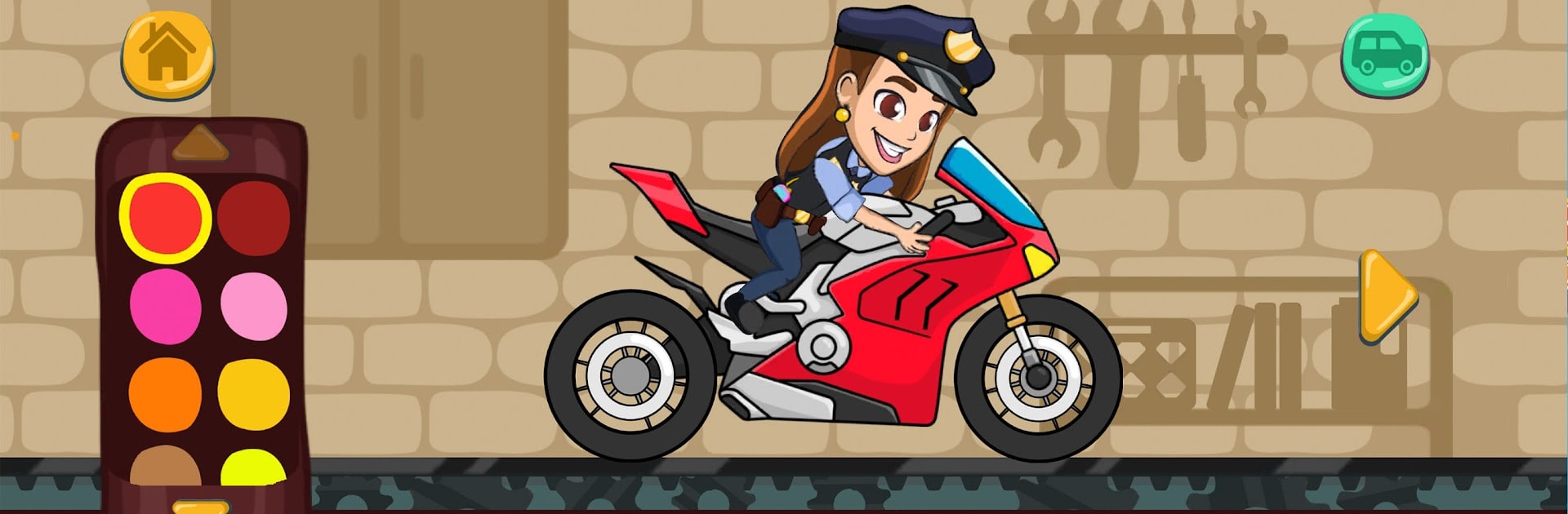
Vlad and Niki: Car Games puts kids in the driver’s seat with a colorful mix of racing, creativity, and gentle problem‑solving. Made by Azon Games, this Educational title lets little players build wild vehicles, try them on playful tracks, and jump into bite-size activities that change things up. It’s bright, friendly, and easy for preschoolers to pick up while still offering plenty to explore.

Game Features

  • Build-Your-Own Rides – Pick a car type, splash on colors, add stickers, swap wheels, and bolt on fun lights and gadgets in a hands-on garage.
  • Lots of Vehicles – Want to race an ambulance one moment and a monster truck the next? There’s also a police car, fire truck, and moto, each with its own feel.
  • Fresh Challenges Every Level – Short stages with different goals and simple mechanics keep kids curious and engaged across varied locations.
  • Puzzles and Riddles – Jigsaws, logic moments, and light escape-style tasks gently nudge problem-solving skills without pressure.
  • Art and Coloring – Paint cars, decorate costumes, and watch characters pop into 3D with a cheerful little dance when you’re done.
  • Music Play – Try instruments, tap out rhythms, and even put together a tiny band for some creative noise-making.
  • Play as Favorite Heroes – Choose who to drive with, complete fun tasks, and personalize the adventure your way.
  • Kid-First Design – Clear goals, simple controls, and short sessions make it great for ages 3–4 and up.
  • Nice on Bigger Screens – Prefer a roomy view? It runs smoothly on BlueStacks so kids can enjoy it on a PC, too.

Ready to top the leaderboard? We bet you do. Let precise controls and sharp visuals optimized on BlueStacks lead you to victory.


Game Features

Enhancements

  • Macros
  • Multi Instance
  • Multi Instance Sync
  • Script
  • Enhancements
Macros

Macros

Automate the predictable in Vlad and Niki: Car Games and transform your gameplay with Macros. Get access to inventive Macros in the BlueStacks Macro Community
Multi Instance

Multi Instance

Play Vlad and Niki: Car Games on one window. And chat with your friend on the other. Press CTRL + Shift + 8 to open the Multi-Instance Manager. And start creating fresh instances or clone an existing one.
Multi Instance Sync

Multi Instance Sync

Play Vlad and Niki: Car Games with the power of Multi-Instance Sync. Replicate what you are doing on the main instance on all other instances. Level up faster, play more.
Script

Script

Script your way to gaming glory in Vlad and Niki: Car Games with BlueStacks Script. Write and run a set of commands to automate repeated tasks. Trigger the command by assigning it to any key.
Read More

How to Download and Play Vlad and Niki: Car Games on PC or Mac

  • Download and install BlueStacks on your PC or Mac

  • Complete Google sign-in to access the Play Store, or do it later

  • Look for Vlad and Niki: Car Games in the search bar at the top right corner

  • Click to install Vlad and Niki: Car Games from the search results

  • Complete Google sign-in (if you skipped step 2) to install Vlad and Niki: Car Games

  • Click the Vlad and Niki: Car Games icon on the home screen to start playing

video
Watch Video

Minimum System Requirements

With BlueStacks 5, you can get started on a PC that fulfills the following requirements.

  • Operating System

    Microsoft Windows 7 or above, macOS 11 (Big Sur) or above

  • Processor

    Intel, AMD or Apple Silicon Processor

  • RAM

    at least 4GB

  • HDD

    10GB Free Disk Space

Note:

* You must be an Administrator on your PC. Up to date graphics drivers from Microsoft or the chipset vendor.

Vlad and Niki: Car Games - FAQs

  • How to play Vlad and Niki: Car Games on Windows PC & Mac?

    Play Vlad and Niki: Car Games on your PC or Mac by following these simple steps.

    • Click on 'Play Vlad and Niki: Car Games on PC’ to download BlueStacks
    • Install it and log-in to Google Play Store
    • Launch and play the game.
  • Why is BlueStacks the fastest and safest platform to play games on PC?

    BlueStacks respects your privacy and is always safe and secure to use. It does not carry any malware, spyware, or any sort of additional software that could harm your PC.

    It is engineered to optimize speed and performance for a seamless gaming experience.

  • What are Vlad and Niki: Car Games PC requirements?

    Minimum requirement to run Vlad and Niki: Car Games on your PC

    • OS: Microsoft Windows 7 or above MacOS 11 (Big Sur) or above
    • Processor: Intel, AMD or Apple Silicon Processor
    • RAM: Your PC must have at least 4GB of RAM. (Note that having 4GB or more disk space is not a substitute for RAM)
    • HDD: 10GB Free Disk Space.
    • You must be an Administrator on your PC.