
Animated Sticker For WhatsApp

Animated Sticker For WhatsApp

Entertainment

| stickerMakerStudio

Play on PC with BlueStacks or from our cloud

  • Overview
  • How to Download

Page Modified On: December 15, 2025

Run Animated Sticker For WhatsApp on PC or Mac

Let BlueStacks turn your PC, Mac, or laptop into the perfect home for Animated Sticker For WhatsApp, a fun Entertainment app from stickerMakerStudio.

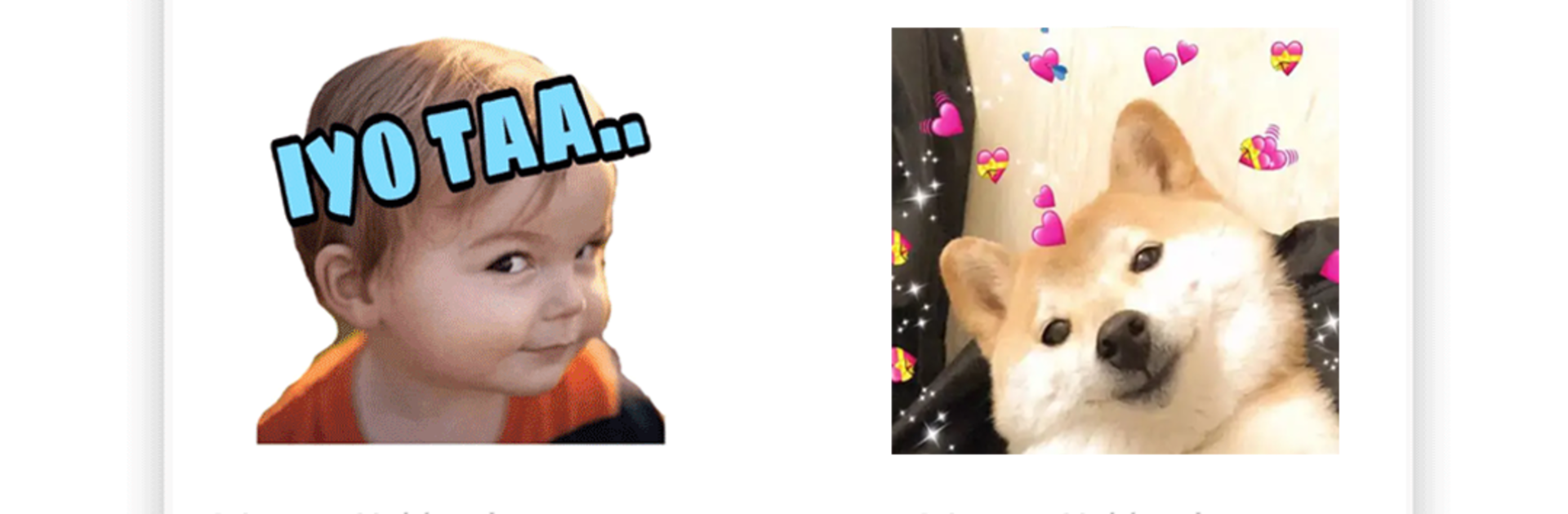
Animated Sticker For WhatsApp feels like a big toy box for chats. It gives a huge pile of animated stickers to pick from, plus a simple way to make new ones. Someone can browse packs, grab what looks fun, and drop them into WhatsApp without messing with weird settings. There are also text stickers, which is handy when a quick line or inside joke says more than a picture. The app includes a bunch of fonts, so a sticker can look loud, clean, or silly, whatever fits the mood.

Creating packs is very straightforward. Tap the add icon, give the pack a name, choose stickers from the list, then hit Add to WhatsApp and they show up in the sticker tray. Favorites can be tucked into a default pack, and a custom pack can be shared by link so friends get the same set in a second. On PC with BlueStacks, the bigger screen makes scrolling through sticker options and fonts feel calmer, and typing pack names with a keyboard is way faster than pecking on glass. Everything exports as WAStickerApps, so it just works on the WhatsApp side. Some collections come from Telegram with permission, so there are plenty of styles and moods to play with. For someone who chats a lot and wants moving reactions without a lot of effort, this gets the job done.

BlueStacks brings your apps to life on a bigger screen—seamless and straightforward.

How to Download and Run Animated Sticker For WhatsApp on PC or Mac

  • Download and install BlueStacks on your PC or Mac

  • Complete Google sign-in to access the Play Store, or do it later

  • Look for Animated Sticker For WhatsApp in the search bar at the top right corner

  • Click to install Animated Sticker For WhatsApp from the search results

  • Complete Google sign-in (if you skipped step 2) to install Animated Sticker For WhatsApp

  • Click the Animated Sticker For WhatsApp icon on the home screen to start playing

video
Watch Video

Minimum System Requirements

With BlueStacks 5, you can get started on a PC that fulfills the following requirements.

  • Operating System

    Microsoft Windows 7 or above, macOS 11 (Big Sur) or above

  • Processor

    Intel, AMD or Apple Silicon Processor

  • RAM

    at least 4GB

  • HDD

    10GB Free Disk Space

Note:

* You must be an Administrator on your PC. Up to date graphics drivers from Microsoft or the chipset vendor.

Animated Sticker For WhatsApp - FAQs

  • How to Run Animated Sticker For WhatsApp on Windows PC & Mac?

    Run Animated Sticker For WhatsApp on your PC or Mac by following these simple steps.

    • Click on ‘Download Animated Sticker For WhatsApp on PC’ to download BlueStacks
    • Install it and log-in to Google Play Store
    • Launch and run the app.
  • Why is BlueStacks the fastest and safest platform to play games on PC?

    BlueStacks respects your privacy and is always safe and secure to use. It does not carry any malware, spyware, or any sort of additional software that could harm your PC.

    It is engineered to optimize speed and performance for a seamless gaming experience.

  • What are Animated Sticker For WhatsApp PC requirements?

    Minimum requirement to run Animated Sticker For WhatsApp on your PC

    • OS: Microsoft Windows 7 and above:
    • Processor: Intel or AMD Processor:
    • RAM: Your PC must have at least 2GB of RAM. (Note that having 2GB or more disk space is not a substitute for RAM):
    • HDD: 5GB Free Disk Space.
    • You must be an Administrator on your PC.




