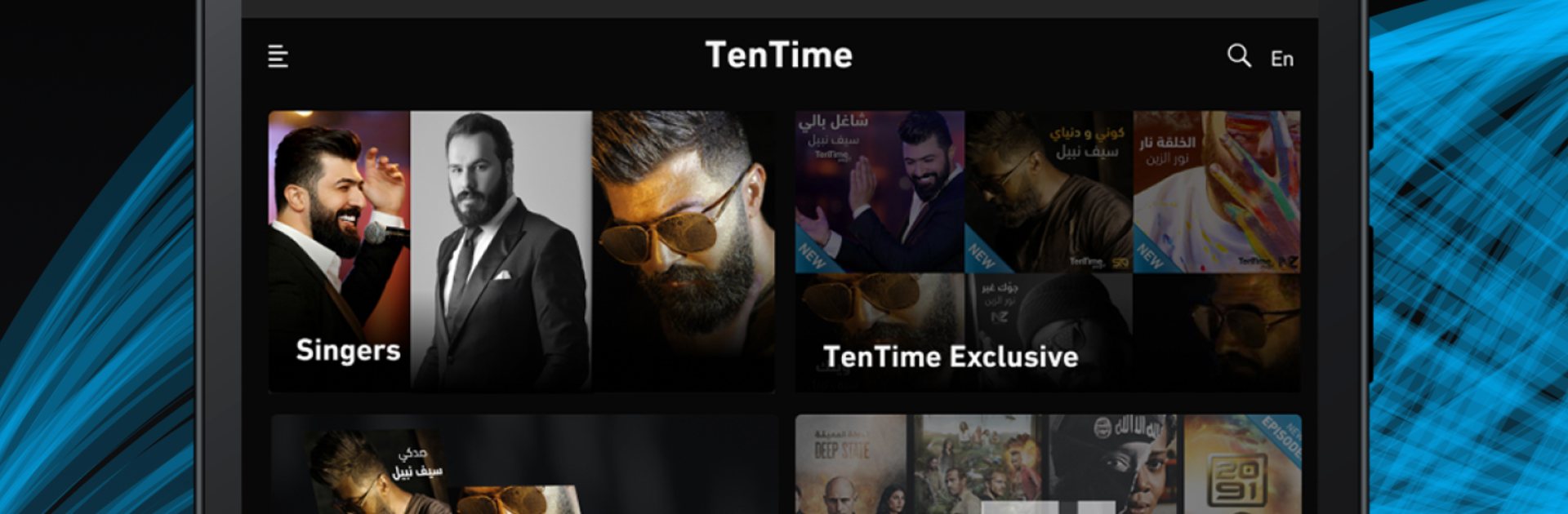


What’s better than using TenTime by TenTime Entertainment Platform? Well, try it on a big screen, on your PC or Mac, with BlueStacks to see the difference.
About the App
Looking for a fresh way to watch your favorite Arabic and international shows, movies, and music? With TenTime, you’ve got tons of options right at your fingertips, all from TenTime Entertainment Platform. Whether you want to stream the latest hits, set up something special for your kids, or just see what’s trending, TenTime makes it simple and fun. You can even switch things up and jam out to new music—whenever you want, however you want.
App Features
-
Extensive Arabic & International Library
Explore a huge mix of TV shows and movies, including Arabic originals and international hits dubbed in Arabic. Always something fresh to watch, no matter what mood you’re in. -
Multiple User Profiles
Set up to four profiles on one account, so everyone in the family can have their own watchlists, playlists, and favorites. No more fighting over what to watch next. -
Personalized Recommendations
Not sure what you’re in the mood for? TenTime learns what you like and suggests TV shows, movies, and music you’re likely to enjoy, saving you the endless scrolling. -
Safe Kids’ Mode
Want a worry-free streaming session for your little ones? Activate a child-friendly profile and relax knowing they’ve got safe content picked just for them. -
Watch Across Devices
Jump in and start watching or listening on your phone, tablet, or even experience TenTime on bigger screens with BlueStacks, picking up right where you left off. -
Handy Notifications
Never miss new episodes or album drops. TenTime keeps you up to date with alerts for the latest releases and exclusive content. -
“My TenTime” Custom Space
Create your own space for all your top picks—TV series, movies, or music. It’s the best way to keep track of what you love. -
Music Shuffle & Exclusive Albums
Hit shuffle when you’re craving something unexpected, or dig into exclusive albums from top artists in the region—perfect for discovering new favorites.
With TenTime, your entertainment, your rules—no matter where you are or what you’re in the mood for.
BlueStacks brings your apps to life on a bigger screen—seamless and straightforward.