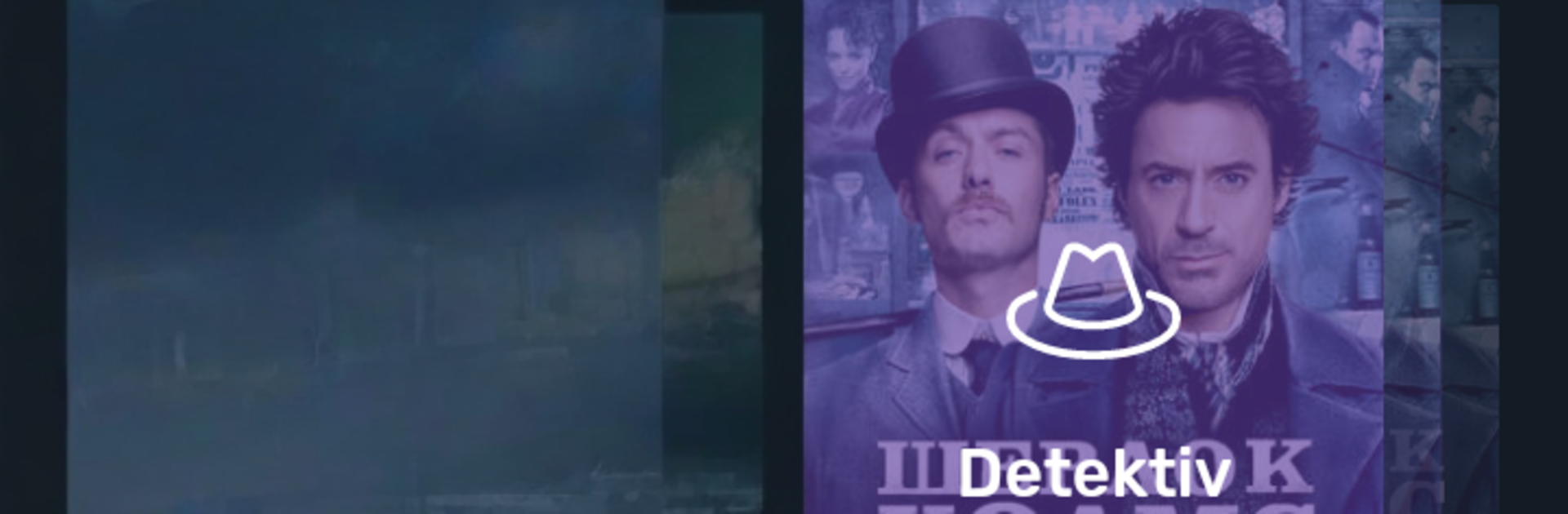
Bek TV
Bek TV

Bek TV

Entertainment

| Bek TV

Play on PC with BlueStacks or from our cloud

  • Overview
  • How to Download

Page Modified On: October 24, 2025

Run Bek TV on PC or Mac

Multitask effortlessly on your PC or Mac as you try out Bek TV, a Entertainment app by Bek TV on BlueStacks.

Bek TV feels like a cozy TV hub built for anyone who wants a direct line to life in Uzbekistan. It is a mix of culture and entertainment, with live channels, talk shows, concerts, news segments, and those classic programs that relatives used to watch at home. The layout is simple enough that a new user can find something fast. Categories are clear, streams open without fuss, and the tone is warm rather than flashy. Most content leans Uzbek, with some Russian here and there, so it feels very local in a good way. It aims to keep traditions and everyday stories alive, not just headline news. Someone can put it on for background company, or dig in for a longer watch when a festival or special broadcast shows up.

Running it on a PC through BlueStacks makes it feel more like real TV. Bigger screen, easier scrolling, typing searches with a keyboard, and switching between shows is smoother than on a small phone. Video quality holds up well when the connection is steady, although older recordings can look a bit soft, which is fine for what it is. This is not a general world streaming service. It is focused, it is about Uzbek life and values, and it is made for people who miss home or want to share that culture with family. If that is the goal, Bek TV hits the mark and does it without complicated menus or annoying clutter.

BlueStacks gives you the much-needed freedom to experience your favorite apps on a bigger screen. Get it now.

How to Download and Run Bek TV on PC or Mac

  • Download and install BlueStacks on your PC or Mac

  • Complete Google sign-in to access the Play Store, or do it later

  • Look for Bek TV in the search bar at the top right corner

  • Click to install Bek TV from the search results

  • Complete Google sign-in (if you skipped step 2) to install Bek TV

  • Click the Bek TV icon on the home screen to start playing

video
Watch Video

Minimum System Requirements

With BlueStacks 5, you can get started on a PC that fulfills the following requirements.

  • Operating System

    Microsoft Windows 7 or above, macOS 11 (Big Sur) or above

  • Processor

    Intel, AMD or Apple Silicon Processor

  • RAM

    at least 4GB

  • HDD

    10GB Free Disk Space

Note:

* You must be an Administrator on your PC. Up to date graphics drivers from Microsoft or the chipset vendor.

Bek TV - FAQs

  • How to Run Bek TV on Windows PC & Mac?

    Run Bek TV on your PC or Mac by following these simple steps.

    • Click on ‘Download Bek TV on PC’ to download BlueStacks
    • Install it and log-in to Google Play Store
    • Launch and run the app.
  • Why is BlueStacks the fastest and safest platform to play games on PC?

    BlueStacks respects your privacy and is always safe and secure to use. It does not carry any malware, spyware, or any sort of additional software that could harm your PC.

    It is engineered to optimize speed and performance for a seamless gaming experience.

  • What are Bek TV PC requirements?

    Minimum requirement to run Bek TV on your PC

    • OS: Microsoft Windows 7 and above:
    • Processor: Intel or AMD Processor:
    • RAM: Your PC must have at least 2GB of RAM. (Note that having 2GB or more disk space is not a substitute for RAM):
    • HDD: 5GB Free Disk Space.
    • You must be an Administrator on your PC.