
Blue Screen of Death Errors

Blue Screen of Death Errors

Entertainment

| bigApps

Play on PC with BlueStacks or from our cloud

  • Overview
  • How to Download

Page Modified On: October 10, 2025

Run Blue Screen of Death Errors on PC or Mac

Multitask effortlessly on your PC or Mac as you try out Blue Screen of Death Errors, a Entertainment app by bigApps on BlueStacks.

About the App

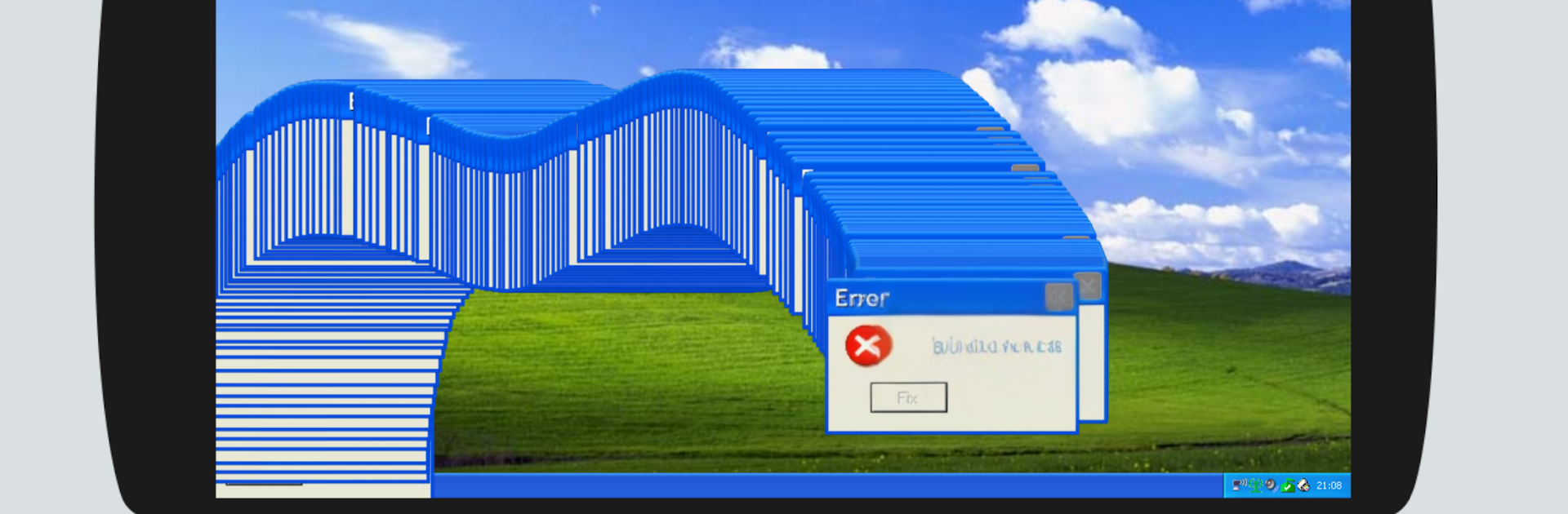
Blue Screen of Death Errors is a playful throwback for anyone who remembers the Windows XP era—or just loves tech oddities. It mixes nostalgia with a handy reference so you can explore famous error screens, look up what those cryptic codes mean, and walk through potential fixes in a safe, simulated space. Built by bigApps in the Entertainment genre, it’s equal parts curiosity, learning, and retro vibes.

Prefer a bigger view? It also feels right at home on a PC or Mac through BlueStacks.

App Features

  • Blue screen breakdowns: Get plain-English explanations of common BSOD messages and what those error codes usually point to.
  • Guided fix playbooks: Follow clear, step-by-step walkthroughs that show typical ways people tackle these issues—without touching your real system.
  • Classic XP look and feel: Tap through a nostalgic interface inspired by the old Start menu, window styles, and familiar sound cues.
  • Error code library: Browse or search a growing catalog of codes and messages, complete with context, likely causes, and practical tips.
  • Compatibility know-how: Learn why older software can act up on modern machines and see example approaches that users often try.
  • Safe, sandboxed exploring: Test ideas, simulate scenarios, and practice troubleshooting with zero risk to your actual computer.
  • Quick guides and extras: Read mini explainers about the XP era, memorable features, and how its quirks influenced today’s systems.
  • Desktop-friendly usage: If you like running mobile apps on your computer, BlueStacks makes it comfortable to navigate with a keyboard and large display.

Note: This is an educational simulation for entertainment; it doesn’t run or replace any operating system.

Ready to experience Blue Screen of Death Errors on a bigger screen, in all its glory? Download BlueStacks now.


How to Download and Run Blue Screen of Death Errors on PC or Mac

  • Download and install BlueStacks on your PC or Mac

  • Complete Google sign-in to access the Play Store, or do it later

  • Look for Blue Screen of Death Errors in the search bar at the top right corner

  • Click to install Blue Screen of Death Errors from the search results

  • Complete Google sign-in (if you skipped step 2) to install Blue Screen of Death Errors

  • Click the Blue Screen of Death Errors icon on the home screen to start playing

video
Watch Video

Minimum System Requirements

With BlueStacks 5, you can get started on a PC that fulfills the following requirements.

  • Operating System

    Microsoft Windows 7 or above, macOS 11 (Big Sur) or above

  • Processor

    Intel, AMD or Apple Silicon Processor

  • RAM

    at least 4GB

  • HDD

    10GB Free Disk Space

Note:

* You must be an Administrator on your PC. Up to date graphics drivers from Microsoft or the chipset vendor.

Blue Screen of Death Errors - FAQs

  • How to Run Blue Screen of Death Errors on Windows PC & Mac?

    Run Blue Screen of Death Errors on your PC or Mac by following these simple steps.

    • Click on ‘Download Blue Screen of Death Errors on PC’ to download BlueStacks
    • Install it and log-in to Google Play Store
    • Launch and run the app.
  • Why is BlueStacks the fastest and safest platform to play games on PC?

    BlueStacks respects your privacy and is always safe and secure to use. It does not carry any malware, spyware, or any sort of additional software that could harm your PC.

    It is engineered to optimize speed and performance for a seamless gaming experience.

  • What are Blue Screen of Death Errors PC requirements?

    Minimum requirement to run Blue Screen of Death Errors on your PC

    • OS: Microsoft Windows 7 and above:
    • Processor: Intel or AMD Processor:
    • RAM: Your PC must have at least 2GB of RAM. (Note that having 2GB or more disk space is not a substitute for RAM):
    • HDD: 5GB Free Disk Space.
    • You must be an Administrator on your PC.



